- Advanced Playback Operations -
Playing back a tape with picture effects
During playback, you can process a scene using the following picture effects:
NEG.ART, SEPIA, B&W and SOLARIZE.
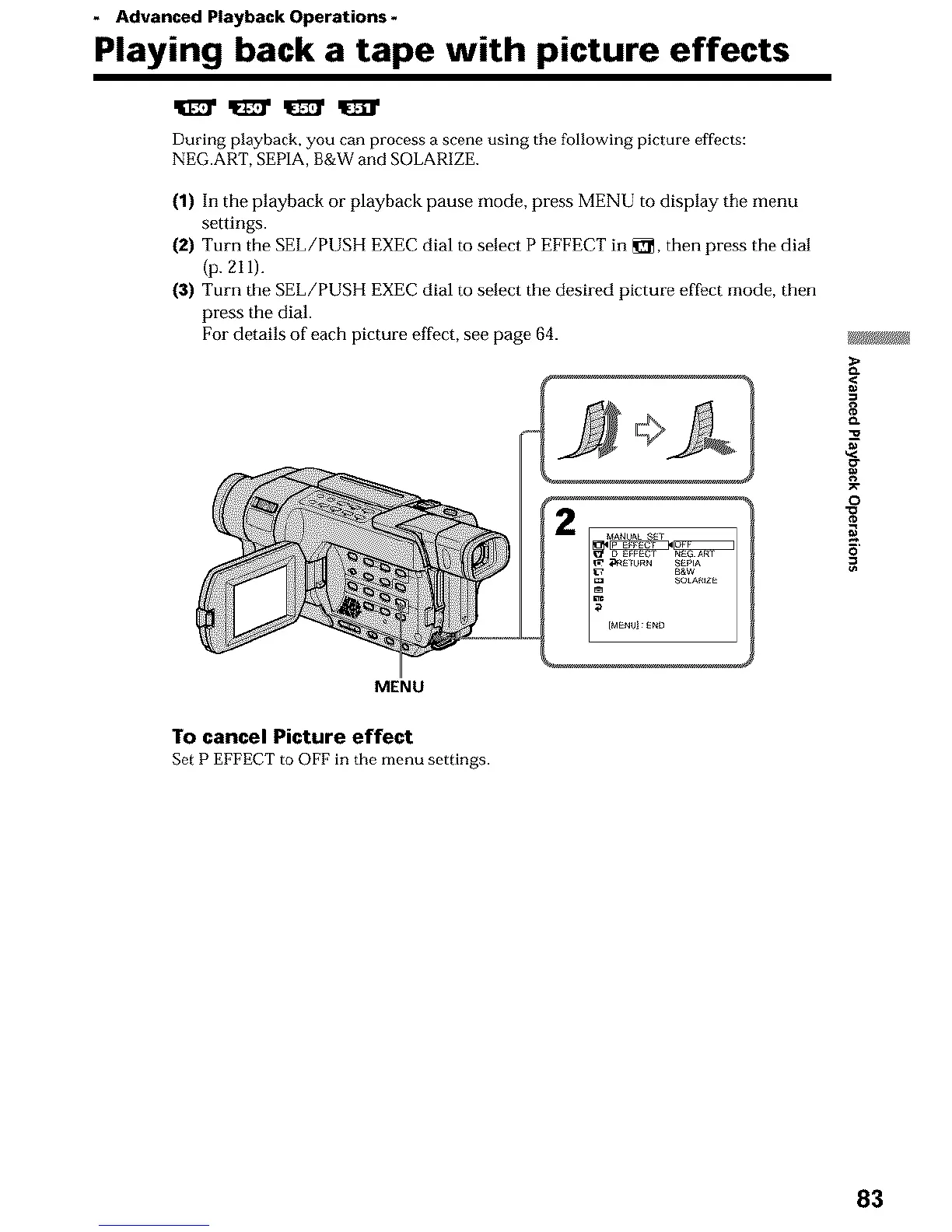
(1) In the playback or playback pause mode, press MENU to display the menu
settings.
(2) Turn the SEL/PUSH EXEC dial to select P EFFECT in _, then press the dial
(p. 211).
(3) Turn the SEL/PUSH EXEC dial to select the desired picture effect mode, then
press the dial.
For details of each picture effect, see page 64.
MENU
o.
g
o
N
5'
To cancel Picture effect
Set P EFFECT to OFF in the menu settings.
83












 To Next Page