Recording moving pictures on a "Memory
Stick" - MPEG movie recording
You can record moving pictures with sound on a "Memory Stick."
The picture and sound are recorded up to the full capacity ofa" Memory Stick" {MPEG
MOVIE EX).
Before operation
Insert a" Memory Stick" into your camcorder.
(1) Set the POWER switch to MEMORY. Make sure that the LOCK switch is set to
the left (unlock} position.
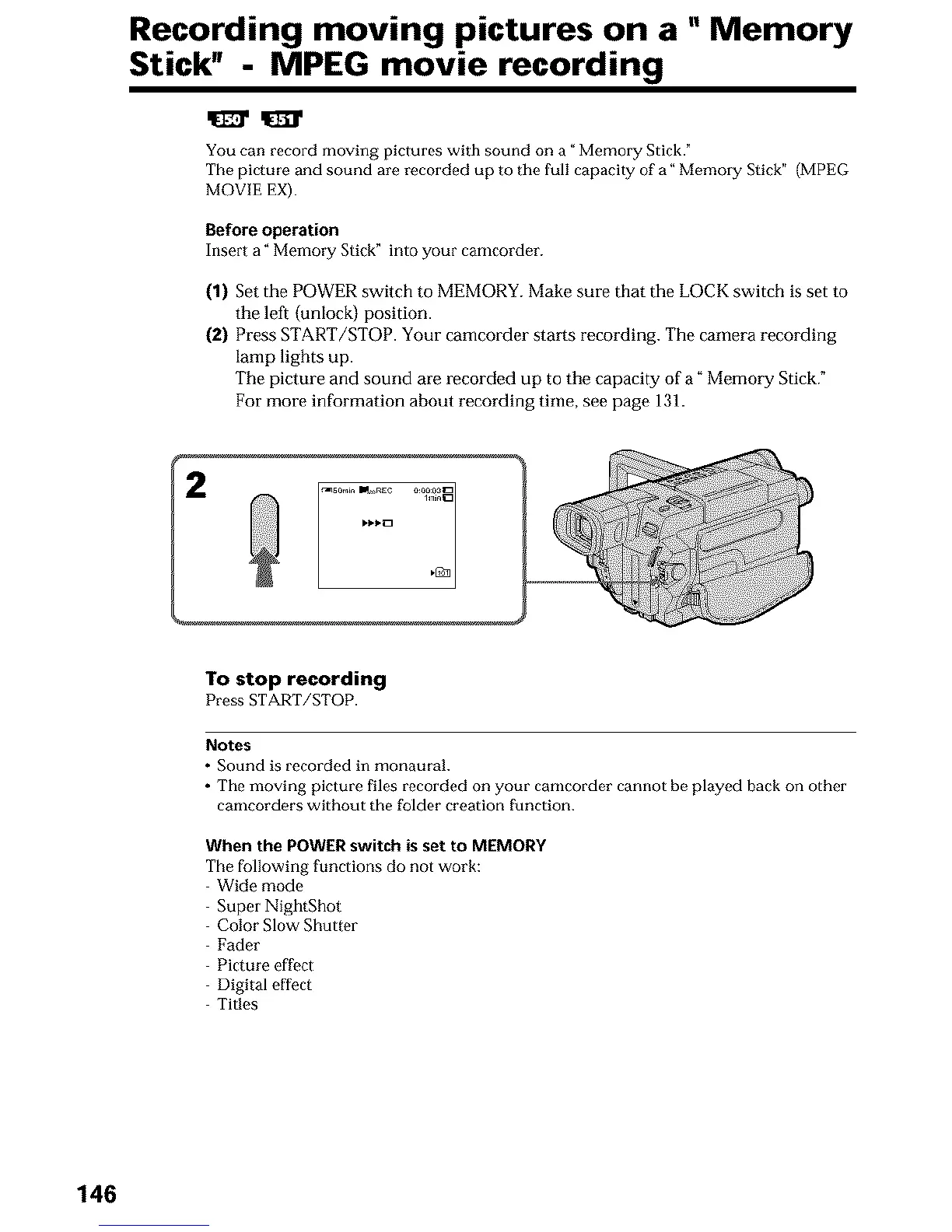
(2) Press START/STOP. Your camcorder starts recording. The camera recording
lamp lights up.
The picture and sound are recorded up to the capacity of a" Memory Stick."
For more information about recording time, see page 131.
i ......_{{_ii{!i!i!i_
To stop recording
Press START/STOP.
Notes
• Sound is recorded in monaural.
• The moving picture files recorded on your camcorder cannot be played back on other
camcorders without the folder creation function.
When the POWER switch is set to MEMORY
The following functions do not work:
Wide mode
Super NightShot
Color Slow Shutter
Fader
Picture effect
Digital effect
Titles
146













 To Next Page