Viewing images recorded on a "Memory
Stick" on your computer
The image data recorded on a" Memory Stick" is automatically transferred (copied) to
your computer with hnage Transfer. You can also view images with hnageMixer.
(1) Turn on your computer and allow Window-s to load.
(2) Insert a _ Memo_ T Stick" into your camcorder, and connect the AC Adaptor to
your camcorder.
(3) Set the POWER switch to MEMORY.
(4) Connect the t_ (USB) jack on your camcorder to the USB connector on your
computer using the supplied USB cable.
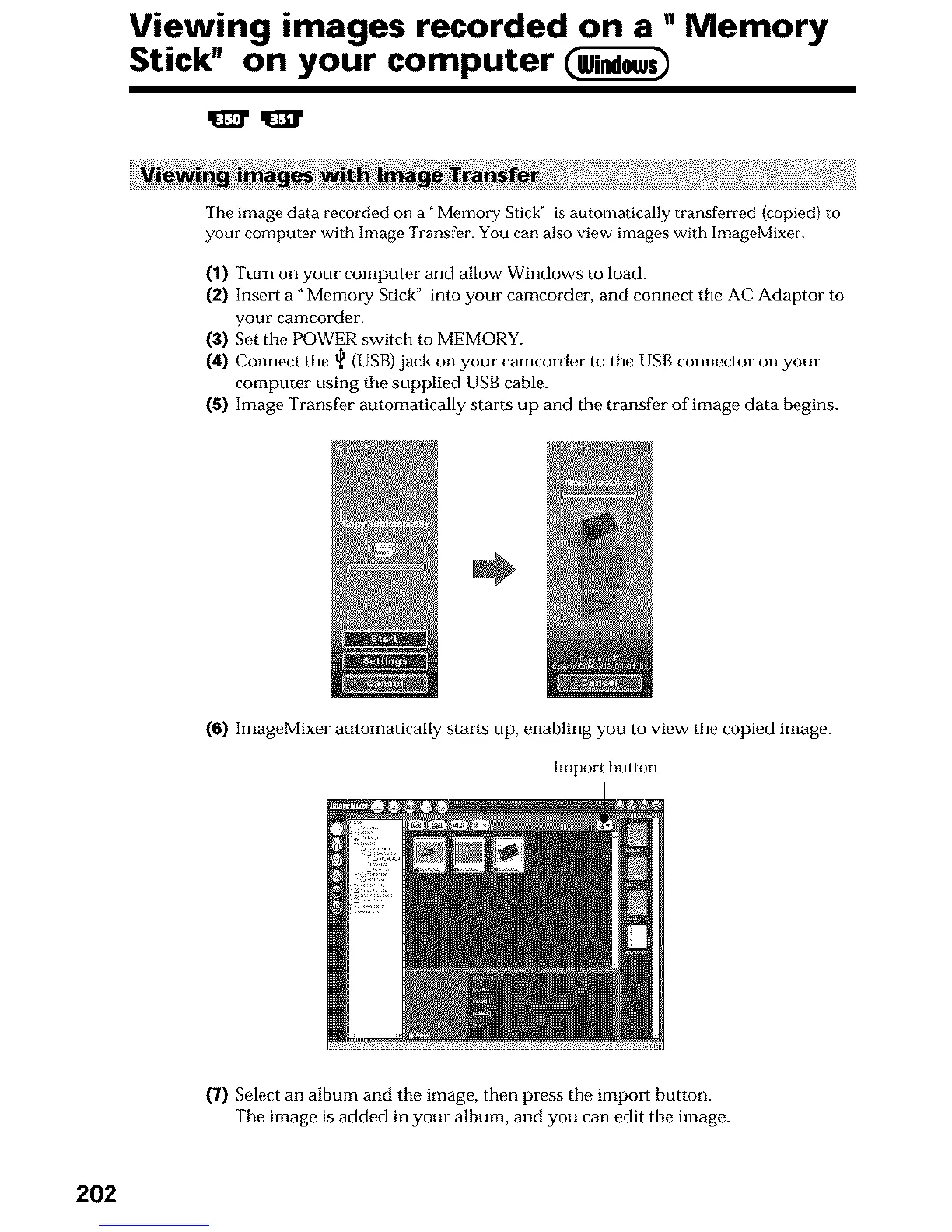
(5) Image Transfer automatically starts up and the transfer of image data begins.
(6) ImageMixer automatically starts up, enabling you to view- the copied image.
Import button
(7) Select an album and the image, then press the import button.
The image is added in your album, and you can edit the image.
202












 To Next Page