- Advanced Recording Operations -
Recording still images on a "Memory
Stick" while recordlng on a tape
tZT t_IT
You can record still images on a" Memory Stick" in the tape recording or standby
mode.
Before operation
Insert a" Memory Stick" into your camcorder (p. 127).
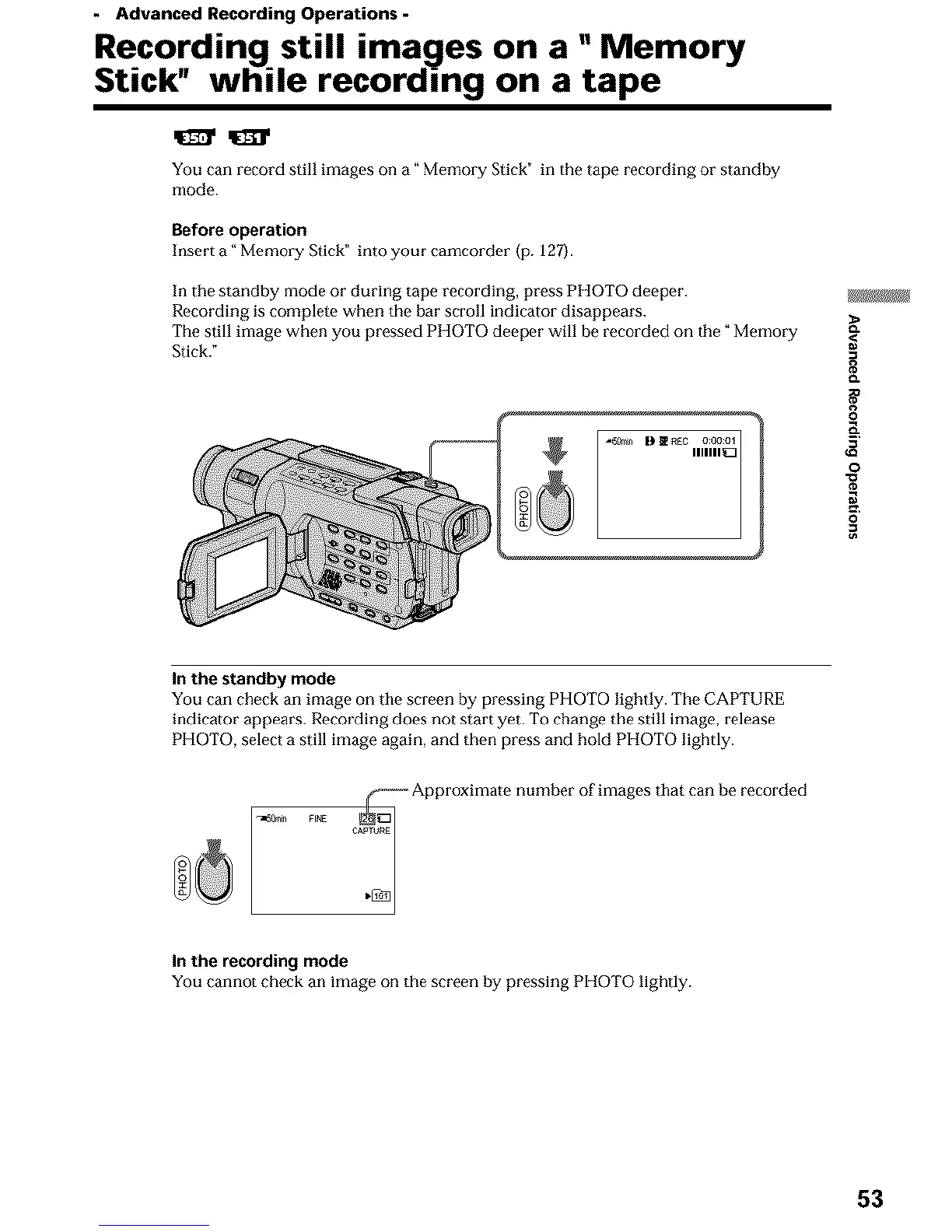
In tile standby mode or during tape recording, press PHOTO deeper.
Recording is completP when the bar scroll indicator disappears.
The still image when you pressed PHOTO deeper will be recorded on tile" Memory
Stick."
gW_
0
o
0
In the standby mode
You can check an image on the screen by pressing PHOTO lightly. The CAPTURE
indicator appears. Recording does not start yet. To change the still image, release
PHOTO, select a still image again, and then press and hold PHOTO lightly.
g@E
_----_ Approximate number of images that can be recorded
In the recording mode
You cannot check an image on the screen by pressing PHOTO lightly.
53












 To Next Page