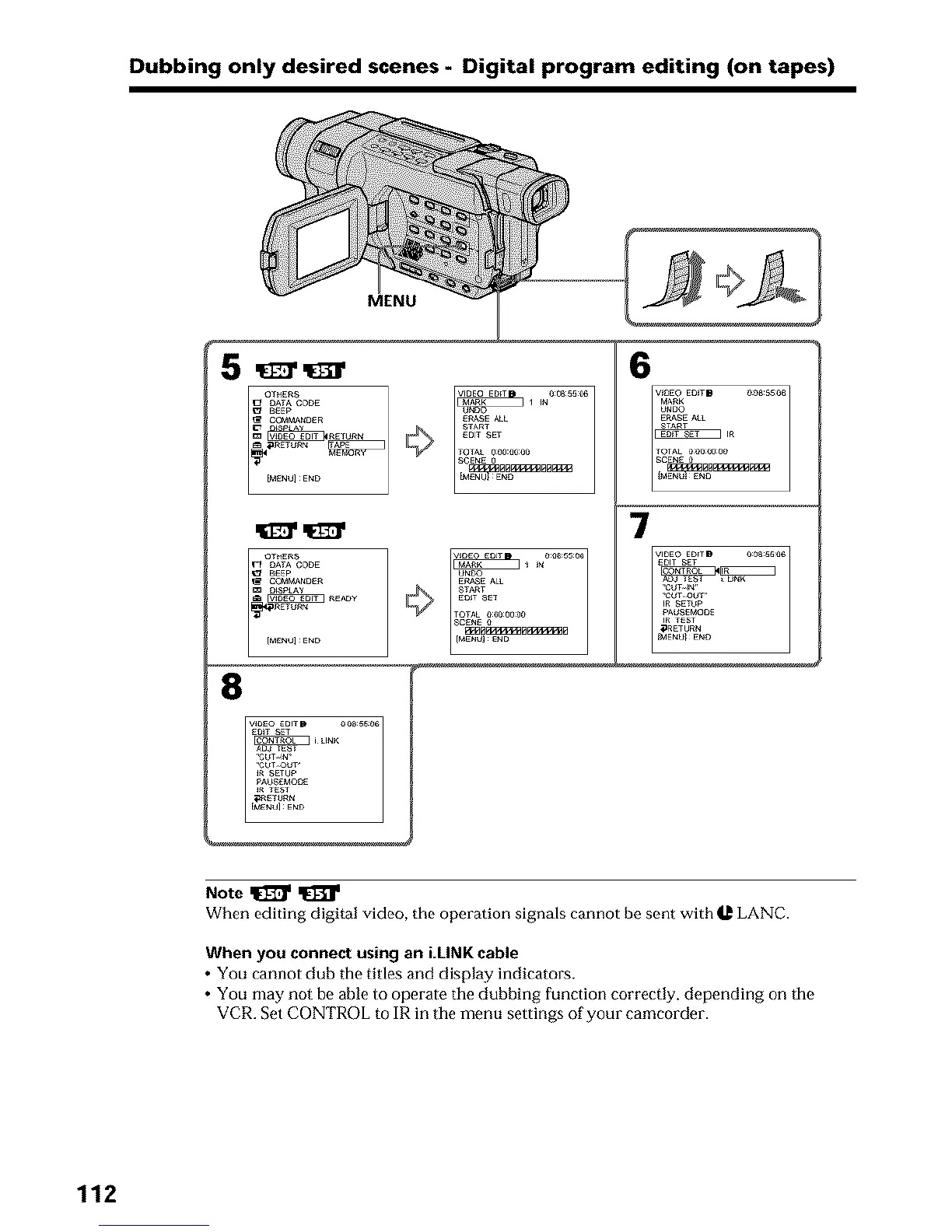
Dubbing only desired scenes - Digital program editing (on tapes)
MENU
EP_$E ALL
6
7
8
Note _
When editing digital video, the operation signals cannot be sent with U LANC.
When you connect using an i.LINK cable
• You cannot dub the titles and display indicators.
• You may not be able to operate tile dubbing function correctly, depending on tile
VCR. Set CONTROL to IR in tile menu settings of your camcorder.
112












 To Next Page