Searching for a photo - PHOTO SEARCHIPHOTO SCAN
(1) Set the POWER switch to VCR.
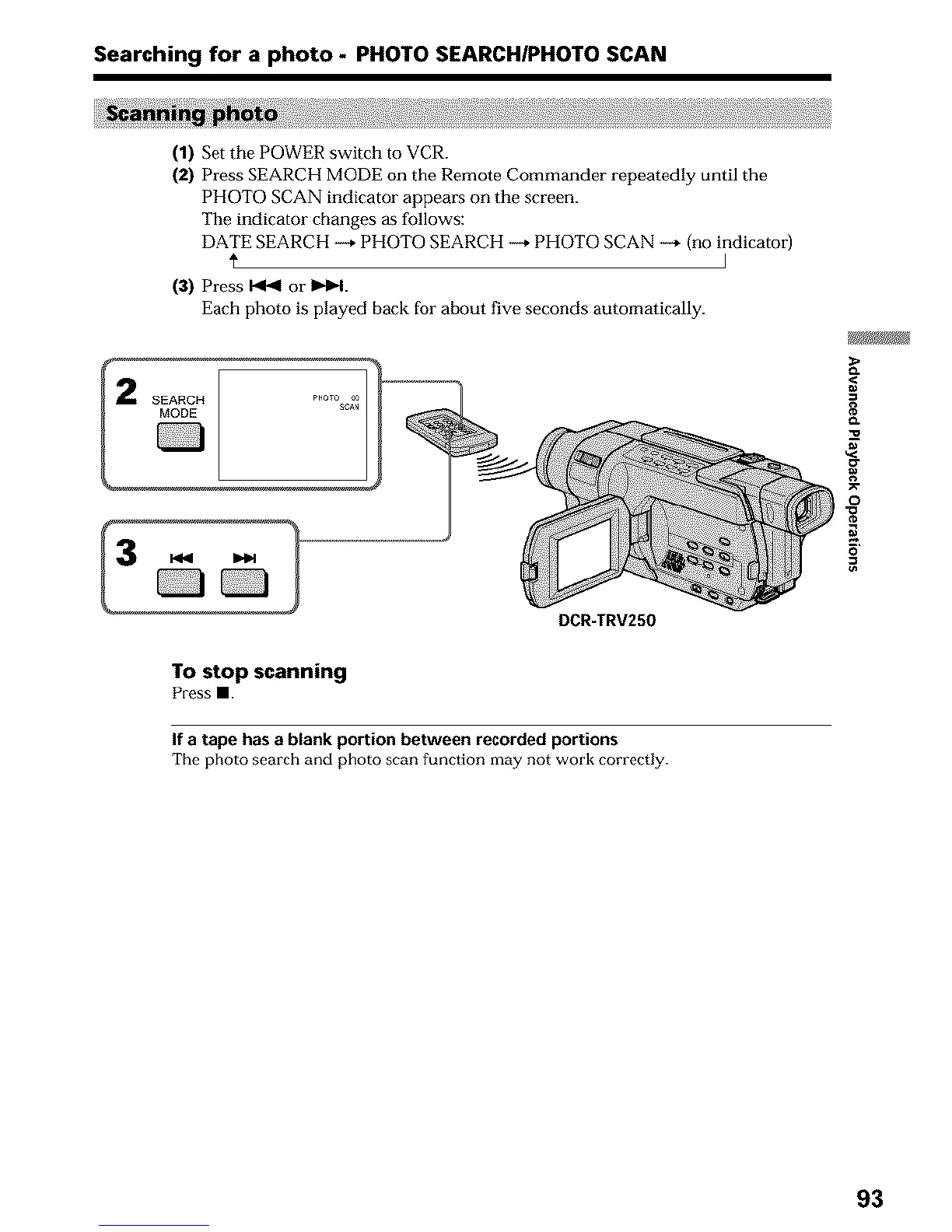
(2) Press SEARCH MODE on the Remote Commander repeatedly until the
PHOTO SCAN indicator appears on the screen.
The indicator changes as follows:
DATE SEARCH _ PHOTO SEARCH _ PHOTO SCAN --* (no indicator)
I
(3) Press _ or IH_I.
Each photo is played back for about five seconds automatically.
SEARCH PHQT° 66
SCAN
MODE
DCR-TRV250
gJ_
8
¢L
3
g
o
5'
To stop scanning
Press==.
If a tape has a blank portion between recorded portions
The photo search and photo scan function may not work correctly.
93












 To Next Page