RDM 151
NEO Lighting Control Console
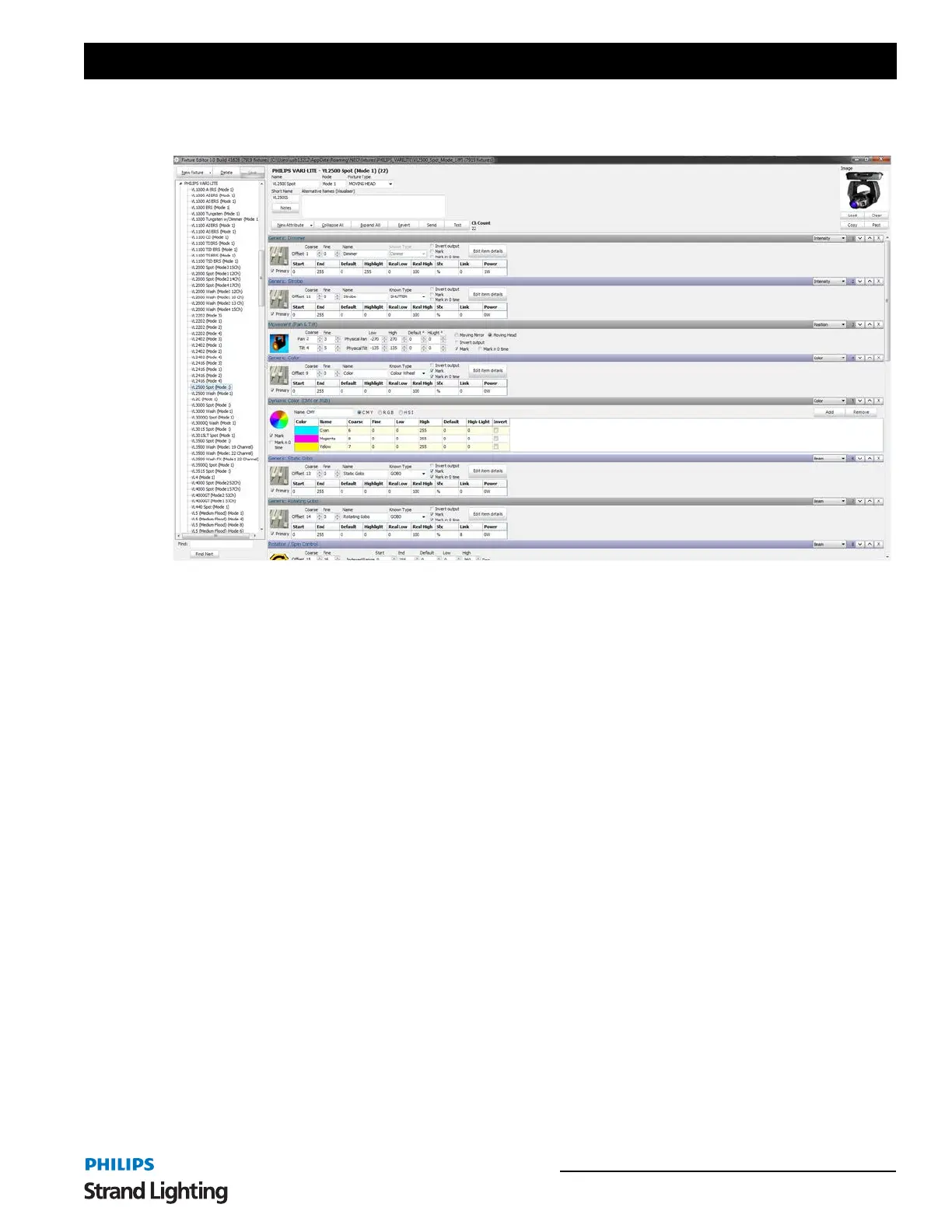
The fixture editor is a separate program provided with NEO. You can use the graphical interface to add, remove or
modify fixtures.
See the "NEO Fixture Editor Manual" for a detailed description of how to work with this application.
Edit Profiles
The channel profile is a way to adjust the relationship between channel value and the final output of the dimmers. The
default relationship is called linear (1:1) meaning that if the channel is set to 0 then the output is 0, if the channel is set
to 50 then the output is 50 and if the channel is set to 255 then the output is also 255.
Changing the profile allows you to correct for older lamps or make special channels for fixtures that do not have full
dimmer functions. (e.g. A smoke machine)
Profiles are also used in the "Profile Effect" as the path that the effect will apply to an attribute. See “Profile Effect
Options” on page 160 The same editing window is used for both the channel profile and the profile effect.
To selection a profile for a channel simply use the drop down list in the channels grid. The list that appears will show
a small image of the profile and its name.



 To Next Page