Command Pulldowns 47
NEO Lighting Control Console
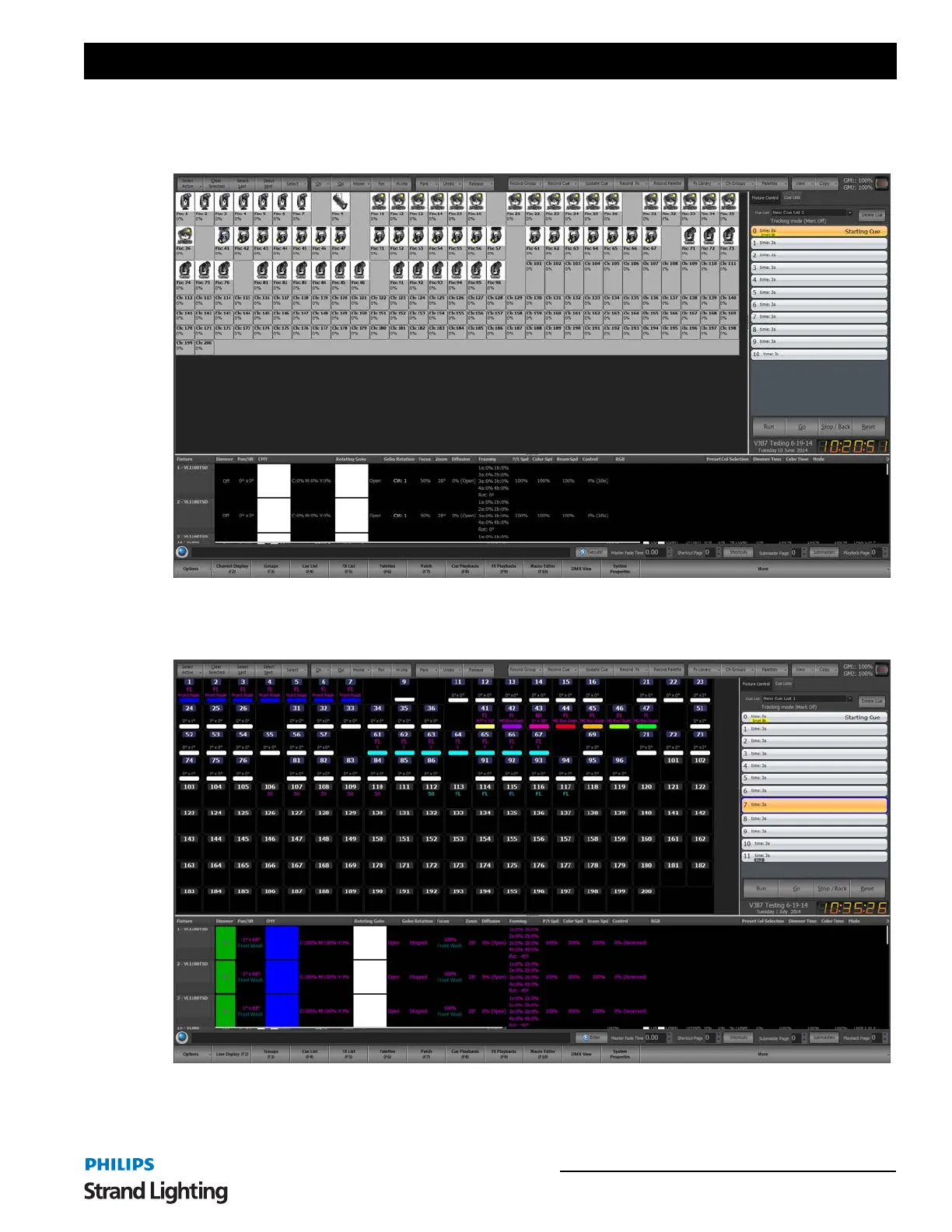
Compact View - Use the compact view to maximize the number of channels visible on screen at once. This view will
show the least amount of information per fixture and is limited to the basic channel number and dimmer level. It will
also show graphically a moving light position and color.
Classic - the most traditional theatrical view. This identifies conventional channels with a grey box around the fixture
number. An automated luminaire will have a blue box around the fixture number. The second line displays the
intensity using a traditional theatrical color scheme.



 To Next Page