User’s Manual
54 Software Configuration
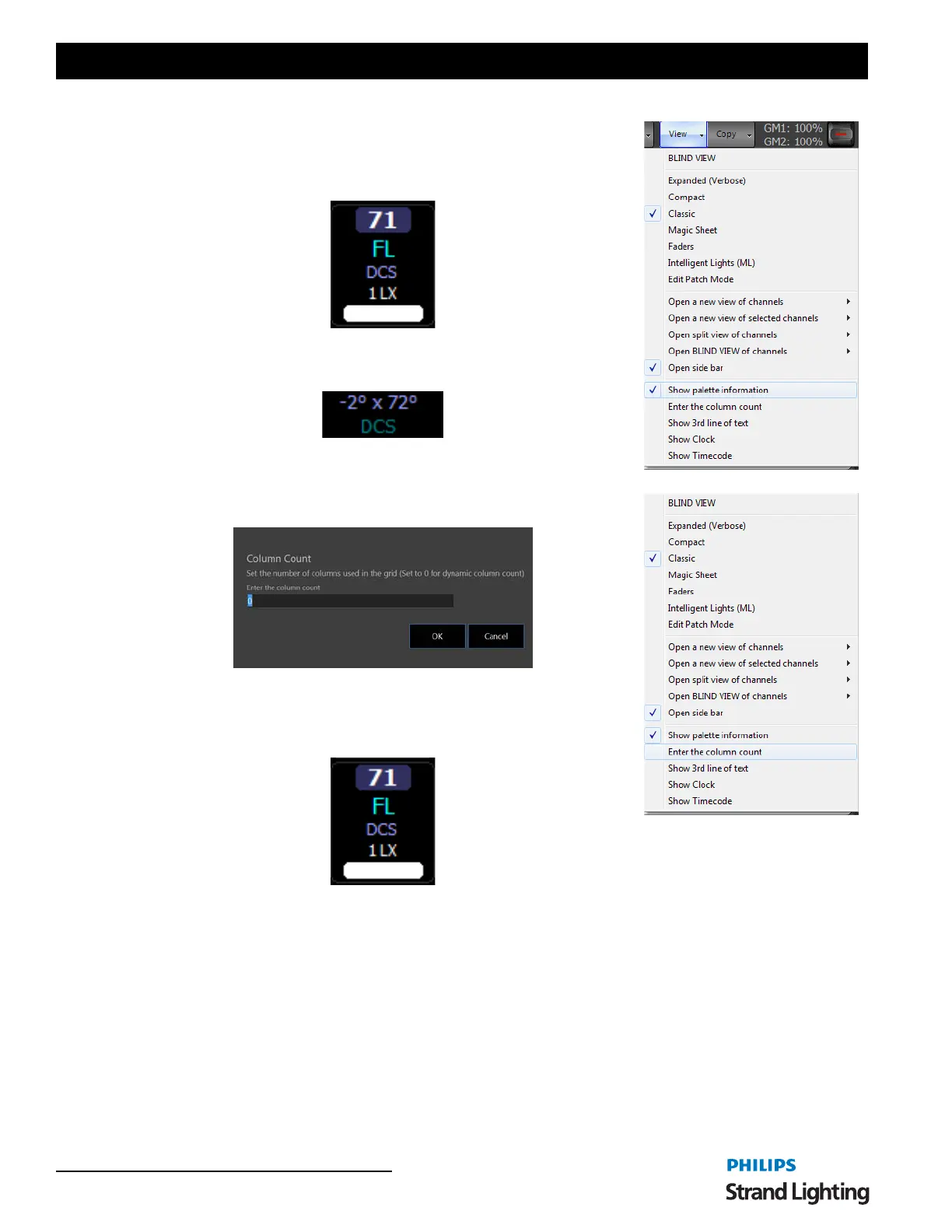
Show Palette Information - when on, will show Palette and Preset Focus
Group labels in the fixture windows.
The fixture block shows pan and tilt info referencing a preset focus group
labeled "DCS" from the Classic view.
This shows the preset focus group label in the ML view where you see both
raw data and the referenced groups label.
Enter Column Count - allows the user to set the fixture column count width
on the fixture view.
Show 3rd line of text - adds a 3rd line of text to the fixture block on the
Classic view.
The fixture block shows info from the Position column in the Patch screen.
Info from the Position or Purpose column will appear here.



 To Next Page