Command Pulldowns 55
NEO Lighting Control Console
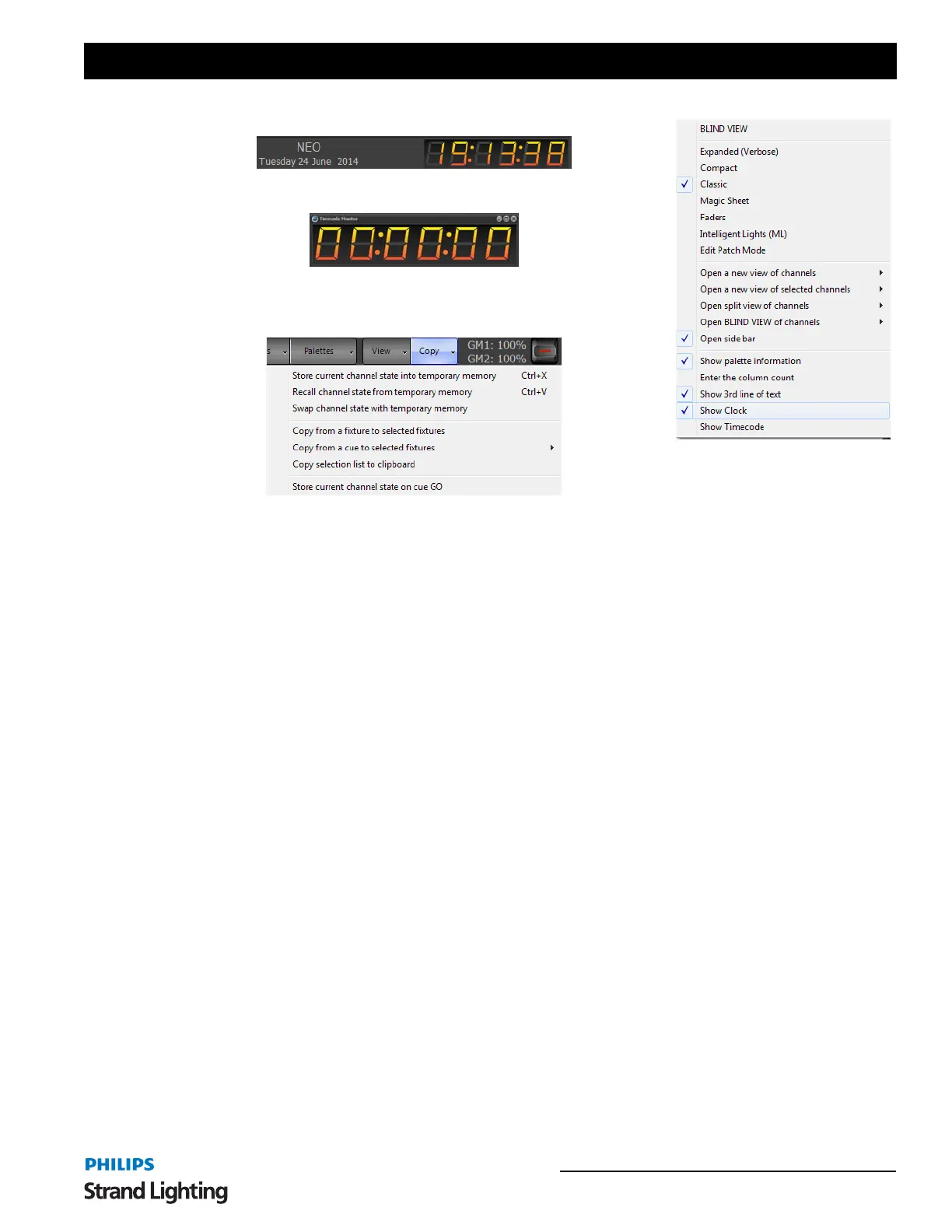
Show Clock - will turn on / off the clock / showfile name / date display.
Show Timecode - will turn on / off the timecode clock.
Copy - allows Store, Recall, Swap and Copy functionality for fixture data.
The copy button on the right hand side of the channel display window will drop down a menu with a number of
options for storing and recalling the channel state. You can use this to store and recall the channel state from a
temporary memory, copy from another fixture or copy the channel state form a cue.
Store current channel state into temporary memory - If you are half way through creating a look on stage and
need to run a cue or bring up some other lighting state then this option can be used to make a temporary back up of
the look you currently have. The state of every channel will be stored away in a separate memory to be recalled at any
time in the future.
Recall channel state from temporary memory - Use the recall option to return the live channel state to the one
stored in memory with the previous function. If no channel state is stored then the current state will remain
unchanged.
Swap channel state with temporary memory - Use the swap function to perform both a recall and a store in a single
operation. The current state of the channels will be stored in the temporary memory and then the state that was stored
will be loaded into the live state.
Copy from fixture to selected fixtures - Selecting this option will change your mouse cursor to a hand pointer to
indicate that you need to select a "copy from" fixture. The attribute and dimmer state of the next fixture you select
will be copied to the currently selected fixtures.
If the selected fixtures are of the same type as the "copy from" fixture then an exact copy can be performed. If not
then the software will apply the generic attributes of the selected fixtures.
Copy from cue to selected fixtures - This is a convenient option to load the state of the selected fixtures form the
information stored in a cue. Selecting a cue from the sub menus found off this menu option will set the selected
fixtures to the same settings as they appear in the cue. If a selected fixture does not exist in the cue then its values will
remain unchanged.
Copy selection list to clipboard - Selecting this option will copy a comma separated list of channels to the windows
clipboard representing the current selected fixtures.
Store current channel state on cue GO - If this option is enabled then the "Store current channel state into
temporary memory" operation will occur before the next cue is run.



 To Next Page