Objet30 User Guide 5 Using Objet Studio
DOC-34025 Rev. I 5-72
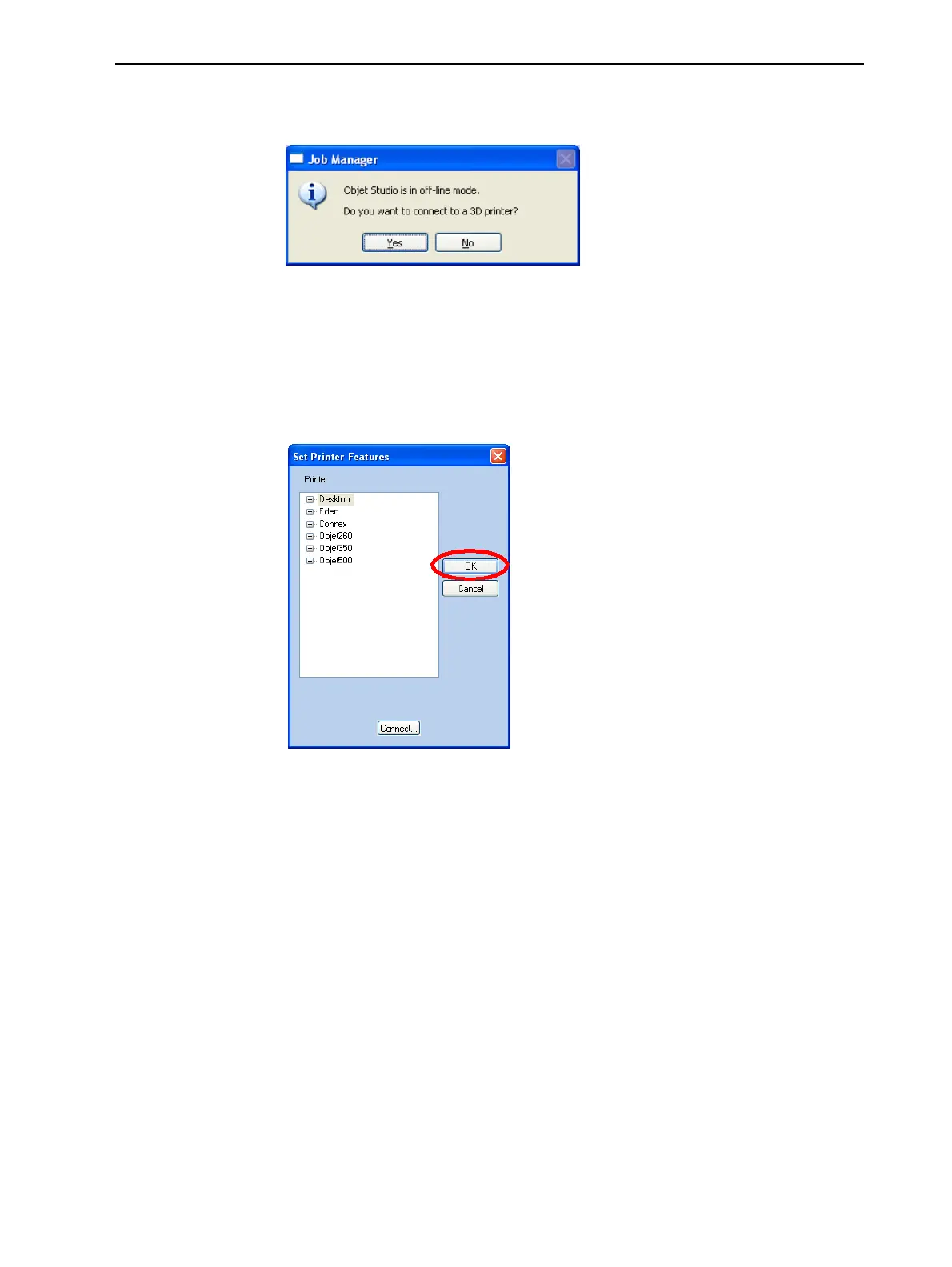
6. In the pop-up message, confirm that you want to work in offline mode by
clicking No.
Figure 5-85 offline message
When Objet Studio is in offline mode, you can configure it for preparing print
jobs for different printers.
To change the Objet Studio offline configuration:
1. In the Set Printer Features dialog box, select a printer type.
Figure 5-86 offline printer selection
2. Click OK (not “Connect”).













 To Next Page