Objet30 User Guide 5 Using Objet Studio
DOC-34025 Rev. I 5-74
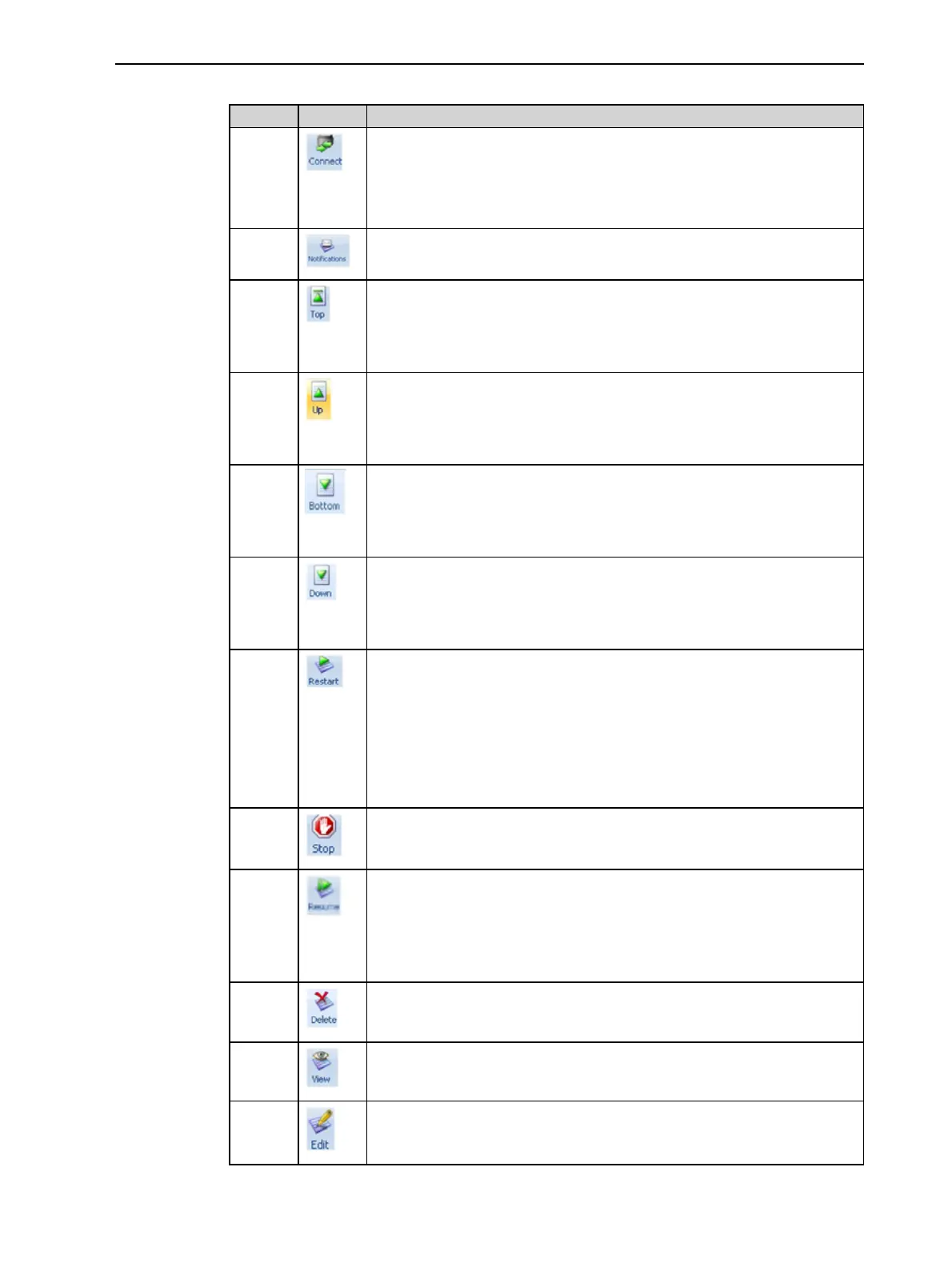
The following operations are available on the Job Manager ribbon:
Group Icon Purpose
3D
Printer
Server: Sets the printer connection. See "Setting the Printer
Connection" on page 5-69.
Client: Sets the server connection. See "Setting the Remote Printer
Connection (Client Mode)" on the previous page.
Configures options for printer alerts. See "Configuring User Alerts" on
page 5-76.
Queue Server: Moves a job to the head of the Jobs Queue.
Client: Disabled.
See "Jobs Queue" on page 5-68.
Server: Moves a job to a higher position in the Jobs Queue.
Client: Disabled.
See "Jobs Queue" on page 5-68
Server: Moves a job to the bottom of the Jobs Queue.
Client: Disabled.
See "Jobs Queue" on page 5-68.
Server: Moves a job to a lower position in the Jobs Queue.
Client: Disabled.
See "Jobs Queue" on page 5-68.
Job Server:
• For a job in the Jobs Queue—Prints it again (from the beginning).
• For a job in the History list—Moves it to the Jobs Queue for
printing.
Client: Disabled.
See "Restarting Jobs" on page 5-79.
Server: Stops a job in progress.
Client: Disabled
Server: Continues printing the current job from the point where print-
ing stopped.
Client: Disabled.
See "Resuming Jobs" on page 5-79.
Removes the selected job from the queue.
Refreshes the image of the selected job in the Tray Preview display.
Opens the Tray Settings screen and displays the tray. For deleted
jobs, this enables you to make changes before printing.













 To Next Page