Objet30 User Guide 5 Using Objet Studio
DOC-34025 Rev. I 5-75
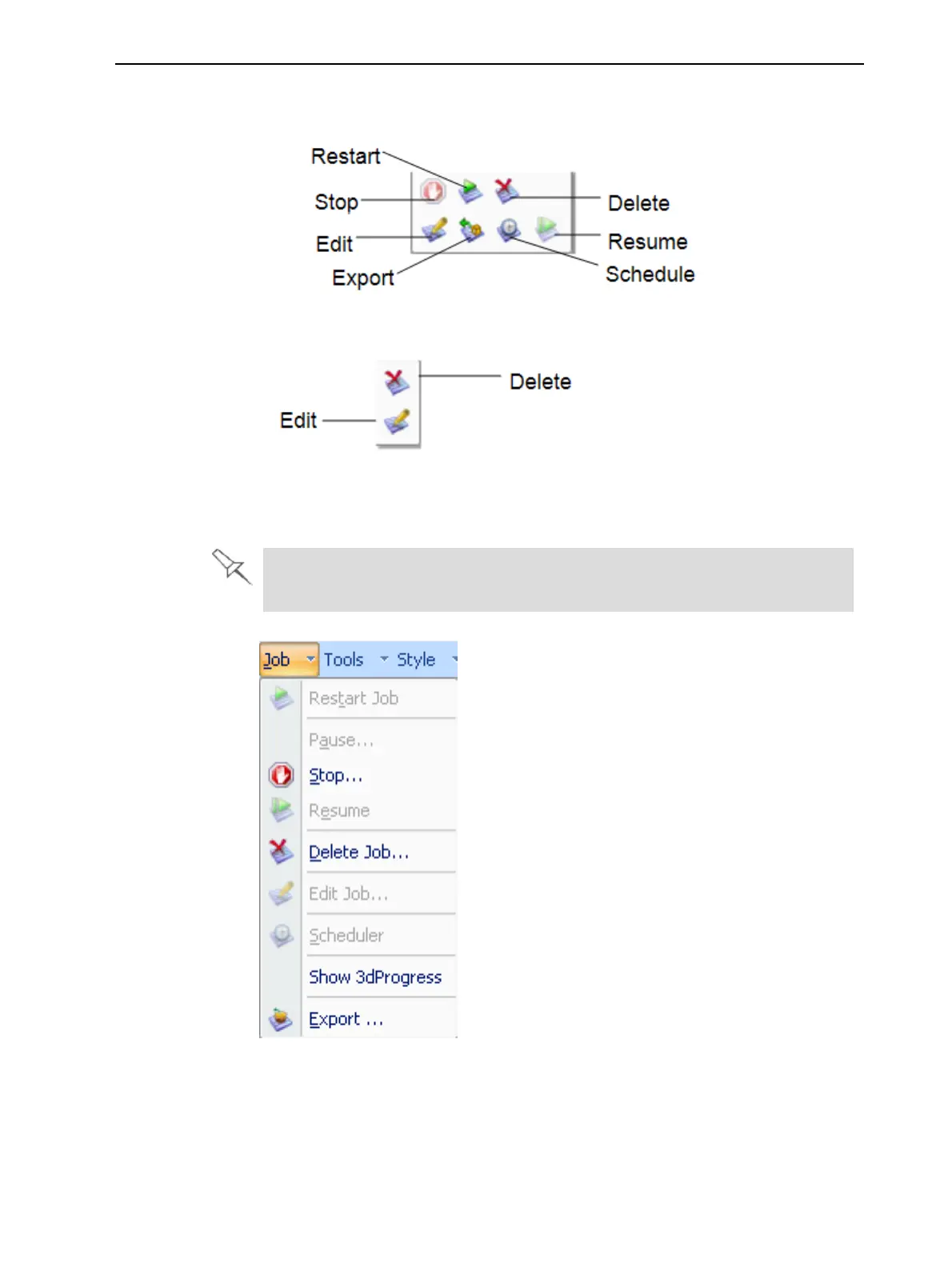
In addition to using ribbon command icons, you can use commands on context
(pop-up) toolbars and from the Job menu on the standard toolbar.
Figure 5-89 Icons on pop-up toolbar (server)
Figure 5-90 Icons on pop-up toolbar (client workstation)
Note: Most icons and menu commands are only enabled when a job is
selected.
When you position the cursor over an item, a tooltip displays the name of
the command.
Figure 5-91 Job menu options (server)













 To Next Page