Objet30 User Guide 6 Operating and Maintaining the Printer
DOC-34025 Rev. I 6-16
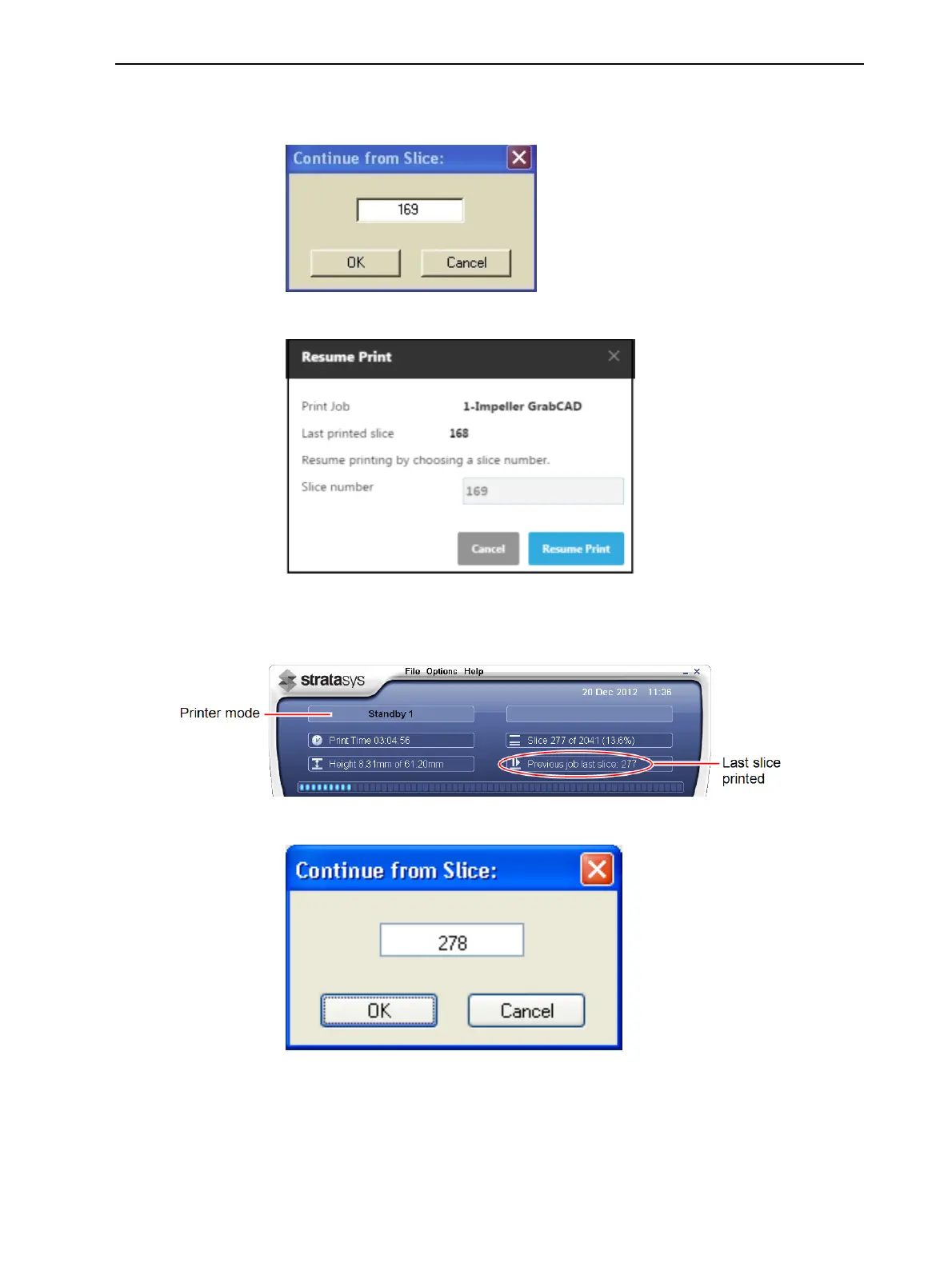
5. In the job-preparation application, make sure that the correct slice number
is entered in the dialog box.
Figure 6-12 Slice confirmation in Objet Studio
Figure 6-13 Slice confirmation in GrabCAD Print
Figure 6-14 Printer interface after interrupted printing
Figure 6-15 Continue from Slice confirmation in Objet Studio (Job
Manager screen)
6. If, for any reason, the correct number does not appear in the dialog box,
enter the number and click OK.













 To Next Page