Objet30 User Guide 6 Operating and Maintaining the Printer
DOC-34025 Rev. I 6-26
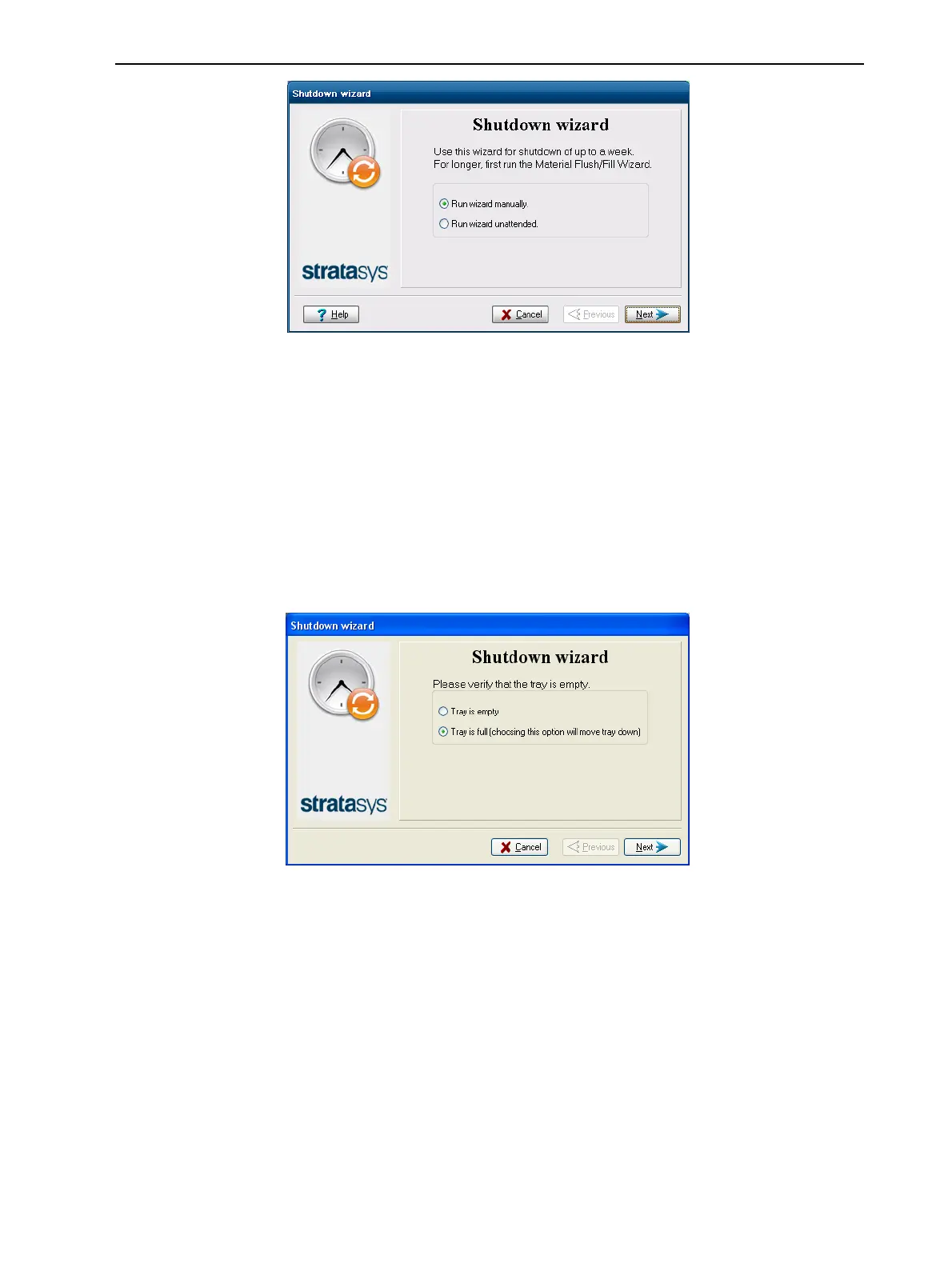
Figure 6-26 Shutdown wizard, opening screen
2. Select Run wizard unattended, unless you want more control over the
shutdown process.
Note: If you select Run wizard unattended, the wizard automatically turns off
the printer computer at the end of the process.
3. Click Next.
The options in the following screens are enabled only if you selected Run
wizard manually in the opening wizard screen.
4. In the next screen, indicate whether or not the tray is empty and click Next.
Figure 6-27 Tray status













 To Next Page