Objet30 User Guide 6 Operating and Maintaining the Printer
DOC-34025 Rev. I 6-27
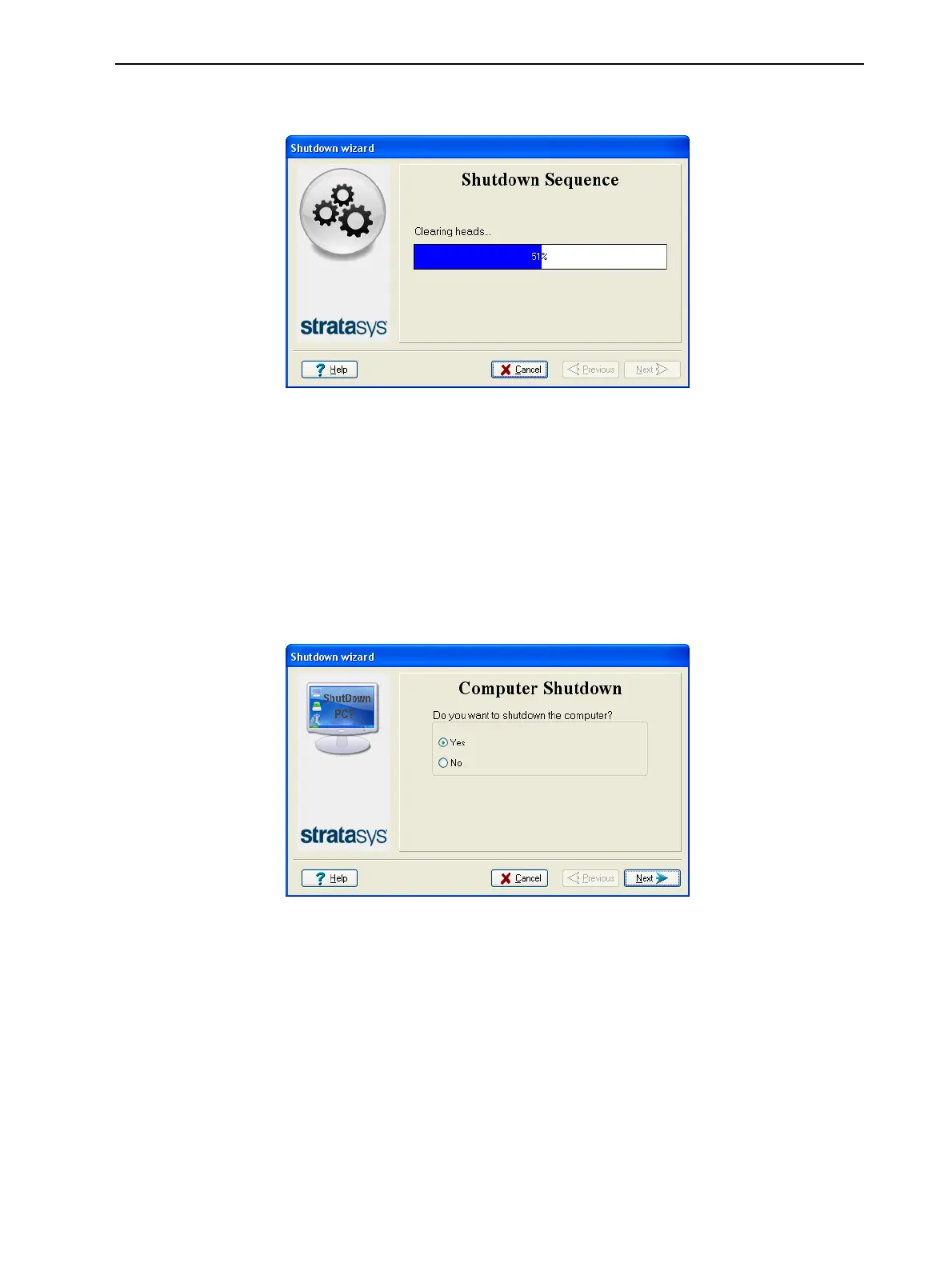
The shutdown procedure begins.
Figure 6-28 Shutdown progress
The shutdown procedure may take up to 10 minutes while the following
tasks are performed:
a. The print block returns to its starting point on all axes.
b. The print heads are heated.
c. The print heads are cleared of any remaining material.
After these tasks are completed, the final wizard screen appears, in which
you choose whether or not to shut down the computer in the printer at this
time.
Figure 6-29 Computer shutdown
5. When completely shutting down the printer and turning the power off, select
Yes and click Next.
6. After the printer computer shuts down, turn off the main power switch at the
back of the printer (see Figure 6-2 on page 6-3).













 To Next Page