Objet30 User Guide 6 Operating and Maintaining the Printer
DOC-34025 Rev. I 6-29
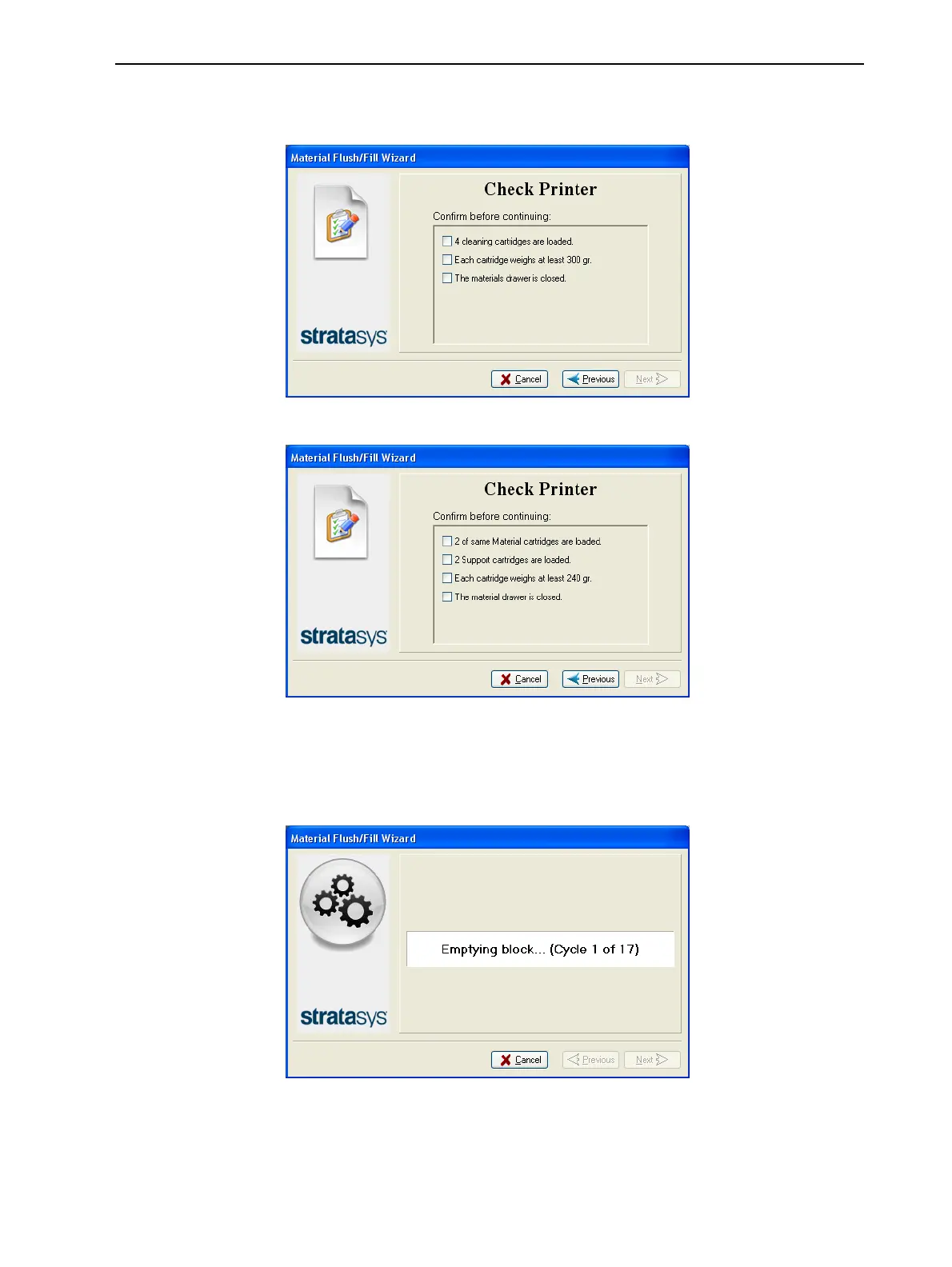
4. Load the required cartridges, close the drawer, and confirm this in the
wizard screen.
Figure 6-31 Cartridge confirmation—before flushing
Figure 6-32 Cartridge confirmation—before filling
5. In the next wizard screen, confirm that the printer cover is closed, and click
Next.
The wizard runs the material-flushing cycles.
Figure 6-33 Flushing cycles in progress













 To Next Page