Objet30 User Guide 6 Operating and Maintaining the Printer
DOC-34025 Rev. I 6-30
6. If cleaning-fluid cartridges are loaded in the printer, the wizard prompts you
to remove them. Confirm this in the wizard screen, and click Next.
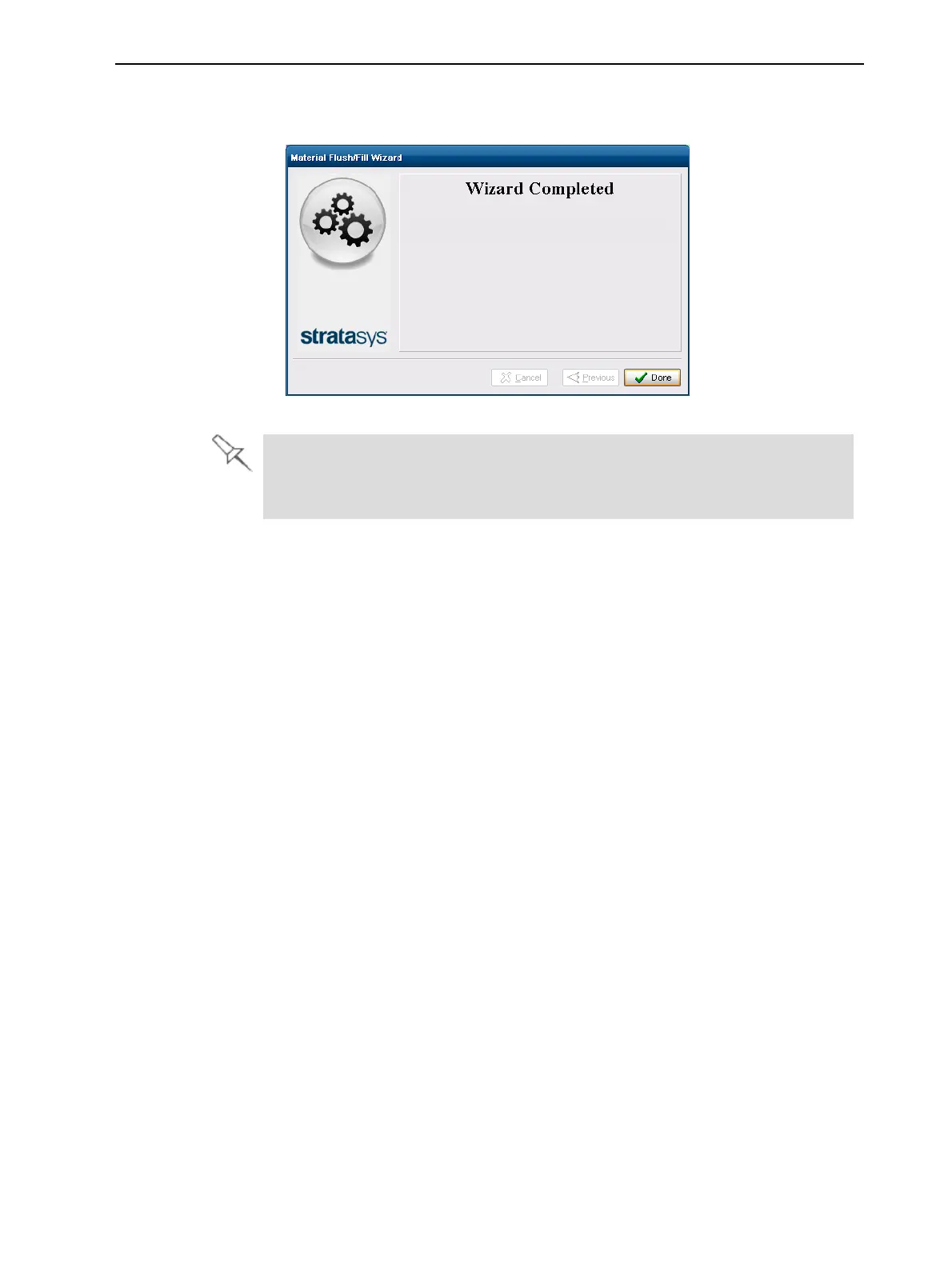
Figure 6-34 Final wizard screen
After preparing the printer for an extended shutdown period with this wizard,
you should close the printer-control application and Windows, and then turn
off the printer.













 To Next Page