Objet30 User Guide 6 Operating and Maintaining the Printer
DOC-34025 Rev. I 6-50
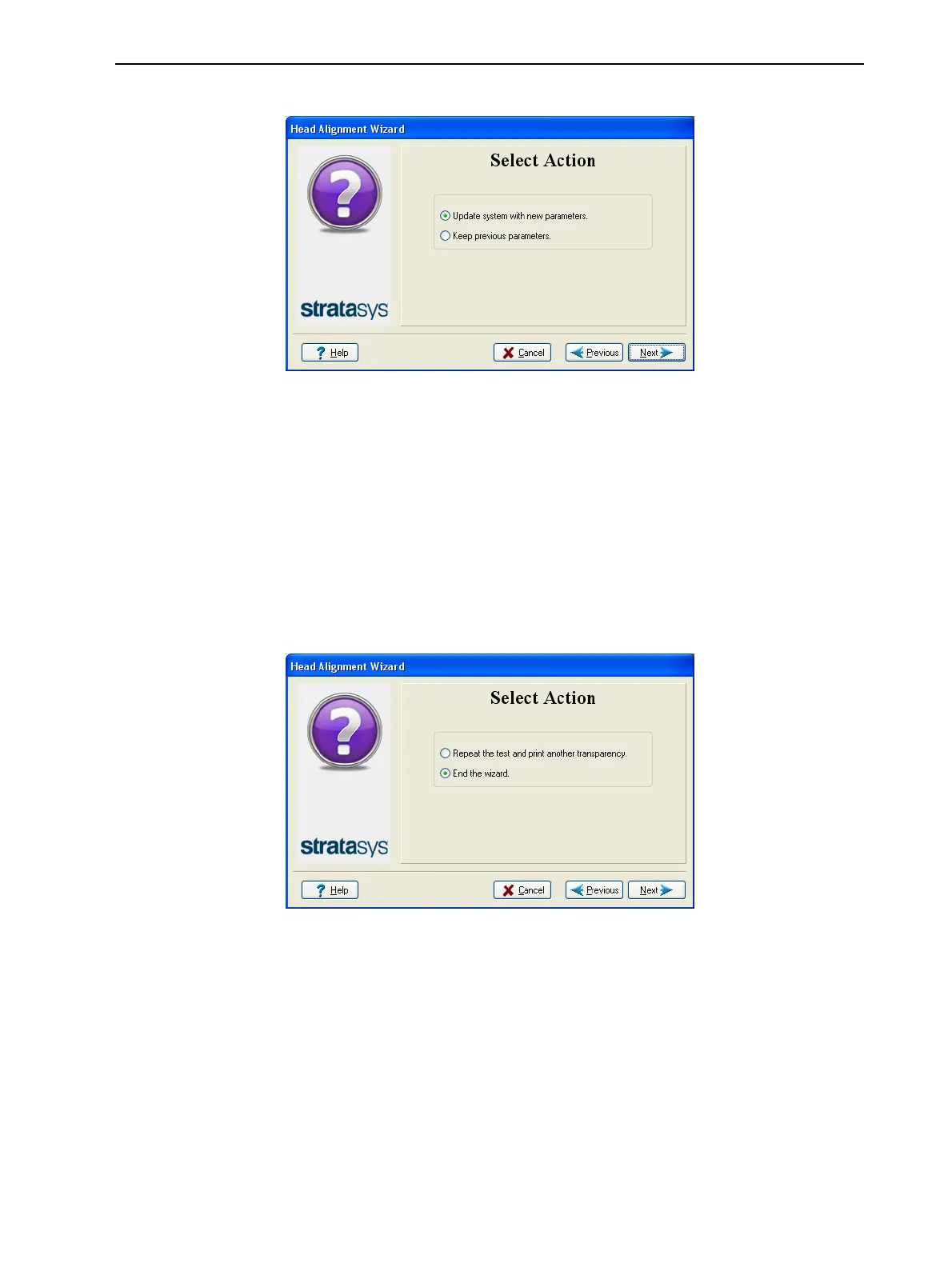
The following screen appears.
Figure 6-65 Parameter update confirmation
13. Continue as follows:
❒ To make the alignment changes in the printer, make sure that Update
system with new parameters is selected, and click Next.
❒ To recheck the alignment test results before making the alignment
changes in the printer, click Previous.
❒ If you do not want to make alignment changes in the printer at this time,
select Keep previous parameters, and click Next.
14. In the following screen, you can choose to either repeat the head alignment
procedure, or close the wizard.
Figure 6-66 Repeat head alignment option
❒ If the most closely aligned vertical lines for a print head were at either
extreme, choose Repeat the test, then click Next.
The additional transparency test will show if the heads are now properly
aligned, and—if not—the wizard will allow you to “fine tune” the
alignment.
❒ If the vertical lines for the print heads were not aligned at either extreme,
choose End this wizard, then click Next.













 To Next Page