Objet30 User Guide 6 Operating and Maintaining the Printer
DOC-34025 Rev. I 6-52
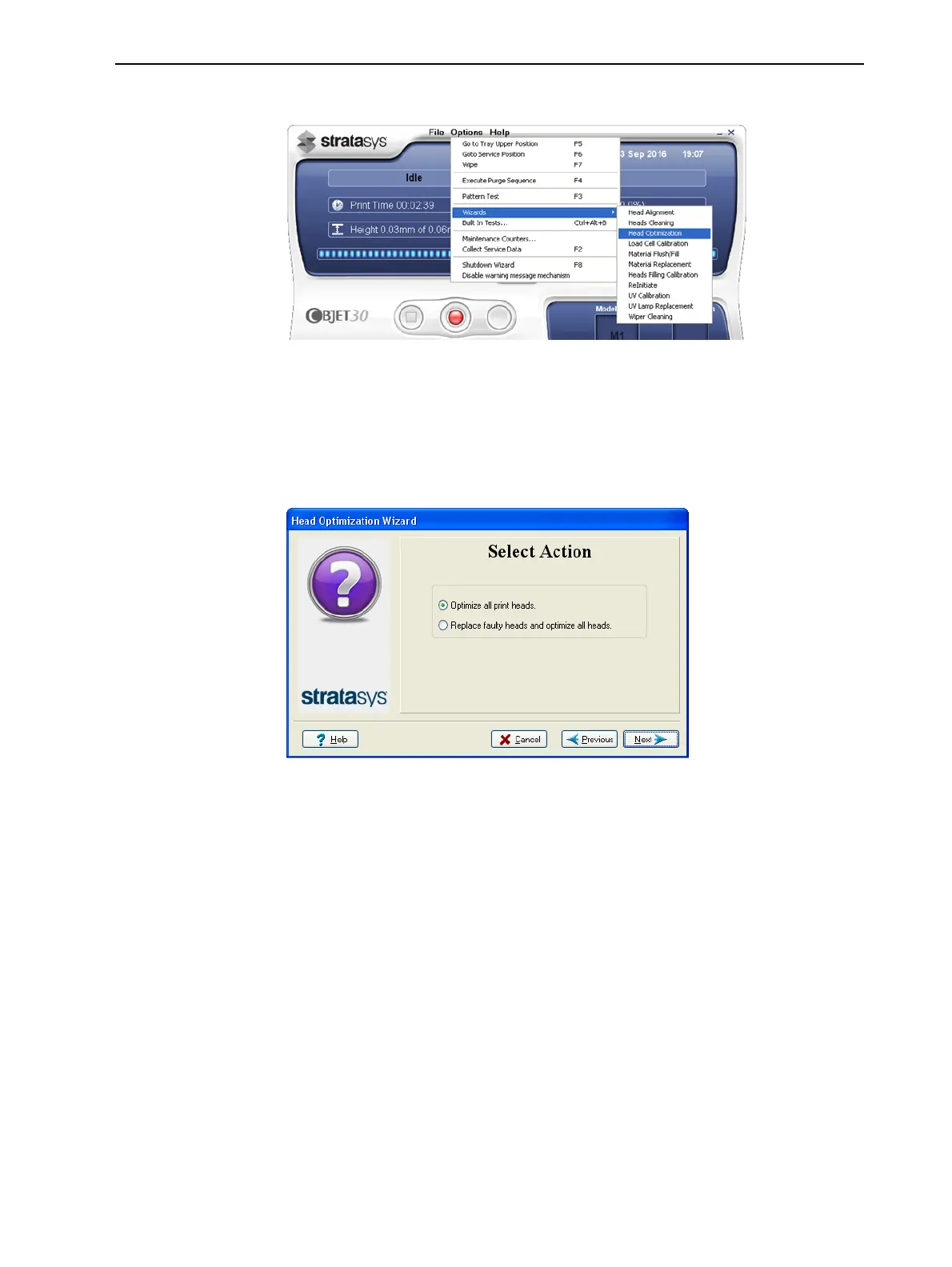
3. Start the Head Optimization wizard from the Options menu.
Figure 6-67 Starting the Head Optimization wizard
4. In the opening wizard screen, click Next to begin.
5. Close the printer cover, and confirm this in the wizard screen.
6. In the following screen, make sure Optimize all print heads is selected, and
click Next.
Figure 6-68 Procedure selection
The print block moves into position for cleaning and inspecting the print
heads.













 To Next Page