Objet30 User Guide 6 Operating and Maintaining the Printer
DOC-34025 Rev. I 6-53
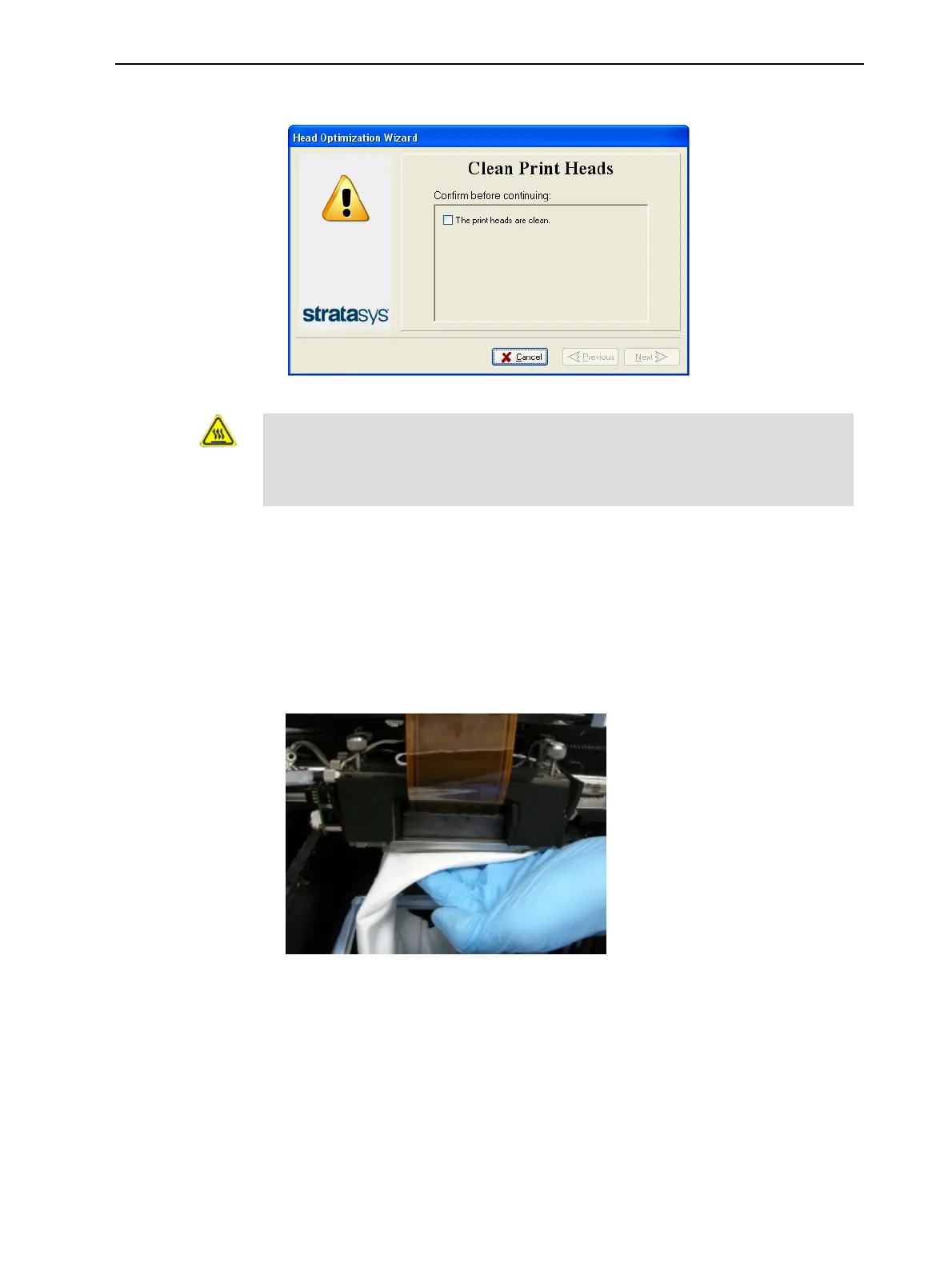
7. When the following screen appears, clean the print heads.
Figure 6-69 Clean Print Heads screen
Warning: Hot Surface
The print head orifice plates (bottom surface) may be hot. Do not touch
them with your bare hands, and proceed with caution.
8. Place the mirror on the build tray.
9. Put on the cleaning gloves.
10. Soak the cleaning cloth with alcohol.
11. Clean the orifice plates, with a back-and-forth motion.
Use the mirror to make sure that you have removed all of the residue
material.
Figure 6-70 Cleaning the print heads
12. When the print heads are clean, select the confirmation check box in the
wizard screen, and click Next.
13. Remove the cleaning materials and the mirror from the printer, and close
the cover.













 To Next Page