Objet30 User Guide 6 Operating and Maintaining the Printer
DOC-34025 Rev. I 6-54
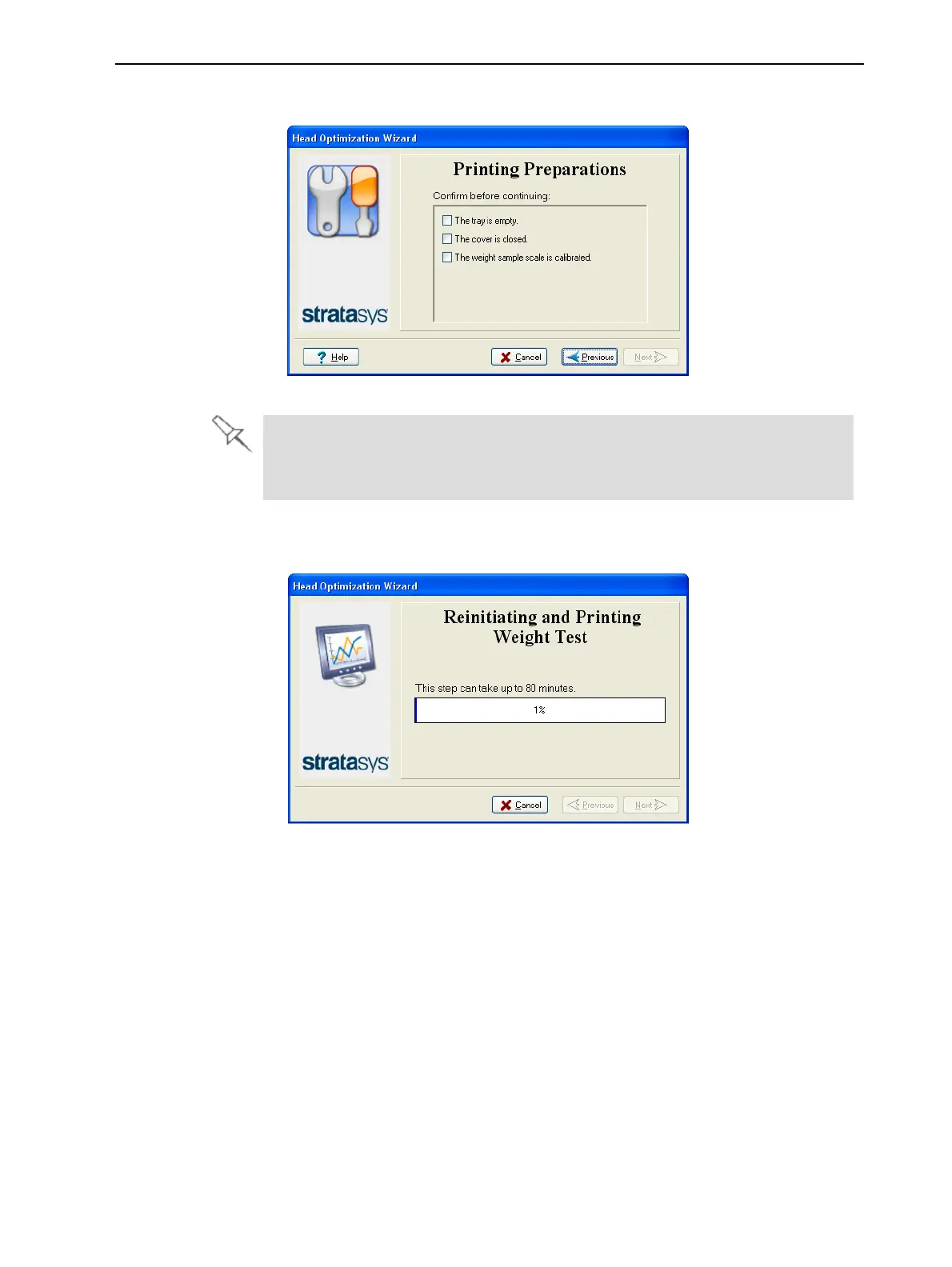
14. Confirm the items listed in the next screen, and click Next.
Figure 6-71 Preparations confirmation
Make sure that the scale for weighing the printed samples is calibrated.
Inaccurate readings may result in print heads that are not optimized for
quality printing, or a false indication that a head needs to be replaced.
15. Select the confirmation check box in the wizard screen, and click Next.
Figure 6-72 Wizard progress
The printer prepares itself for printing (by running the reinitaite process).
Then, 6 or 12 samples are printed on the build tray, depending on the
printer model. This can take up to 80 minutes.













 To Next Page