Objet30 User Guide 6 Operating and Maintaining the Printer
DOC-34025 Rev. I 6-55
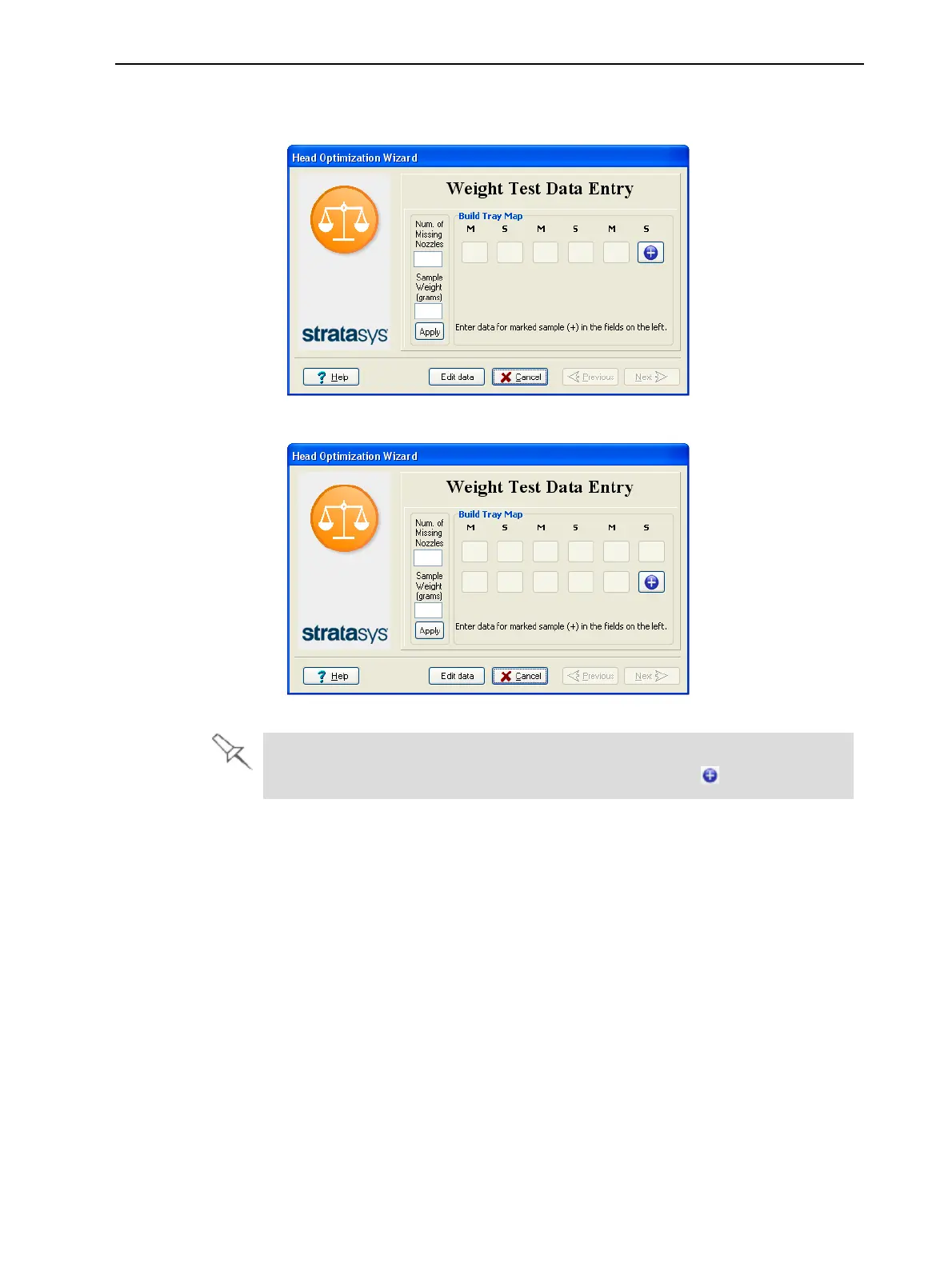
16. When the following screen appears, open the printer cover to inspect the
printed samples.
Figure 6-73 Data-entry screen for some Objet30 printers
Figure 6-74 Data-entry screen for Objet30 Pro printers
The layout of the data entry screen matches the printed samples on the
build tray. You enter the data for the sample indicated by in the screen.













 To Next Page