Objet30 User Guide 6 Operating and Maintaining the Printer
DOC-34025 Rev. I 6-61
The Head Optimization wizard guides you through the procedure of replacing a
print head, and adjusts printer components to enable you to perform it. Only
replace a print head with the aid of the wizard. The entire procedure takes
about 2.5 hours and consists of the following phases:
A. Identifying the head(s) needing replacement.
This is normally done by the Head Optimization wizard. Otherwise,
evidence of physical damage to the head surface or a malfunction message
indicates which head needs replacing.
B. Preparing the print block for head replacement.
This is done automatically when you run the wizard.
C. Removing the defective print head.
D. Installing a new print head.
E. Optimizing the print heads (done automatically by the wizard).
F. Performing head alignment.
To replace a print head:
1. Prepare—
❒ replacement print head(s)
❒ 90% isopropanol (IPA—isopropyl alcohol) or ethanol (ethyl alcohol)
❒ disposable cleaning gloves (supplied with the print head; or use any
clean, powder-free protective gloves)
❒ a supplied cleaning cloth or equivalent
❒ the scale supplied for use in the Head Optimization wizard (Weight
Test)
❒ the Missing Nozzles ruler
Note: Make sure that you have these items and that the scale is calibrated
and charged before performing the head-replacement procedure.
2. Start the Head Optimization wizard from the Options menu.
3. In the opening wizard screen, click Next to begin.
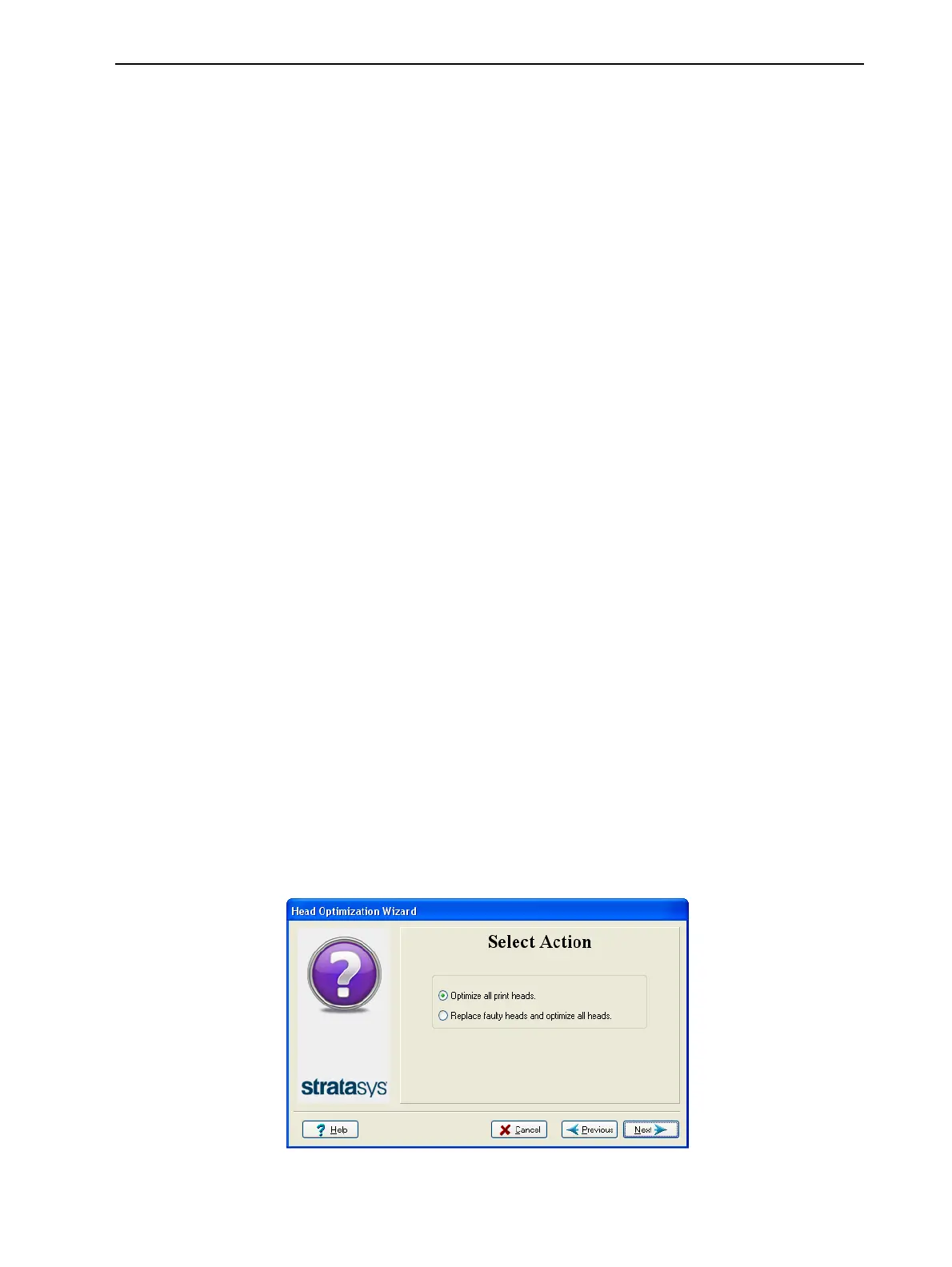
4. In the following screen, select Replace faulty heads, and click Next.
Figure 6-82 Procedure selection













 To Next Page