Objet30 User Guide 6 Operating and Maintaining the Printer
DOC-34025 Rev. I 6-62
Preparing the Print Block
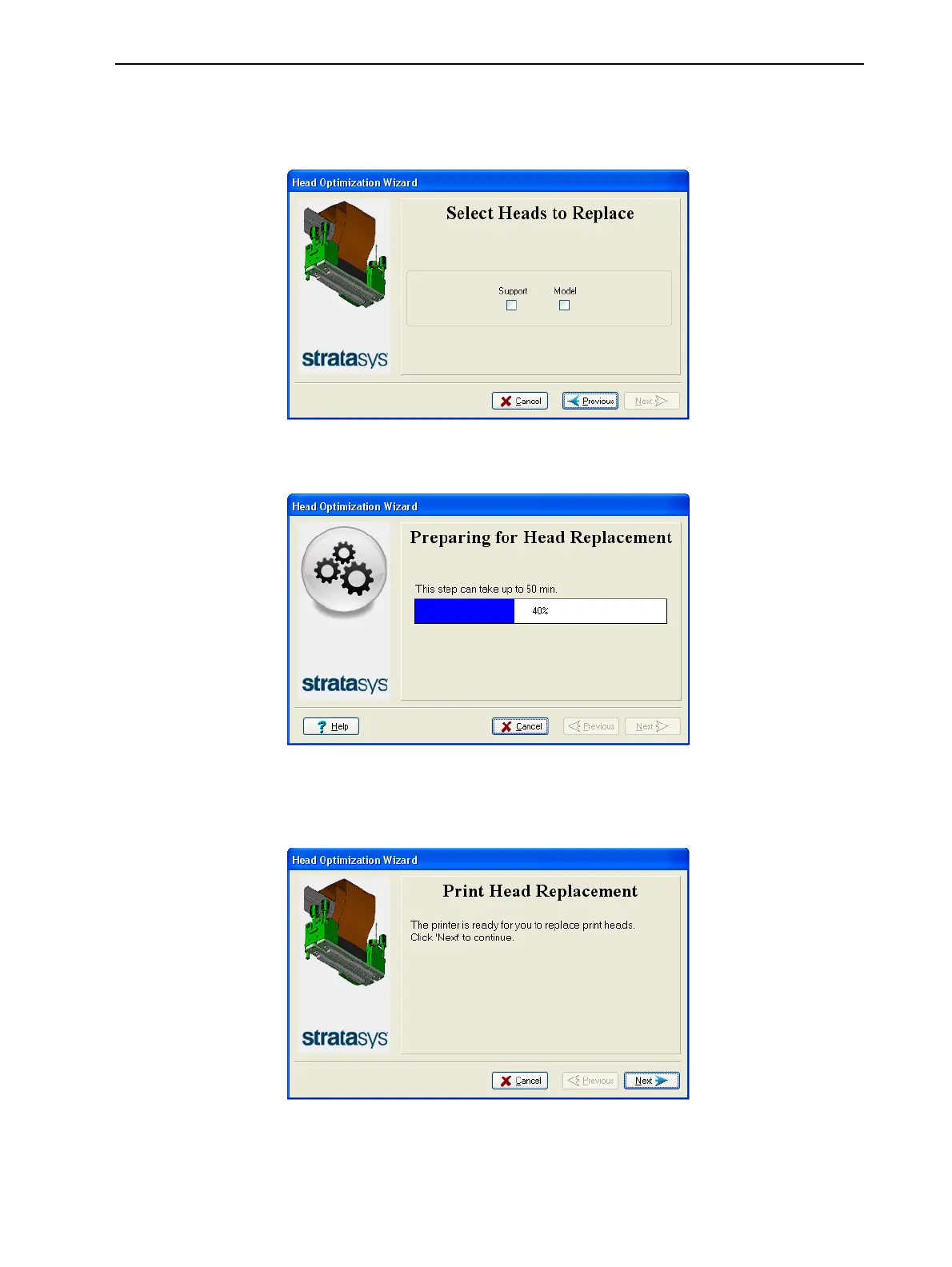
5. Select the print head(s) needing replacement, and click Next.
Figure 6-83 Head selection
The printer heats and empties the print block, and prepares the printer.
Figure 6-84 Printer preparation progress
6. The following screen appears when the printer is ready for you to replace
print heads.
Figure 6-85 Printer ready for head replacement













 To Next Page