Objet30 User Guide 6 Operating and Maintaining the Printer
DOC-34025 Rev. I 6-85
2. Close the printer application.
3. Shut down the printer computer, wait 60 seconds after the monitor goes
blank, and turn off the main power switch.
Caution:
The monitor goes blank as soon as the remote desktop link terminates—
before computer shutdown. Turning off the printer before computer
shutdown can cause damage.
4. Put on protective gloves.
Warning: Toxic and Corrosive Materials
Prolonged contact with resins could cause skin irritation. Put on protective
gloves before continuing.
5. Open the materials drawer.
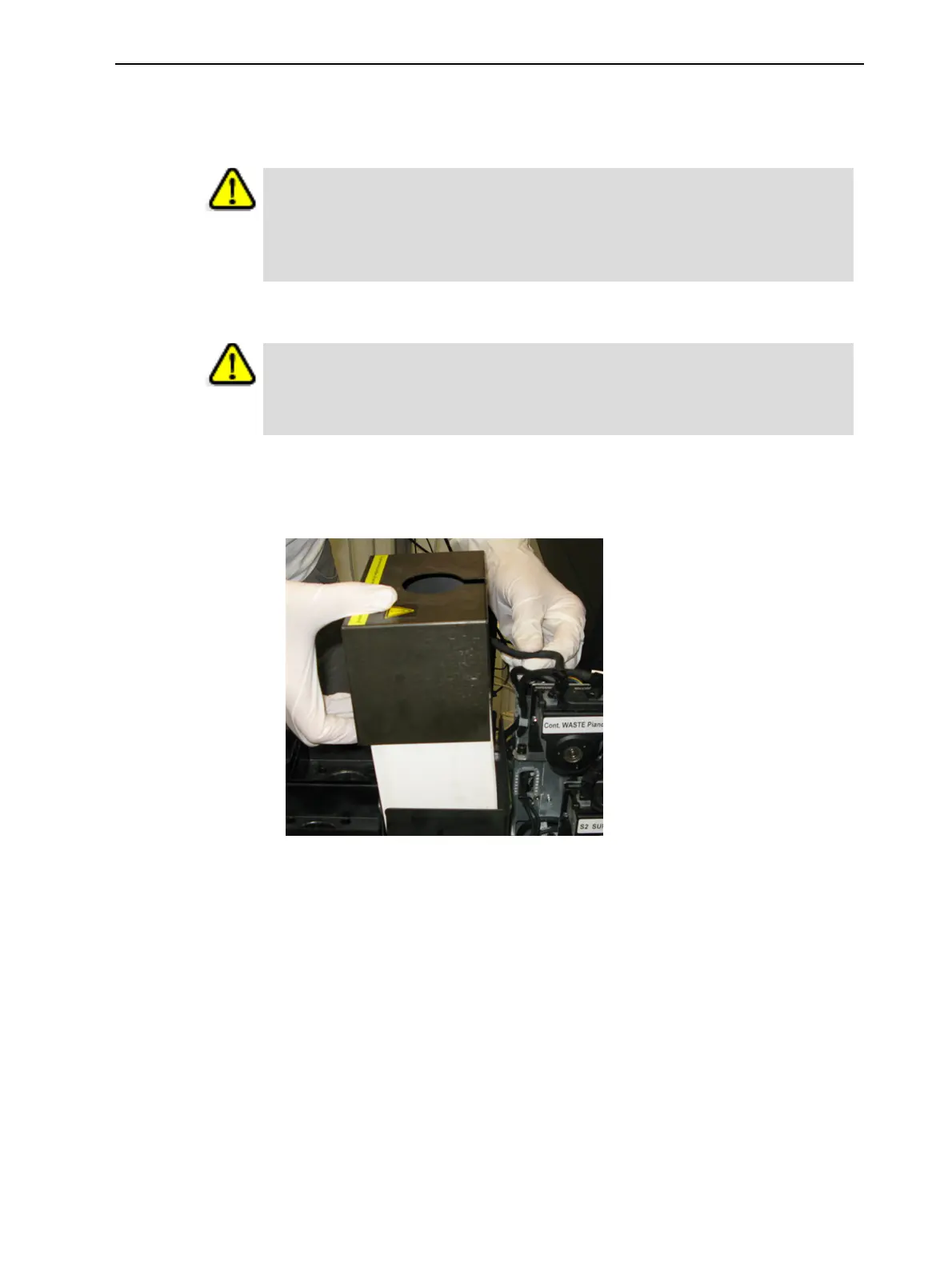
6. Remove the waste container cover.
Figure 6-117 Removing the waste container cover
7. Unscrew the cap connecting the waste tube to the container.
8. Carefully lift out the container and remove it from the printer.
9. Place paper towels in the waste compartment to absorb any material leaks.













 To Next Page