Objet30 User Guide 6 Operating and Maintaining the Printer
DOC-34025 Rev. I 6-91
To return the printer to operating mode:
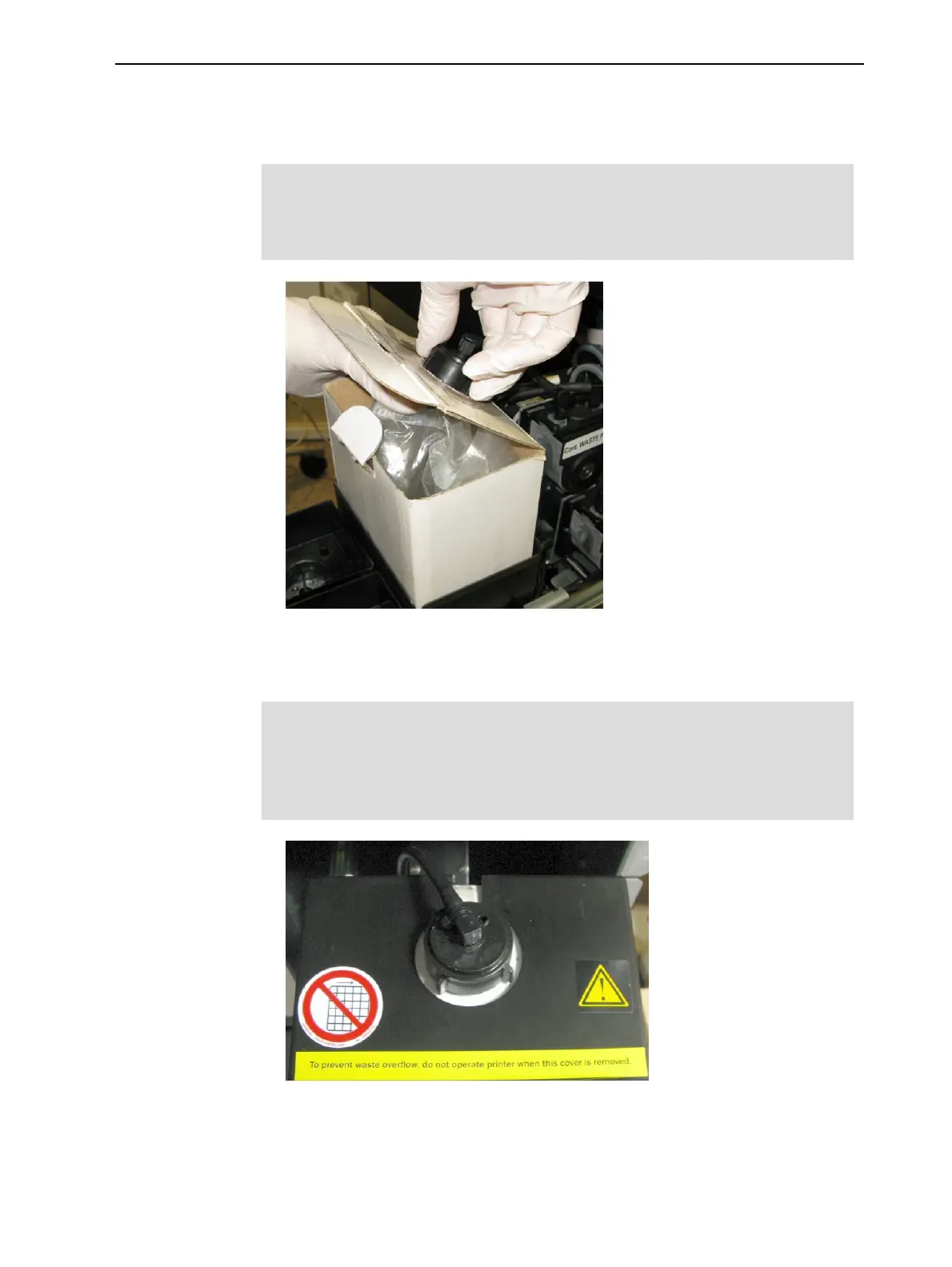
1. Place the waste container in the materials drawer, and attach the cap
connected to the drain tube.
Important:
Hold the waste bag with one hand while attaching the waste tube.
Otherwise, the bag will be twisted and the flow of material will be restricted.
Figure 6-128 Attaching the waste drain tube
2. Place the cover over the waste container, and make sure that the drain tube
is free and not bent.
Important:
Operating the printer without the waste container cover results in an
inaccurate measurement of the waste weight, which will cause waste to
overflow into the printer.
Figure 6-129 Cover installed on the waste container
3. Close the materials drawer.













 To Next Page