Objet30 User Guide 6 Operating and Maintaining the Printer
DOC-34025 Rev. I 6-93
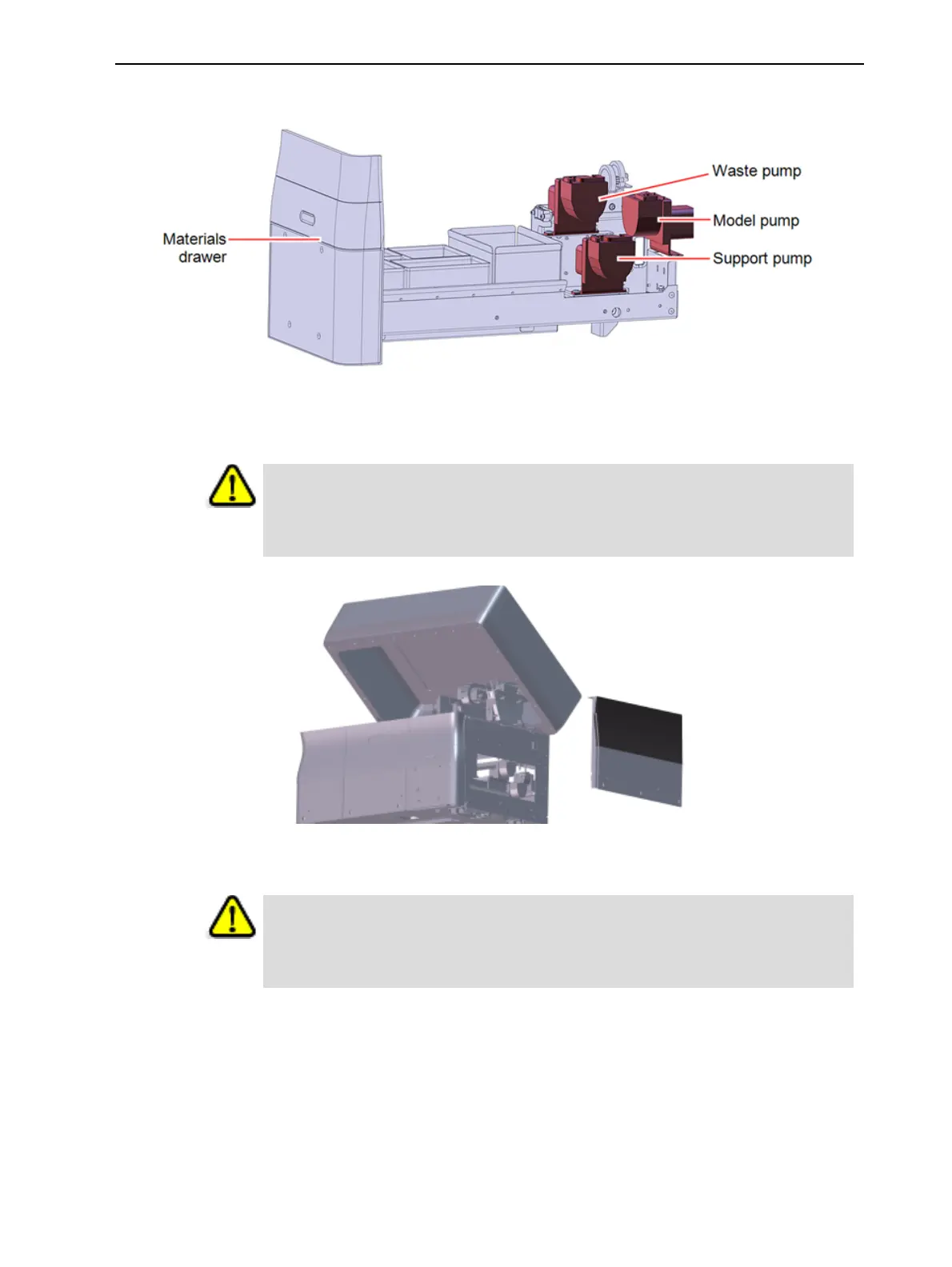
4. Open the materials drawer.
Figure 6-130 Material pumps
5. Remove the three screws securing the right printer panel and remove the
panel.
Caution:
Remove the screws carefully so that they do not fall and scratch the printer
panel.
Figure 6-131 Right printer panel removed
6. Put on protective gloves.
Warning: Toxic and Corrosive Materials
Prolonged contact with resins could cause skin irritation. Put on protective
gloves before continuing.













 To Next Page