Objet30 User Guide 6 Operating and Maintaining the Printer
DOC-34025 Rev. I 6-94
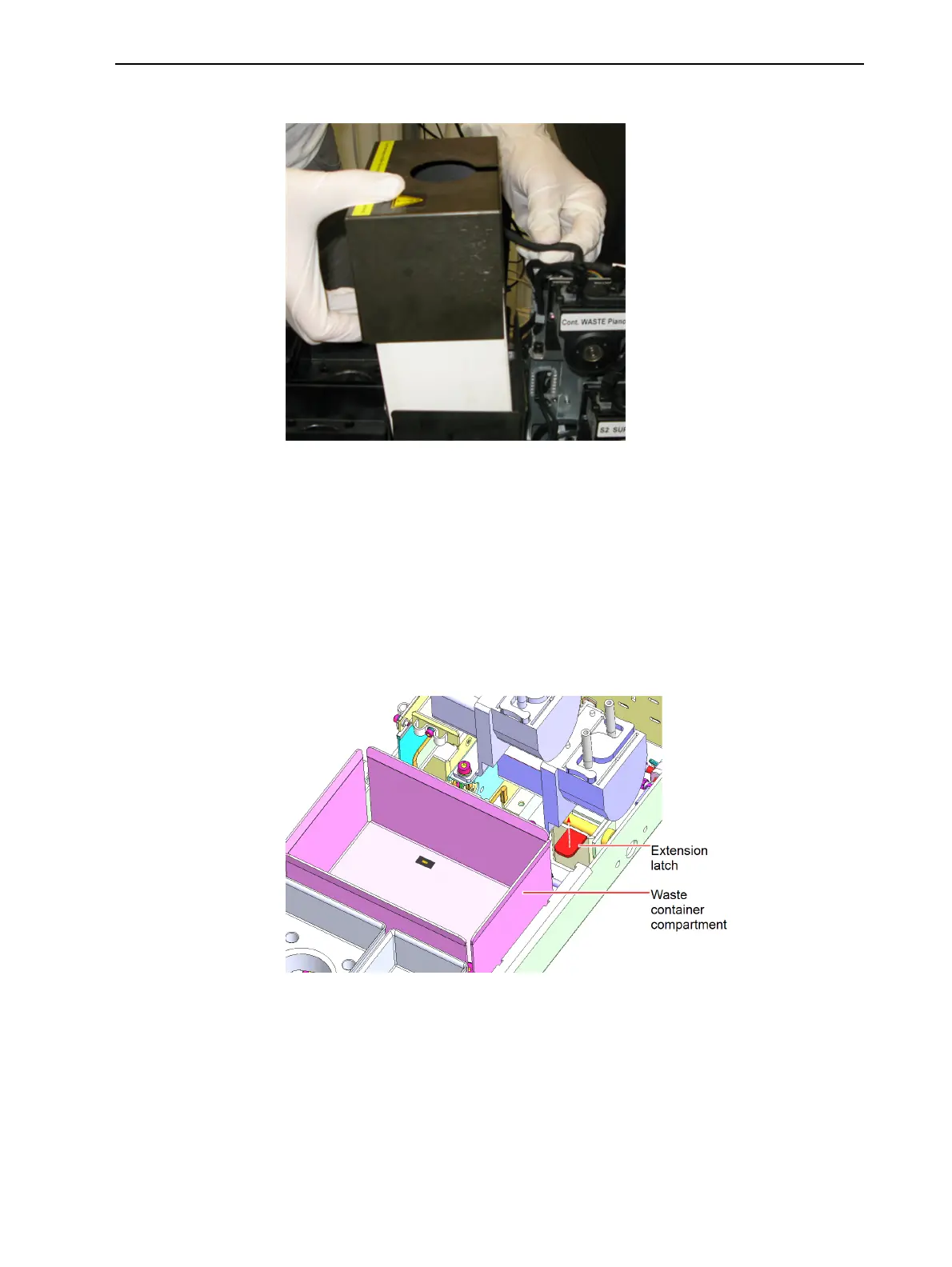
7. Remove the waste container cover.
Figure 6-132 Removing the waste container cover
8. Unscrew the cap connecting the waste tube to the container.
9. Carefully lift out the container and remove it from the printer.
10. Place cleaning cloths in the waste compartment to absorb any material
leaks.
11. Extend the materials drawer to the end of its track, as follows:
a. Push the drawer slightly inward.
b. Lift the extension latch and pull out the drawer, all the way.
Figure 6-133 Materials drawer extension latch













 To Next Page