Objet30 User Guide 6 Operating and Maintaining the Printer
DOC-34025 Rev. I 6-95
Replacing the Waste Pump Tube
To replace the waste pump tube:
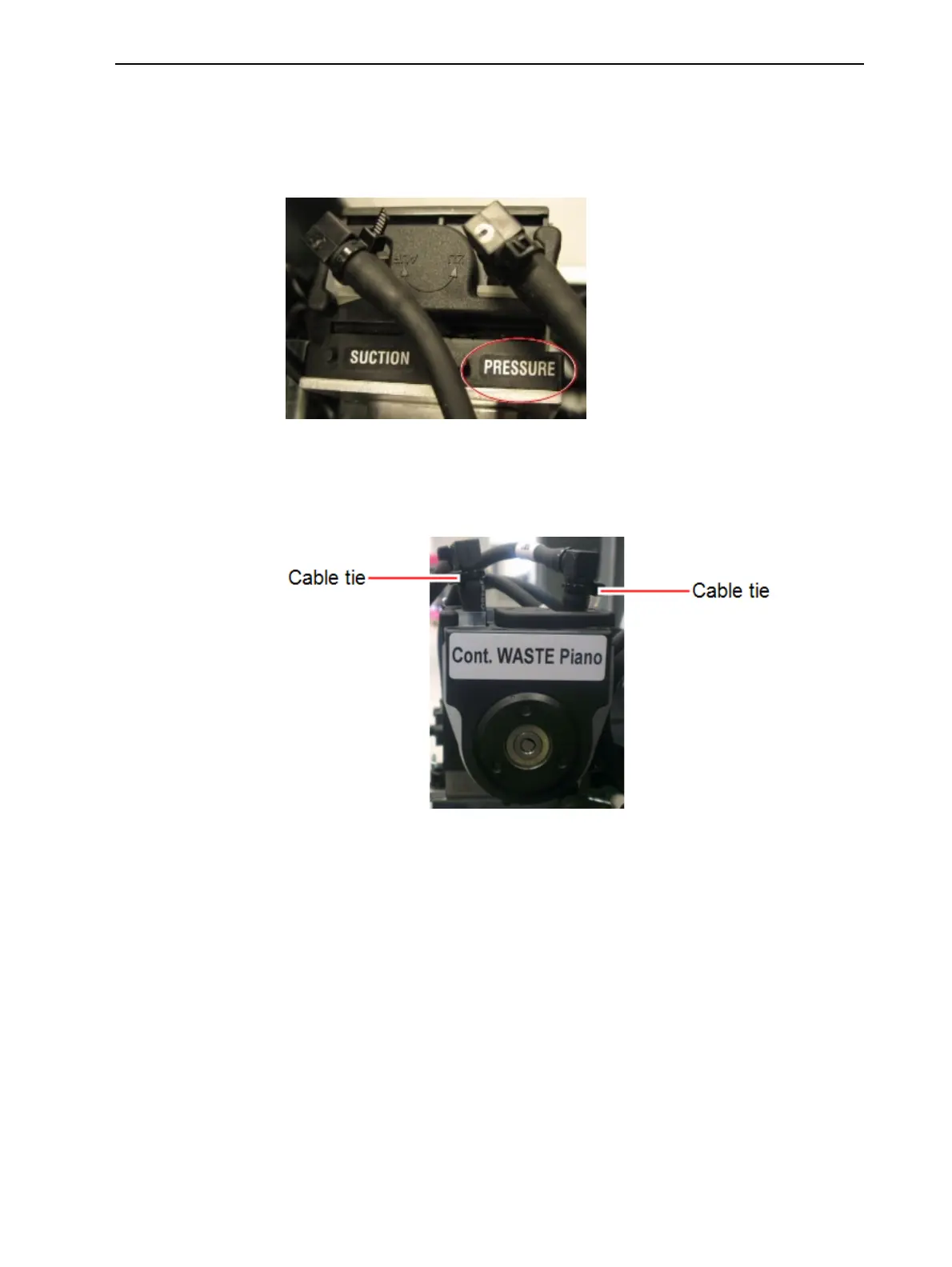
1. On top of the waste pump, locate the tube near the PRESSURE label.
Figure 6-134 Tubes connected to the waste pump
2. Label (mark) the tube.
3. Carefully cut and remove the cable ties on the ends of the tube extending
from the pump.
Figure 6-135 Waste pump













 To Next Page