Objet30 User Guide 4 Installing Objet Studio
DOC-34025 Rev. I 4-3
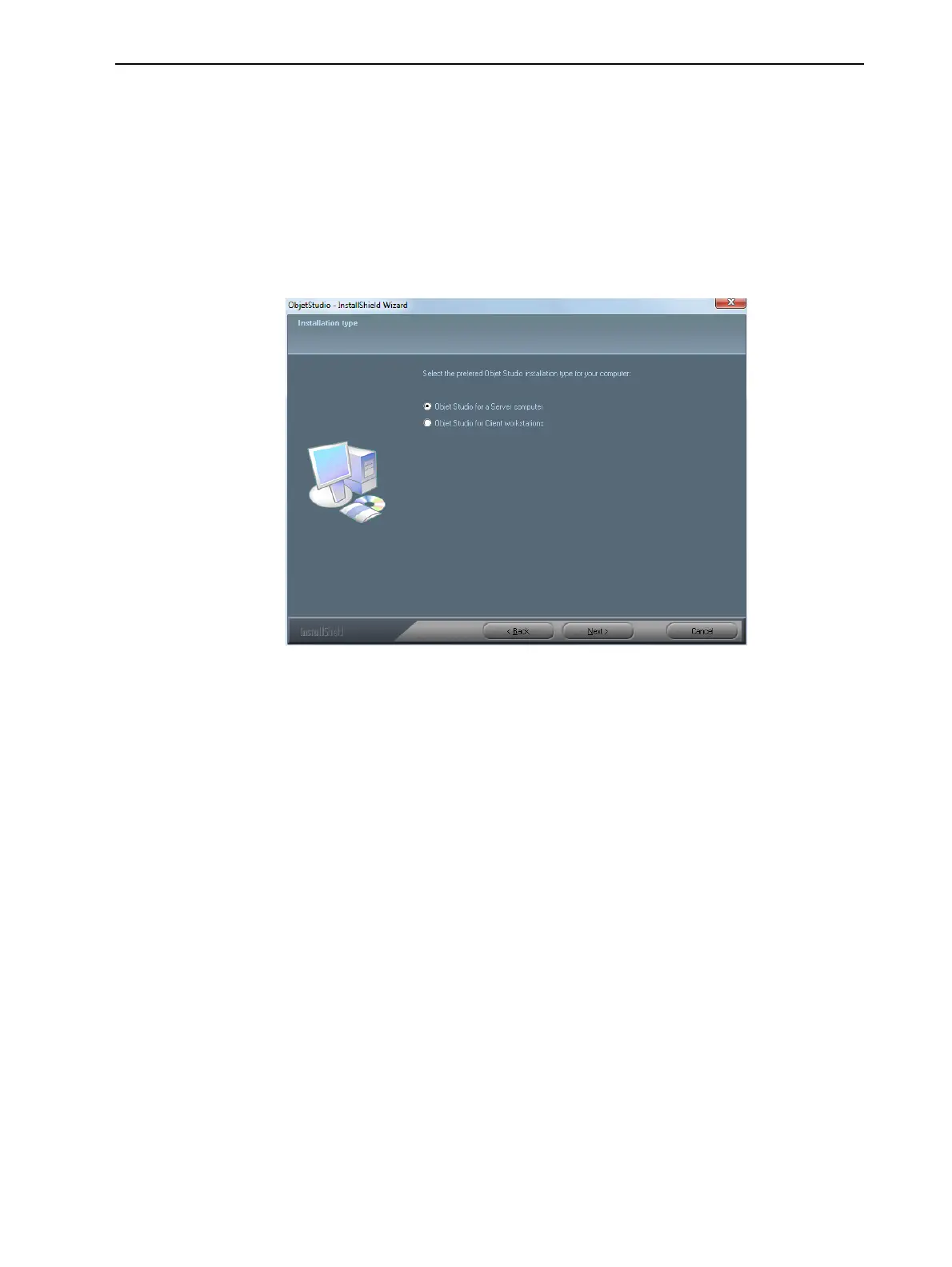
5. In the Installation type screen, select the required installation option.
Select Objet Studio for a Server computer—
❒ if you are installing Objet Studio on the server (“host”) computer—the
computer directly connected to an Objet30 printer.
❒ if you are installing Objet Studio on a standalone (offline) computer.
Select Objet Studio for Client workstations if you are installing Objet
Studio on a “client” workstation—a remote computer that prepares print
jobs and then sends them to a server computer.
Figure 4-2 Objet Studio configuration selection













 To Next Page