Objet30 User Guide 4 Installing Objet Studio
DOC-34025 Rev. I 4-4
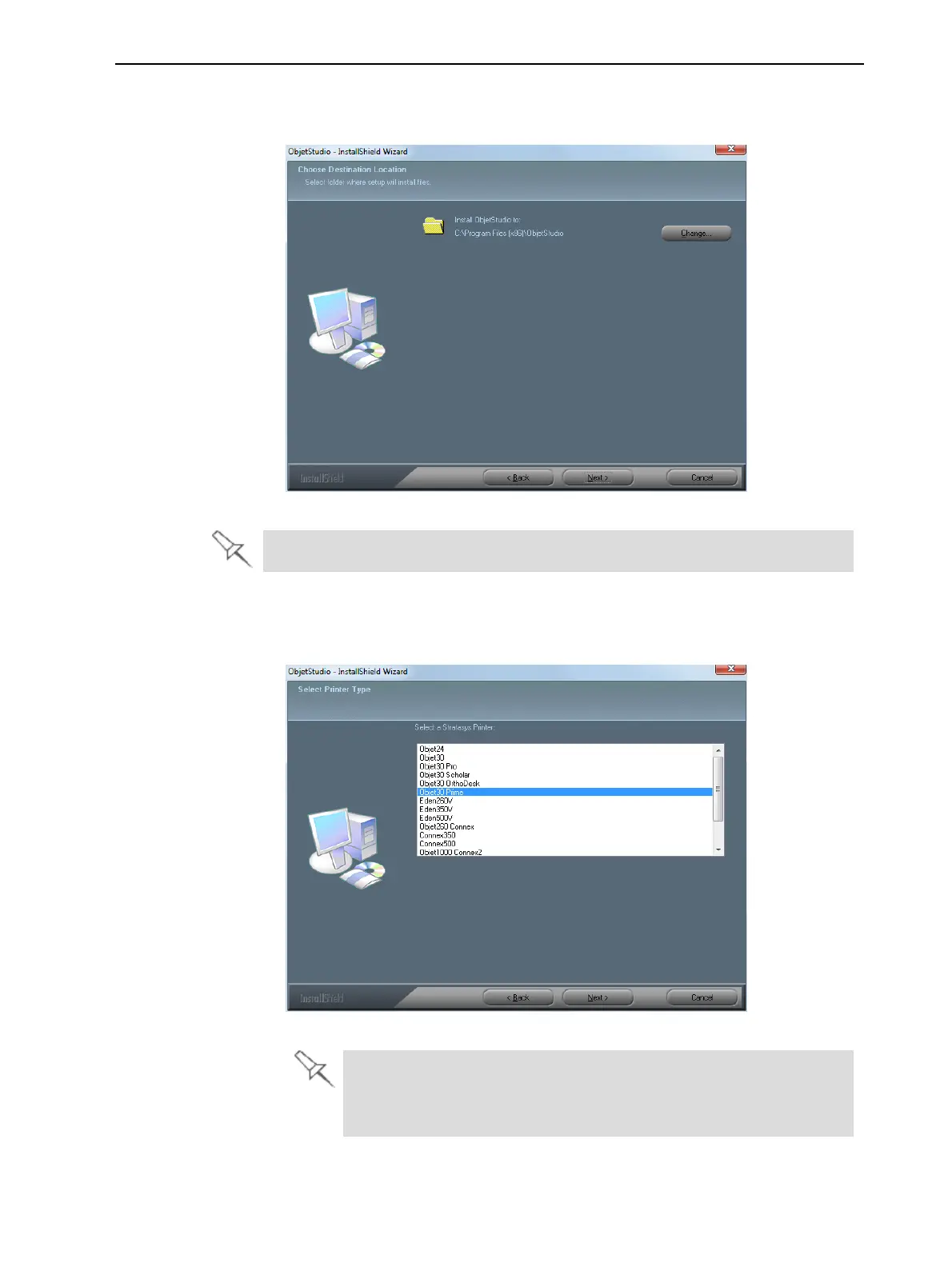
6. In the Choose Destination Location screen, verify the destination folder and
click Next.
Figure 4-3 Objet Studio installation-folder selection
It is recommended that you do not change the default destination folder.
7. In the Select Printer Type screen, select the 3D printer used for producing
models and click Next.
Figure 4-4 Printer selection
l For Alaris30U printers, select Objet30
l For Alaris30 Pro printers, select Objet30Pro
l For Objet30 Dental Prime, select Objet30 Prime













 To Next Page