Objet30 User Guide 4 Installing Objet Studio
DOC-34025 Rev. I 4-5
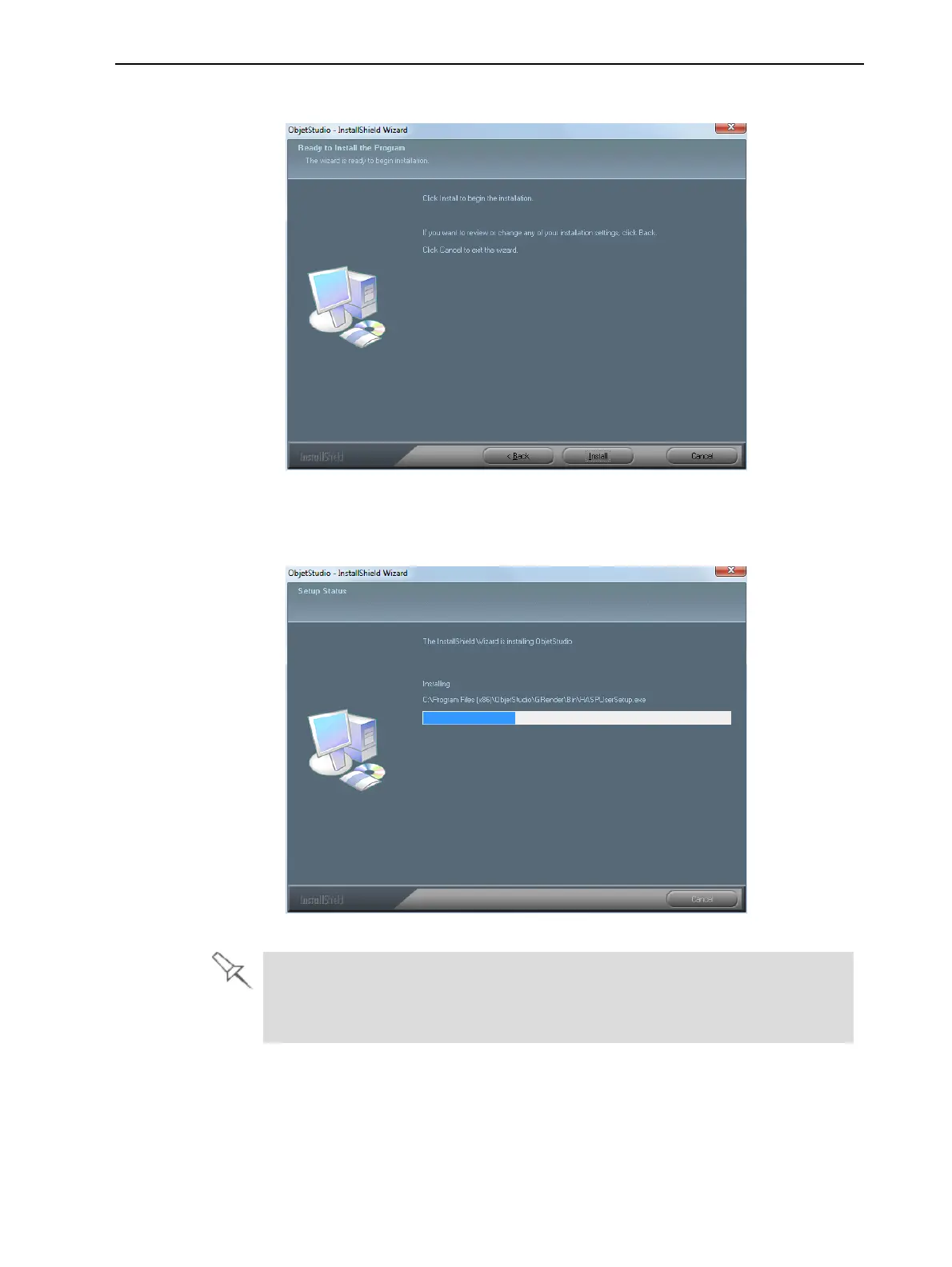
8. When the following screen appears, click Install to begin installation.
Figure 4-5 Ready to Install screen
After clicking Install, a progress bar shows the progress of the installation
process.
Figure 4-6 Installation progress bar
Objet Studio requires that Microsoft
®
DirectX
®
is installed on the computer.
If necessary, an installation screen for this program will appear. To continue
with Objet Studio installation, accept the DirectX agreement.













 To Next Page