Objet30 User Guide 4 Installing Objet Studio
DOC-34025 Rev. I 4-6
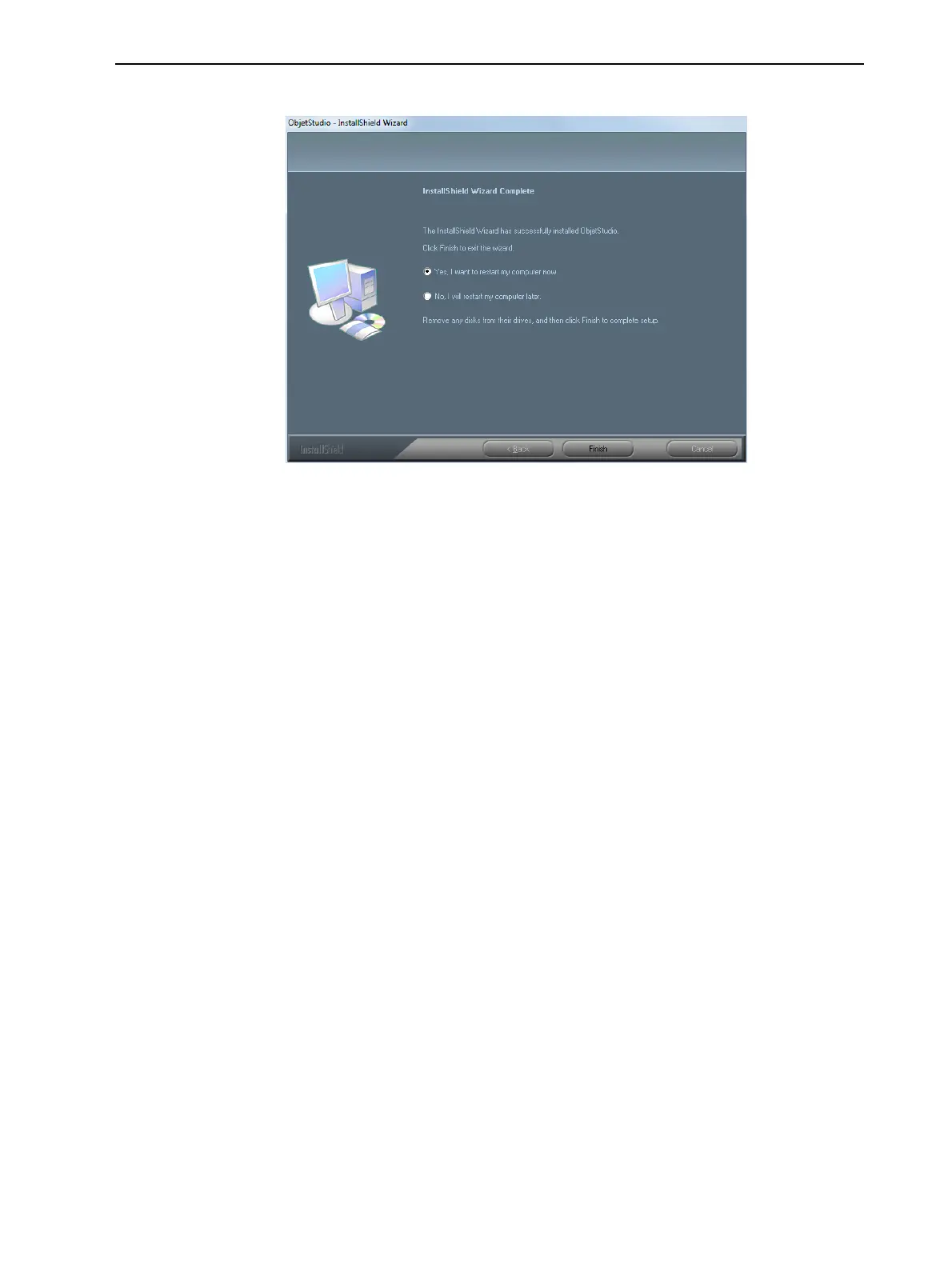
When installation is complete, the final InstallShield wizard screen appears.
Figure 4-7 Final installation screen
9. To complete the software installation, click Finish.
The installation process ends when the appropriate icon(s) appear on the
computer desktop:
• Objet Studio
• Stop Job Manager (for servers and standalone stations)
How to Uninstall Objet Studio
If there is ever a need to uninstall the Objet Studio software, do not attempt to
do so from the Windows Control Panel. (This does not completely remove all
software components.) Instead—
➢ From the Start menu, select All Programs > Stratasys > Uninstall Objet
Studio.













 To Next Page