Objet30 User Guide 5 Using Objet Studio
DOC-34025 Rev. I 5-12
5. Select any of the following options, as required:
❒ Units—Millimeters or inches for the object’s units of measure.
The 3D file contains the object's proportions, but not its units of
measure. Therefore, make sure to correctly select either millimeters or
inches when inserting an object. Otherwise, the size of the object on
the build tray will be either much too large or much too small. To change
the measurement units of objects already placed on the tray, see
"Measurement Units" on page 5-27.
❒ Number of copies—How many copies of this object to place on the
build tray.
❒ Orient Automatically—Automatically orient objects on the build tray
for efficient model building.
Note: The Extents values displayed in the Coordinates section of the
Insert dialog box, represent the maximum dimensions of the object on each
axis. These dimensions correspond to the virtual “bounding box”
surrounding the object see Figure 5-33 on page 5-35).
6. Click Insert.
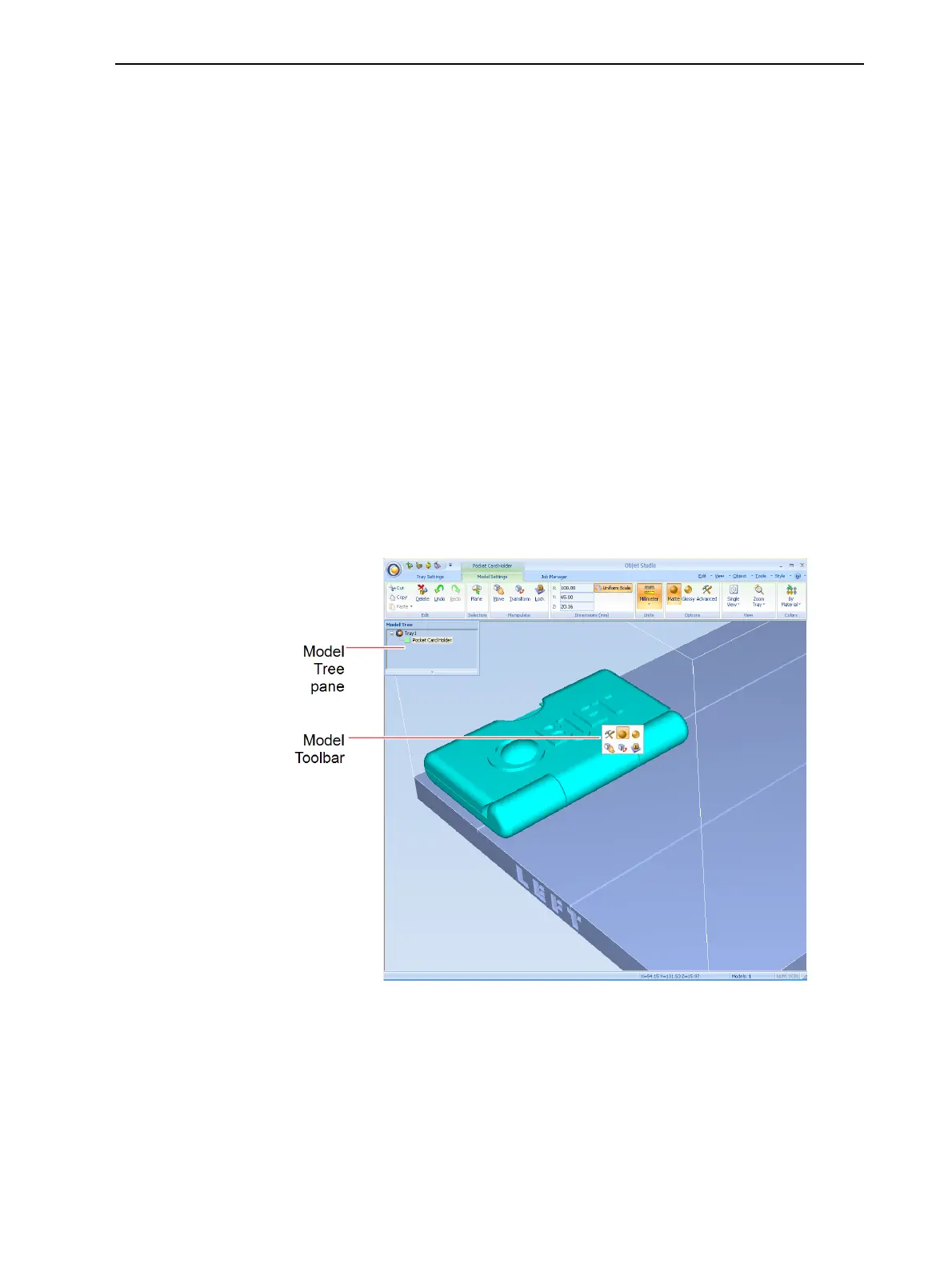
Objet Studio places the object on the build tray, and in the model tree.
Figure 5-8 Default screen layout
The Model Settings ribbon is displayed when objects are placed on the
build tray.













 To Next Page