Radio Configuration
1-866-4TOPCON www.topconpositioning.com
2-35
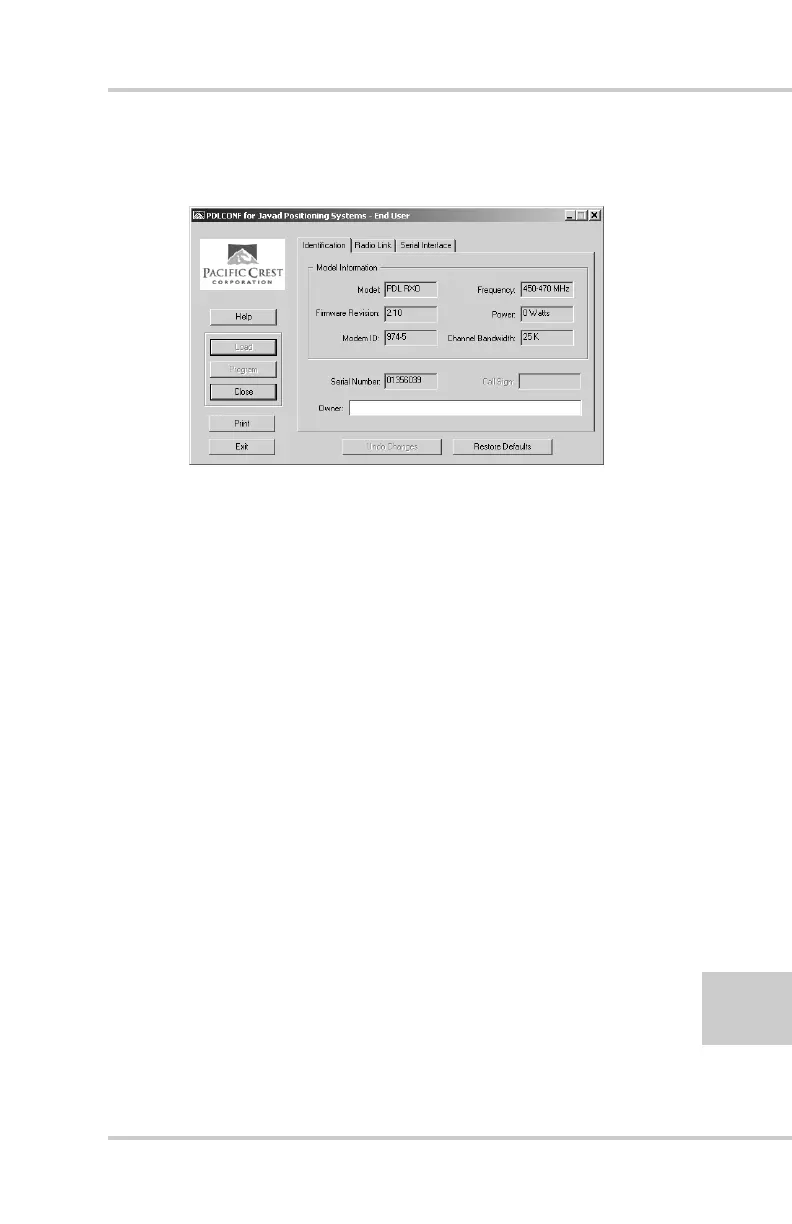
9. On the Identification tab, type Owner information
(Figure 2-30).
Figure 2-30. PDL Identification Tab
The Identification screen supplies current information
concerning firmware version, serial number, frequency,
and power of the radio modem.
10. Click the Radio Link tab and set the following
parameters (Figure 2-31 on page 2-36):
• Manual – enable
• Channel TX RX – set channel and frequency as
desired
• Link Rate – set to 9600 (requires a modulation type
of GMSK)
• Digisquelch – set on High for Rover; Low or Off for
Base station
• Forward Error Correction – enable
• Scrambling – enable
• Local Address – leave at 0



 To Next Page