6.1 ABOUT PATHPILOT
PathPilot is a combination hardware and software system that
you use to control your machine. The controller hardware runs
the PathPilot software.
The PathPilot interface is divided into sections: the Notebook
section is in the top half of the screen, and the Persistent
Controls section is in the bottom half.
Figure 6-1: Sections in the PathPilot interface.
6.2 NOTEBOOK SECTION
Figure 6-2: Notebook section.
The areas displayed in the Notebook section change depending
on the activity that you're doing. Activities are grouped into the
following tabs:
6.2.1 Main Tab 116
6.2.2 File Tab 116
6.2.3 Settings Tab 117
6.2.4 Offsets Tab 117
6.2.5 Conversational Tab 117
6.2.6 Probe Tab 118
6.2.7 Status Tab 118
6.2.1 Main Tab
Figure 6-3: Main tab.
By default, the Main tab is active when you power on the
PathPilot controller. From the Main tab, you can do the
following activities:
l Access G-code files that are already loaded into
PathPilot, and open or close them.
For information, see "Access Recent G-Code Files"
(page125); "Close the Current Program" (page125).
l Send G-code commands directly to the machine using
the Manual Data Input (MDI)Line DROfield.
For information, see "Manually Enter Commands"
(page165).
l In a G-code program, do tasks like finding specific terms
in the code, reading the code, or viewing the generated
tool path.
For information, see "Search in the Code" (page126);
"Expand the G-Code Tab" (page126); "Change the View
of the Tool Path Display" (page128).
6.2.2 File Tab
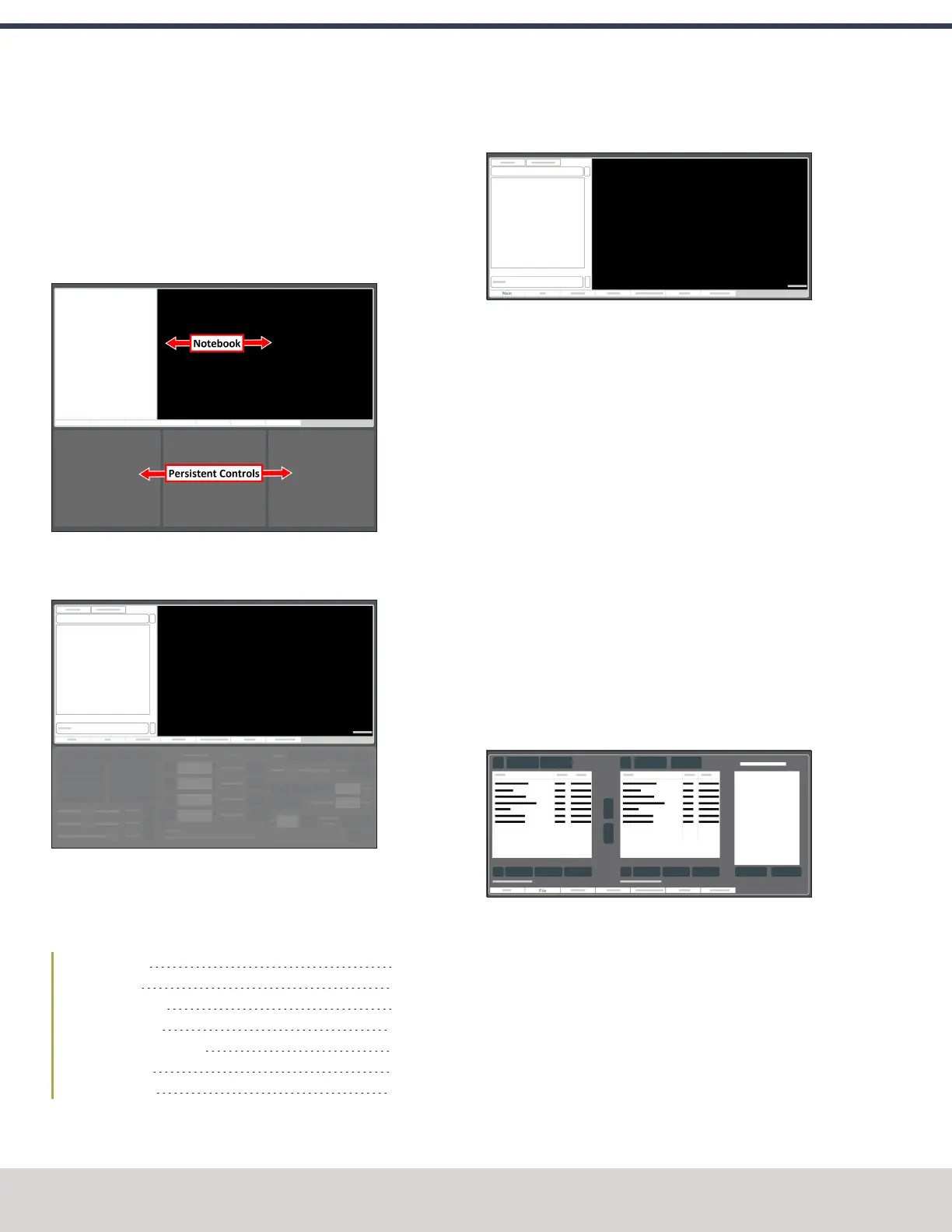
Figure 6-4: File tab.
From the File tab, you can do the following activities:
l Transfer G-code files into the PathPilot controller.
For information, see "Transfer Files to and From the
Controller" (page124).
l Edit G-code files.
For information, see "Edit G-Code" (page125).
l Load .nc files into PathPilot to run a program.
For information, see "Load G-Code" (page179).
©Tormach® 2023
Specifications subject to change without notice.
Page 116 Tormach 1100M® Operator's Manual (Version 1223A)
For the most recent version, see tormach.com/support
6: PATHPILOT INTERFACE OVERVIEW



 To Next Page