7: PATHPILOT TOOLS AND FEATURES
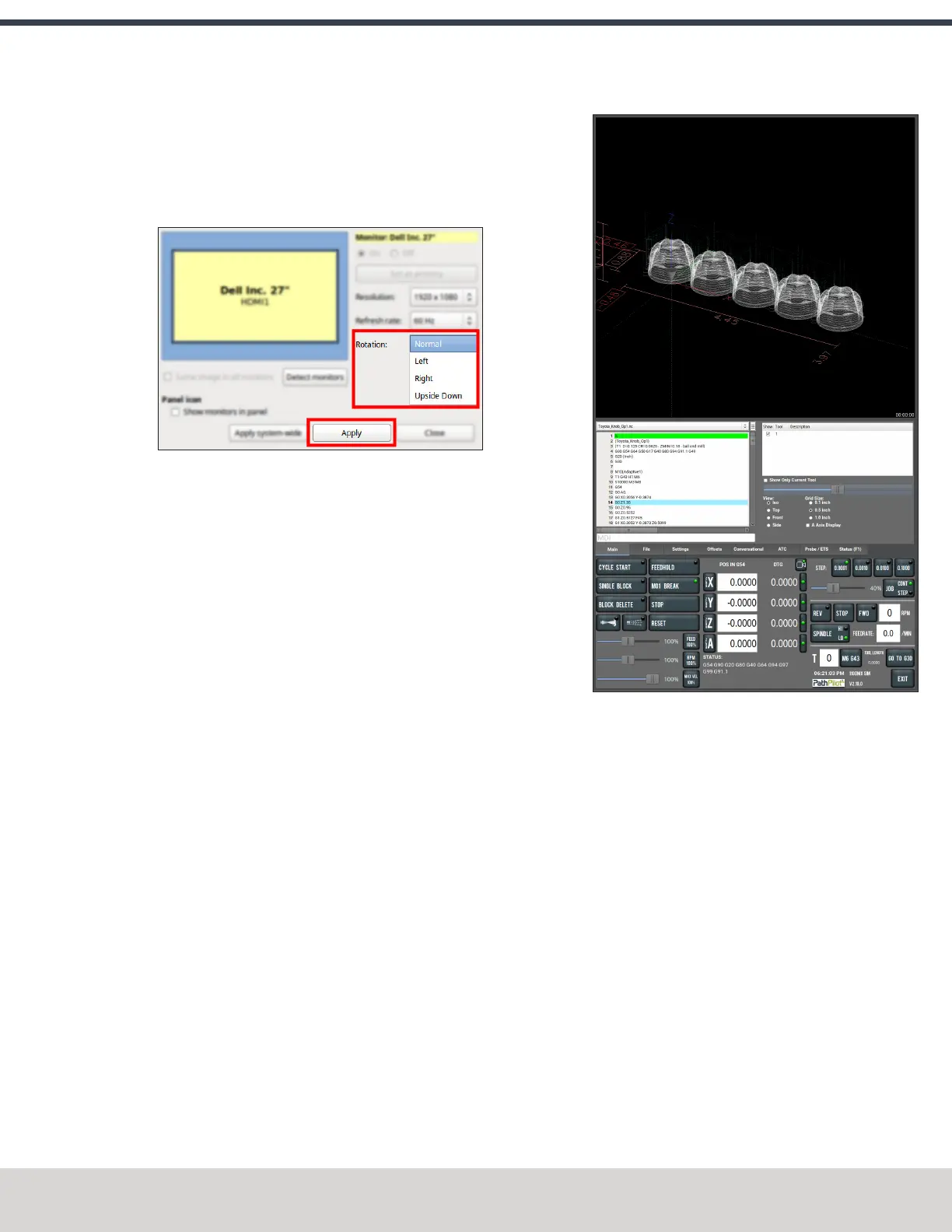
3. While the controller is restarting, specify which direction
you've rotated the monitor. Select Apply. If the result is
unexpected, click Restore Previous Configuration on the
confirmation dialog and choose a rotation direction
again.
Figure 7-36: Monitor configuration dialog box.
The controller restarts in portrait layout.
About Portrait Screen Layout
Portrait layout provides some key advantages:
l A larger tool path window that's always visible at the
top of the screen, regardless of which tab you have
active.
Figure 7-37: Tool Path window in portrait screen
layout.
l A wider G-code window to more easily read the loaded
G-code file and, if enabled, line numbers.
l The tool path window's view options are always visible
for much easier access.
©Tormach® 2023
Specifications subject to change without notice.
Page 143 Tormach 1100M® Operator's Manual (Version 1223A)
For the most recent version, see tormach.com/support



 To Next Page