7: PATHPILOT TOOLS AND FEATURES
5. Close the enclosure doors and verify that the Door Open
LED is off. Then, push in the Emergency Stop button on
the operator box.
The doors lock, and the Door Locked LED comes on.
6. From the PathPilot interface, on the Status tab, make
sure that the Door Open LED is off.
7. Unlock the enclosure doors: twist out the Emergency
Stop button and press the Reset button on the operator
box.
The doors unlock.
7.2.12 Enable Feeds and Speeds Suggestions in
Conversational Routines
You can use PathPilot to automatically calculate feeds and
speeds. For more information, see "Use Feeds and Speeds
Suggestions" (page166).
From the Settings tab, select Conversational Feeds and
Speeds.
Figure 7-49: Settings tab.
7.2.13 Specify Probing and Tool Measuring Options
If you have any of the following accessories, you must first
specify which you're using in the PathPilot interface:
l Active Probe (PN31858)
l Passive Probe (PN32309)
l Electronic Tool Setter (PN31875)
To specify a probe or a tool setter:
From the Settings tab, select the correct probing or tool
measuring options for both Accessory Input 1 and
Accessory Input 2.
Figure 7-50: Settings tab.
7.2.14 Use the RapidTurn Interface
If you have a RapidTurn, you must first change the PathPilot
interface.
To use the RapidTurn interface:
From the Settings tab, select Switch to RapidTurn.
Figure 7-51: Switch to RapidTurn button on the
Settings tab.
The PathPilot interface for the mill closes, and the
PathPilot interface for the RapidTurn opens.
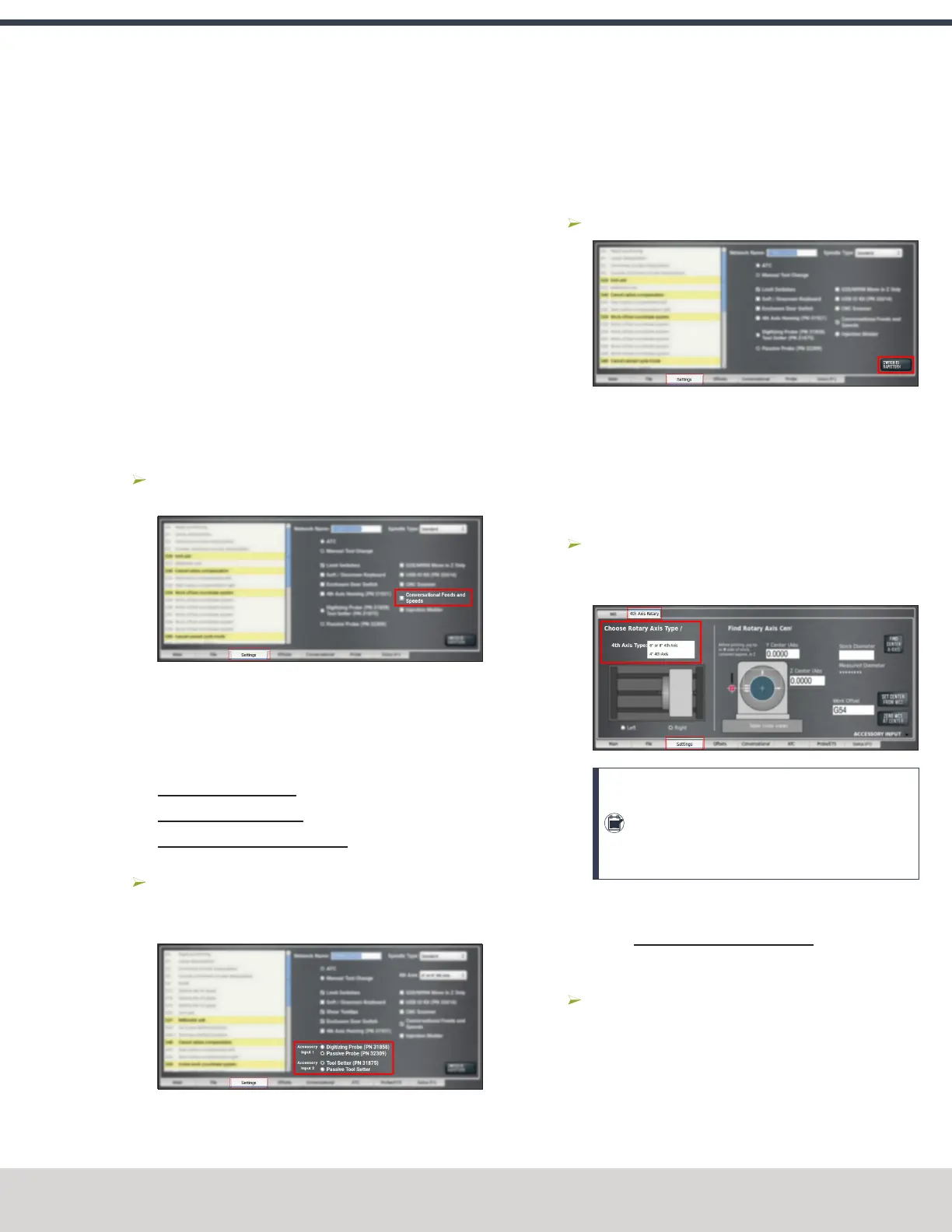
7.2.15 Specify the 4th Axis Rotary Type
To select the 4th axis that you're using:
From the Settings tab, select the 4th Axis Rotary tab.
Then, from the 4th Axis Type drop-down menu, select 4"
4th Axis.
Note: Once you change the axis scale, you may
see a message indicating a Joint 3 following
error. If you do, select Reset, and the new axis
will function as normal.
Enable the 4th Axis Homing Kit
If you have a 4th Axis Homing Kit (PN 31921), you must first
enable it in the PathPilot interface.
To enable the 4th Axis Homing Kit:
From the Settings tab, select the 4th Axis Rotary tab.
Then, select 4th Axis Homing (PN 31921).
©Tormach® 2023
Specifications subject to change without notice.
Page 147 Tormach 1100M® Operator's Manual (Version 1223A)
For the most recent version, see tormach.com/support



 To Next Page