1. From the PathPilot interface, on the Status tab, select
Update.
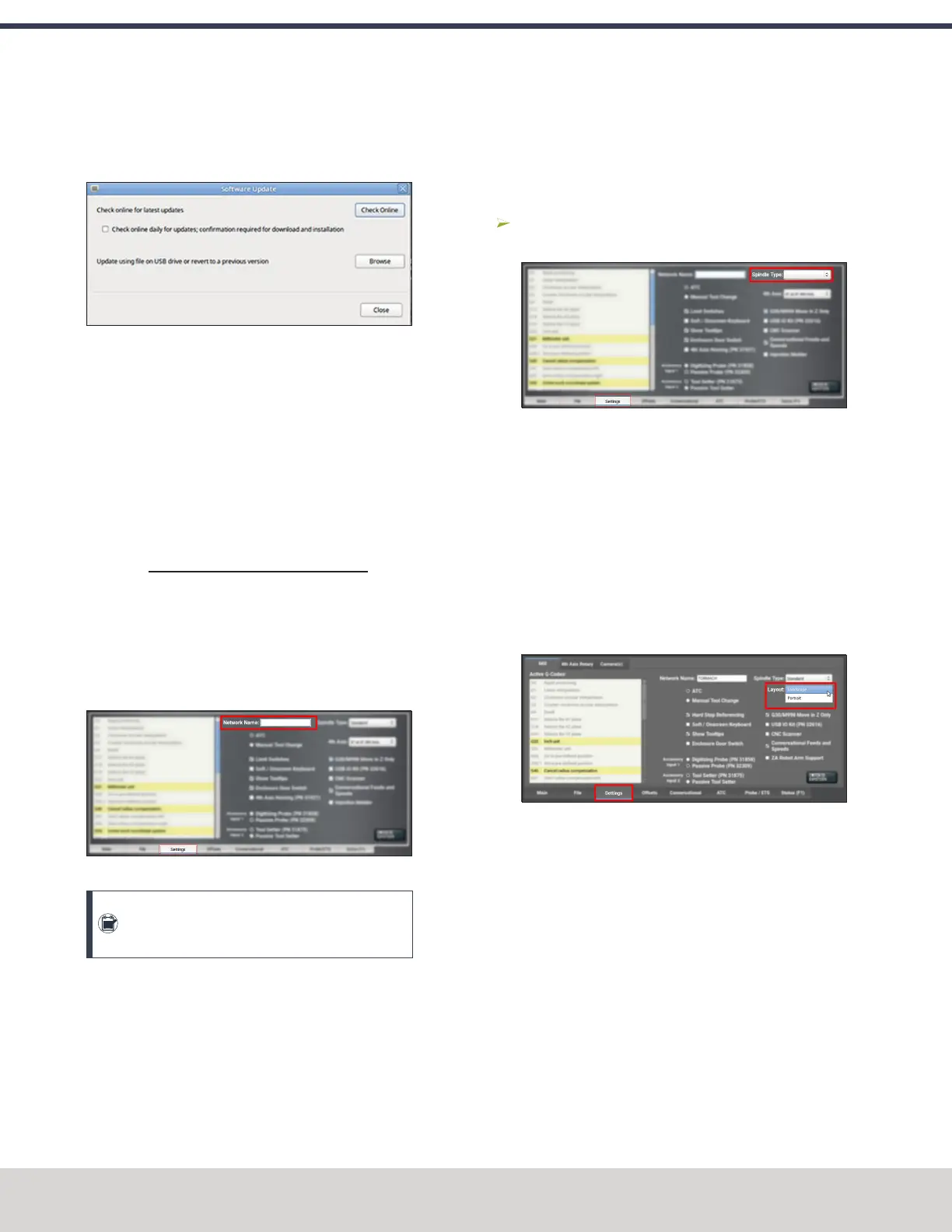
The Software Update dialog box displays.
Figure 7-32: Software Update dialog box.
2. From the Software Update dialog box, select the Check
online daily for updates; confirmation required for
download and installation checkbox.
3. Select Close.
When future updates are available, the Status tab
displays a notification.
7.2.2 Change the Network Name
If you're connected to a network using either the Ethernet jack
or the (optional) Wireless Network Adapter (PN38207), the
PathPilot controller appears on your network as network-
attached storage. The default network name of the controller
is TORMACHPCNC.
To change the network name:
1. From the Network Name field, type a new network
name.
Figure 7-33: Network Name field on the Settings tab.
Note: The network name must be unique within
your network.
2. Select the Enter key.
3. For the change to take effect, you must restart the
controller.
7.2.3 Select the Spindle Type
If you have an additional spindle (separate from the standard
spindle), you must first select it in PathPilot.
To select the spindle type:
From the Settings tab, from the Spindle Type drop-
down, select the appropriate spindle option.
Figure 7-34: Spindle Type field on the Settings tab.
7.2.4 Change the Screen Orientation
A vertical orientation for 1920 × 1080 monitors is supported in
PathPilot v2.10.0 and later. For more information on the
portrait layout, go to "About Portrait Screen Layout" (on the
next page).
To change the screen orientation:
1. From the PathPilot interface, on the Settings tab, select
Portrait from the Layout drop-down menu. Restart the
controller.
Figure 7-35: Layout drop-down menu on the Settings
tab.
2. Rotate the monitor to the portrait orientation. You can
rotate it either left or right, depending on what's easier
for your setup.
©Tormach® 2023
Specifications subject to change without notice.
Page 142 Tormach 1100M® Operator's Manual (Version 1223A)
For the most recent version, see tormach.com/support
7: PATHPILOT TOOLS AND FEATURES



 To Next Page