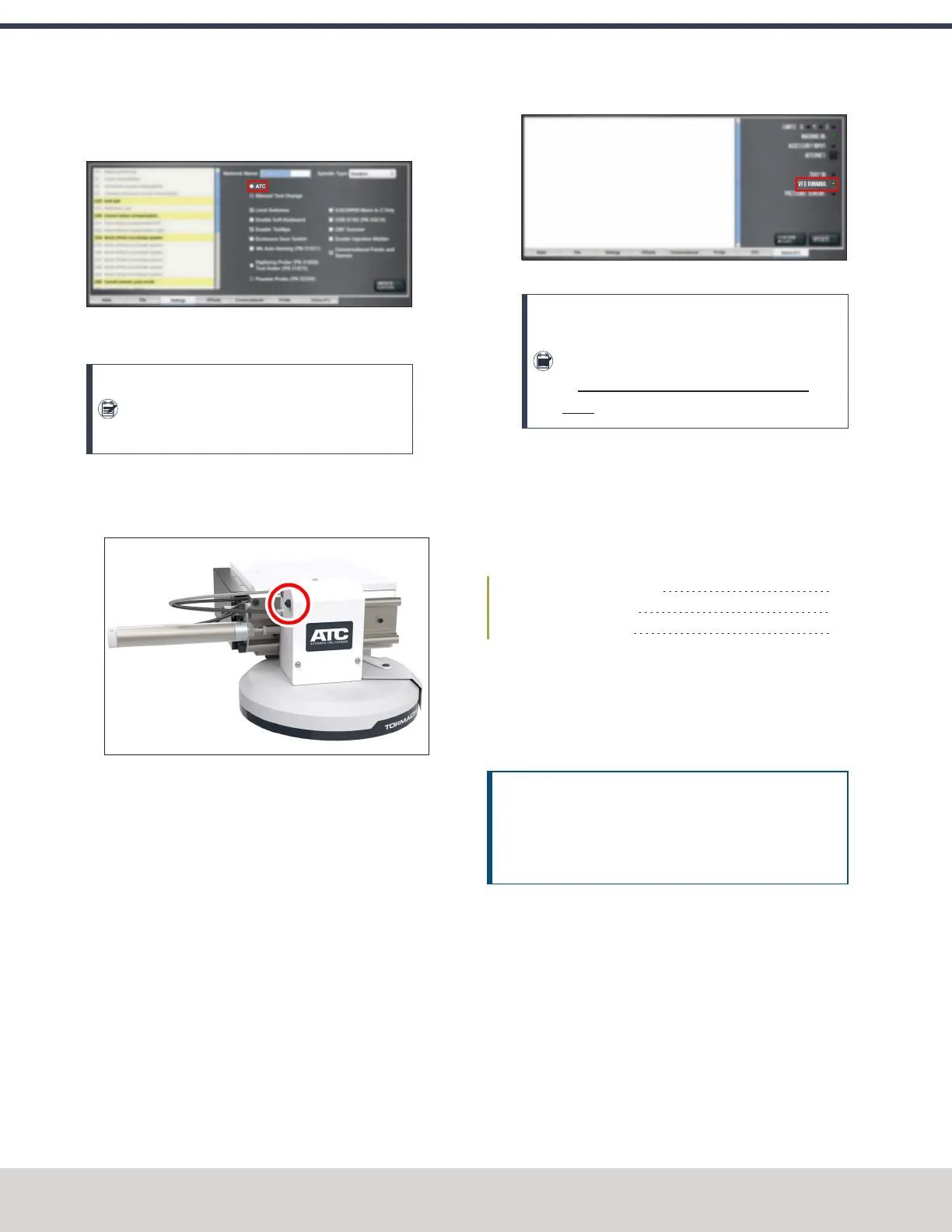
3. From the PathPilot interface, on the Settings tab, select
the ATC radio button.
Figure 4-90: ATC radio button on the Settings tab.
The ATC tab appears in the PathPilot interface.
Note: If prompted, you may need to update the
firmware for the ATC. Follow the on-screen
instructions.
4. Load a tool into the spindle:
a. Push and hold the collet open button on the side of
the ATC.
Figure 4-91: Collet open button on the side of the
ATC.
The collet opens.
b. Load a tool into the spindle.
c. Release the button.
The collet closes.
5. From the PathPilot interface, on the Main tab, in the
RPM DRO field, type 1000. Then select the Enter key.
6. Select FWD.
The spindle starts.
7. From the Status tab, make sure that the VFD Running
green light comes on.
Figure 4-92: VFDRunning light on the Status tab.
Note: If the VFDRunning light did not come on
in the previous step, we can help. Create a
support ticket with Tormach Technical Support
at tormach.com/how-to-submit-a-support-
ticket for guidance on how to proceed.
8. Select Stop.
The spindle stops.
Adjust the Power Drawbar
If you have not yet done so, you must adjust the Power
Drawbar. Complete the following steps in the order listed:
Adjust the Drawbar Tension 74
About Drawbar Tension 75
Adjust the Initial Setup 75
Adjust the Drawbar Tension
This adjustment sets the highest possible drawbar tension
while still allowing the Power Drawbar cylinder to release the
tool. For information, see"About Drawbar Tension" (on the
next page).
NOTICE! After the initial installation, you must examine
the drawbar tension weekly. During periods of heavy use,
examine the drawbar tension more frequently. If you
don't, there's a risk of tool pull-out.
To adjust the drawbar tension:
1. Put an empty Tormach Tooling System (TTS) tool holder
into the collet.
2. While using one hand to support the tool holder, use the
other to push the Release Tool button.
©Tormach® 2023
Specifications subject to change without notice.
Page 74 Tormach 1100M® Operator's Manual (Version 1223A)
For the most recent version, see tormach.com/support
4: INSTALLATION



 To Next Page