2. Program an M00 or M01 break, and, using parentheses,
type the full file name of the image (including its
extension).
E X A M P L E
M01 (Op1_Setup.jpg) displays the image file
on the Tool Pathdisplay.
3. The image file displays on the Tool Path display.
Display Information with Text
To display a message on the Tool Path display:
1. Program an M00 or M01 break, and, using parentheses,
type a message that you'd like to display on the screen.
E X A M P L E
M01 (Check coolant nozzles are
pointed correctly) displays Check coolant
nozzles are pointed correctly across the bottom of
the Tool Path display.
2. The message displays on the Tool Path display.
Capture Images with a USBCamera
In addition to displaying information like pictures or messages
during an M01 break, you can also use a USB camera (if
installed) to take a picture.
To use M01 to take pictures:
1. Add M01 (op1_setup.jpg) into your G-code
program.
2. Run the G-code program.
3. When PathPilot executes the M01 it looks to see if the
comment contains a file name.
l If there isn't a file name: The comment is shown as
instructional text across the tool path.
l If there is a file name, but the file doesn’t exist yet
and the extension is .jpg, .png, or .jpeg: The USB
cameras are initialized and shown in the tool path
display.
4. Select the Shutter button to take the picture and create
the op1_setup.jpg file.
In future runs of the G-code program, op1_setup.jpg will
display to the operator for instructional purposes on the
workpiece.
For more information, see "Use a USB Camera" (page148).
7.5.4 Use the Maxvel Override Function
To use the maxvel override function:
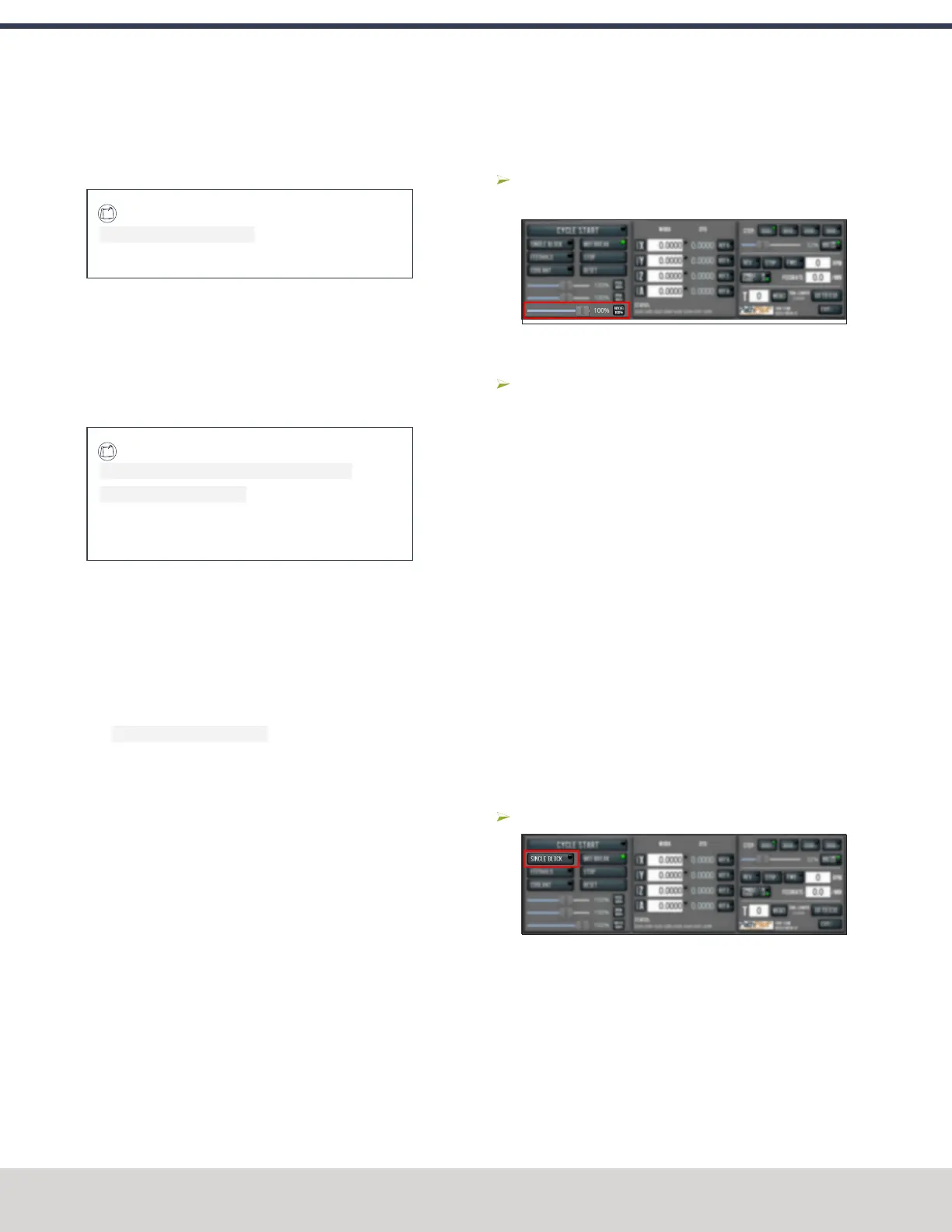
Using the Maxvel Override slider, change the maximum
velocity by a specified percentage.
Figure 7-95: Maxvel Override slider.
To remove the maxvel override function:
Select Maxvel 100%.
For more information on using the maxvel override function,
see "About Maxvel Override" (below).
About Maxvel Override
The maxvel override function affects G00 and G01 commands,
and it's useful for:
l
Running a Program for the First Time Drag the
Maxvel Override slider to 0% to verify that all DRO fields
look appropriate.
l
Safety If you're running a spindle-synchronized move, a
maxvel override isn't ignored.
Verify that the maxvel override value allows the machine
to use the programmed feed rate during spindle-
synchronized moves. If it can't, the spindle-synchronized
move won't produce the results you want.
To indicate lack of motion or unusual levels, the slider turns
yellow when it's either at 0% or above 100%.
7.5.5 Use Single Block Mode
Select Single Block.
Figure 7-96: Single Block button.
For more information on using single block mode, see "About
Single Block" (below).
About Single Block
While single block mode is active, the Single Block button's
light is on.
©Tormach® 2023
Specifications subject to change without notice.
Page 162 Tormach 1100M® Operator's Manual (Version 1223A)
For the most recent version, see tormach.com/support
7: PATHPILOT TOOLS AND FEATURES



 To Next Page