7: PATHPILOT TOOLS AND FEATURES
2. Select OK.
The machine completes a unique referencing procedure
after selecting the axis reference buttons: rather than
moving each axis to the end of its travel, the reference
position is set as the machine's current position.
Tip! This is useful for troubleshooting, because
you're now able to move the axis.
7.2.7 Limit G30 Moves
You can limit G30 moves so that only the Z-axis moves. For
information, see "About G30" (page165).
To limit G30 moves:
From the Settings tab, select G30/M998 Move in ZOnly.
Figure 7-41: Settings tab.
About G30
A G30 command in a G-code program moves the machine to a
preset position. For more information on setting a G30
position, see "Use a G30 Position" (page164).
Use a G30 move to start a coordinated movement of the axes.
You can limit the movement to only the Z-axis. For
information, see "Limit G30 Moves" (above).
Tip! It's useful to program a G30 move right before a
tool change so that the machine can jog to a safe tool
change position.
7.2.8 Enable the On-Screen Keyboard
If you have an (optional) Touch Screen Kit (PN35575), you can
use a soft keyboard to type information in the PathPilot
interface. For information, see "About Soft Keyboards"
(below).
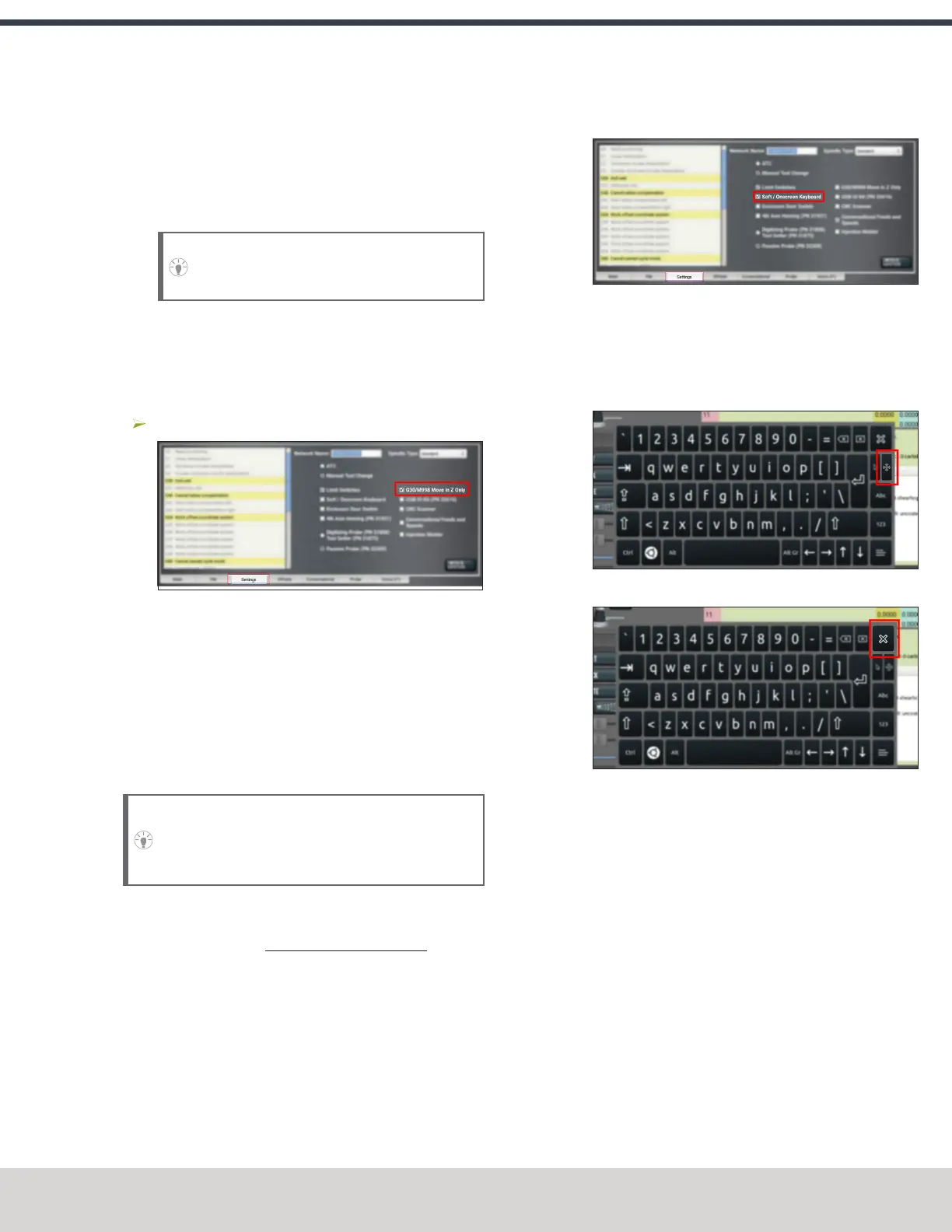
To enable and use the soft (on-screen) keyboard:
1. From the Settings tab, select Soft / On-Screen Keyboard.
Figure 7-42: Settings tab.
2. To resize the keyboard, select a corner of the keyboard
and drag.
3. To reposition the keyboard, select the Anchor key and
drag the keyboard anywhere on the screen.
4. To close the keyboard, select the X key.
About Soft Keyboards
If you enabled a soft keyboard (on-screen keyboard) in the
PathPilot interface to use with an optional touch screen or
operator console, a keyboard opens when you select any field
where keyboard input is required.
The keyboard displays a wide range of keys: both uppercase
and lowercase, symbols, arrow keys, caps lock, backspace and
delete, and more.
©Tormach® 2023
Specifications subject to change without notice.
Page 145 Tormach 1100M® Operator's Manual (Version 1223A)
For the most recent version, see tormach.com/support



 To Next Page