4: INSTALLATION
1. Power on the machine and bring it out of Reset.
2. Select the Page Up key on the keyboard to move the
spindle head up (Z+).
3. Remove and discard the shipping block from the
machine table.
4. Reference the axes:from the PathPilot interface, select
Ref Z, Ref X and Ref Y.
Figure 4-39: Ref Z, Ref X, and Ref Y buttons.
The machine moves to the reference position.
5. Use the keyboard to verify axes motion:
l Select the Right Arrow key and then the Left Arrow
key.
The table moves left (X+), then right (X-).
l Select the Down Arrow key and then the UpArrow
key.
The table moves away from you (Y-), then toward you
(Y+).
l Select the Page Down key and then the Page Up key.
The spindle head moves down(Z-), then up (Z+).
6. If applicable, verify the optional JogShuttle:
l Press any axis button on the JogShuttle — X, Y, Z, or
A — to select an axis.
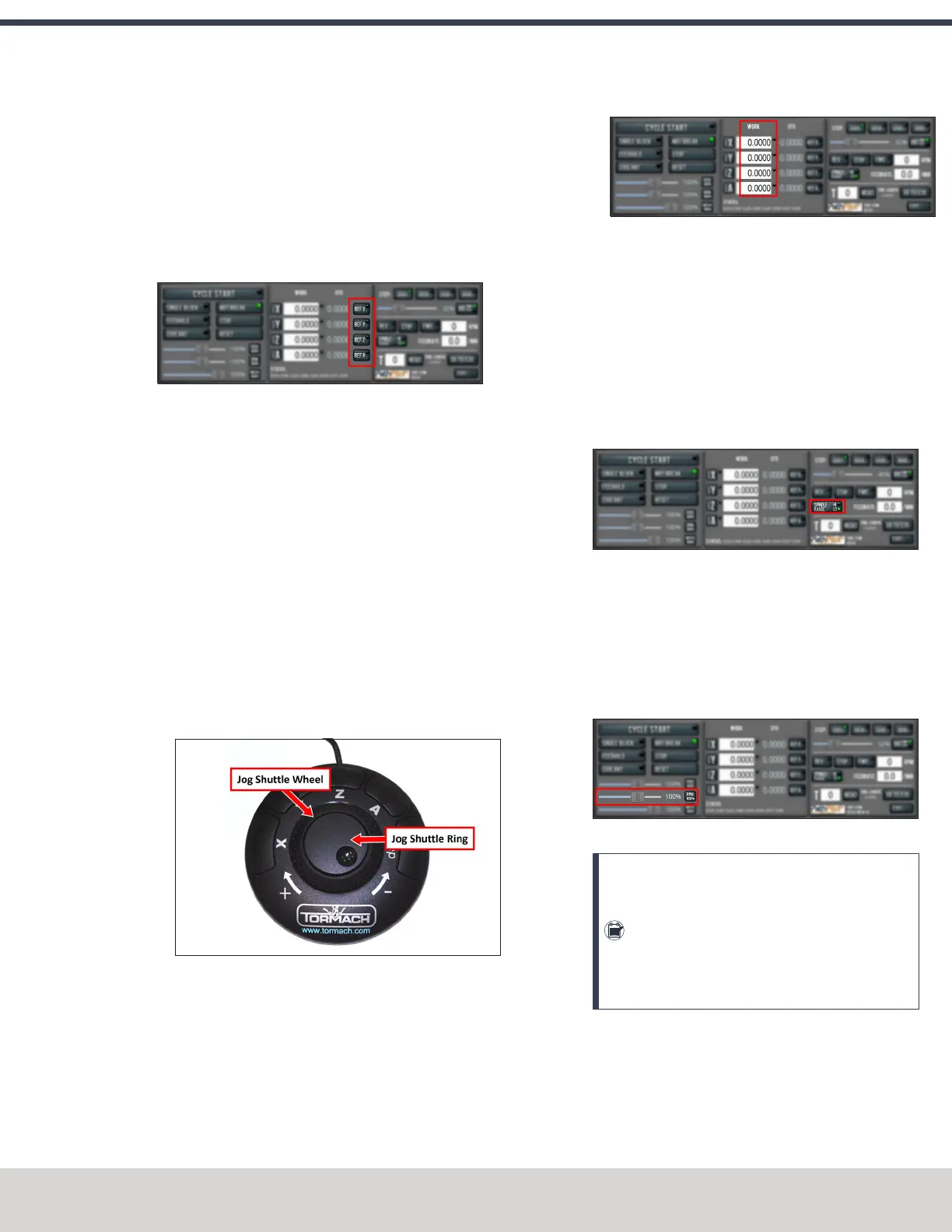
Figure 4-40: Functions on the optional JogShuttle.
From the PathPilot interface, on the Main tab, the
corresponding green Axis light comes on.
Figure 4-41: Axis lights.
l Turn the Jog Shuttle Ring in any direction to move the
selected axis, then turn it in the opposite direction to
reverse the direction.
Verify Spindle Function
You must confirm that the spindle correctly operates.
1. Open the spindle door and locate the spindle belt.
2. From the PathPilot interface, confirm that the Spindle
Range button matches the spindle belt position.
Figure 4-42: Spindle Range button.
If necessary, select Spindle Range to match the spindle's
belt position.
3. Close and latch the spindle door.
4. From the PathPilot interface, confirm that the Spindle
Override slider isn't set to 0% (when it's set to 0%, the
slider is yellow). To clear the override, select RPM100%.
Figure 4-43: Spindle Override slider.
Note: The Spindle Override slider changes the
programmed spindle speed by a specific
percentage. If it's set to 0%, the spindle won't
move during the following steps in this
procedure. For information, see "About Spindle
Override" (page163).
5. From the PathPilot interface, in the RPM DROfield, type
500. Then select the Enter key.
©Tormach® 2023
Specifications subject to change without notice.
Page 55 Tormach 1100M® Operator's Manual (Version 1223A)
For the most recent version, see tormach.com/support



 To Next Page