7: PATHPILOT TOOLS AND FEATURES
3. Select Find Center, Set Work Origin as shown in the
following image.
Figure 7-65: Probe tab.
The probe moves around the workpiece three times to
determine the approximate center of the curve, and then
makes four additional move to confirm the center of the
circle.
Find the Center Rotation of an A-Axis
1. From the PathPilot interface, on the Probe tab, select the
Rect/Circ tab.
2. Position the probe directly above the A-axis center of
rotation.
3. Select Find A Axis Center & Set Work Origin.
Figure 7-66: Probe tab.
The probe moves around the round workpiece mounted
in the A-axis to find the center rotation of the A-axis.
7.3.2 Set Tool Length Offsets
Before running a G-code program, PathPilot must know the
length of the tools that are required for the program. For more
information on using tool length offsets, see "About Tool
Offsets" (page180).
Note: You can import a .csv file with tool length
offset data. For information, see "Import and Export
the Tool Table" (page172).
To set tool length offsets:
1. Verify that the machine is powered on and out of reset.
2. Put a tool into a tool holder, and set it aside to measure.
For information, see "Set Up Tooling" (page186).
3. From the PathPilot interface, on the Offsets tab, verify
that the Tool tab is selected.
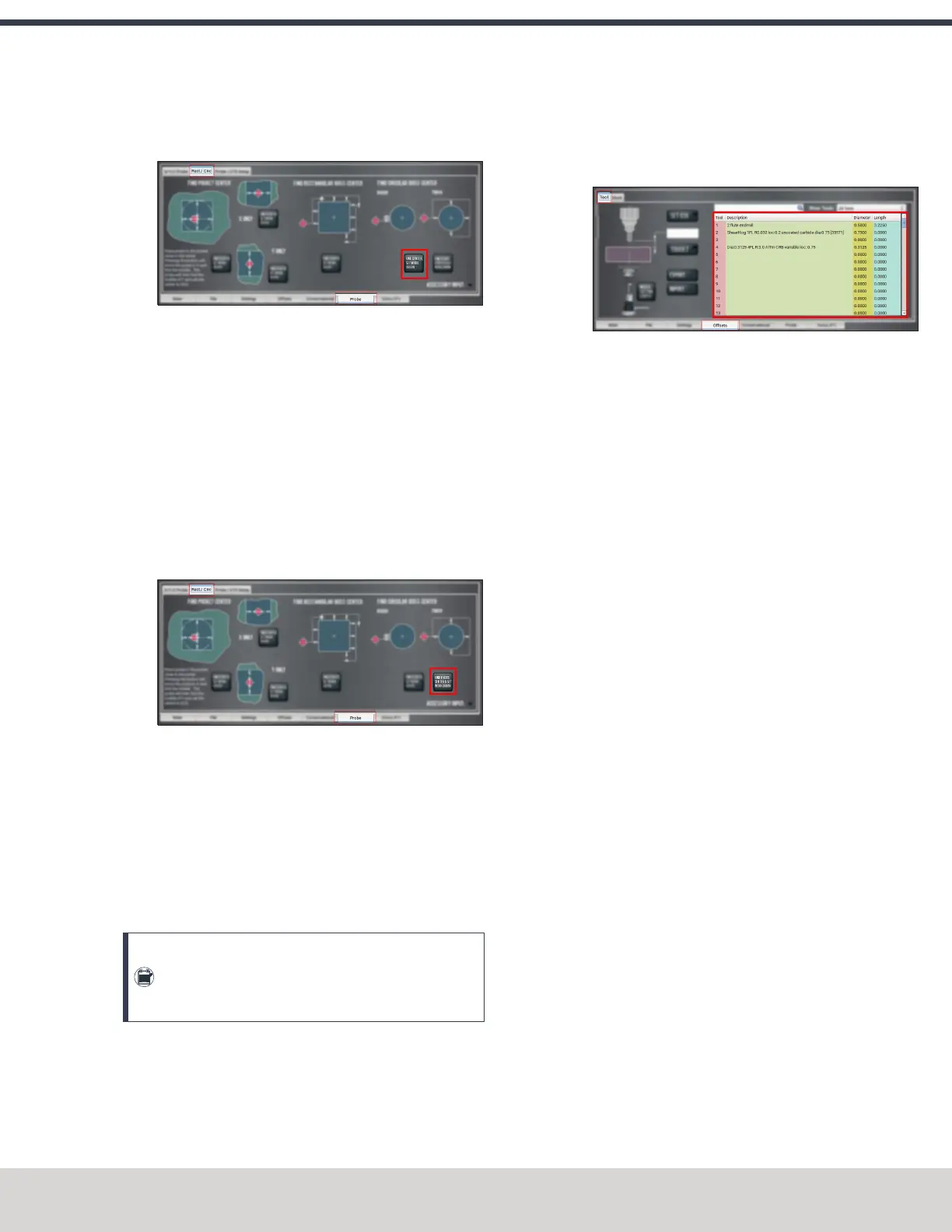
4. Find the Tool Table window.
Figure 7-67: Tool Table window on the Offsets tab.
5. Depending on your workflow, you can measure your tools
using any of the following methods:
l
Use a Height Gauge For information, see "Use a
Height Gauge to Measure Tools" (page182).
l
Use an Electronic Tool Setter For information, see
"Use an ElectronicTool Setter (ETS) to Measure
Tools" (page182).
l
Touch Off of a Known Reference Height For
information, see "Touch Off the Tool Length Offsets"
(page180).
About Tool Offsets
Tool offsets allow you to use various tools while still
programming with respect to the workpiece. Tools can have
different lengths (and, while using cutter radius compensation,
different diameters).
The most common tool offset is the tool length offset: when
you change tools, PathPilot must account for the difference in
tool length. In CNCmachines, the tool length offset is applied
using a G43 command.
The tool length offset is the distance from the cutting edge of
the tool to the shoulder of the tool holder. To make sure tool
length offsets are consistent among your tools, we
recommend you use Tormach Tooling System (TTS) tool
holders. Set the tool length offset after placing a tool in the
Tormach Tooling System (TTS) tool holder — each tool and its
tool holder only need to be measured once.
Before you begin a G-code program, you must verify the
lengths of the tools in the program, and make sure that the
lengths agree with the tool length offsets set in PathPilot:
l Each time you change tools, you must apply a new tool
length offset in PathPilot.
©Tormach® 2023
Specifications subject to change without notice.
Page 153 Tormach 1100M® Operator's Manual (Version 1223A)
For the most recent version, see tormach.com/support



 To Next Page