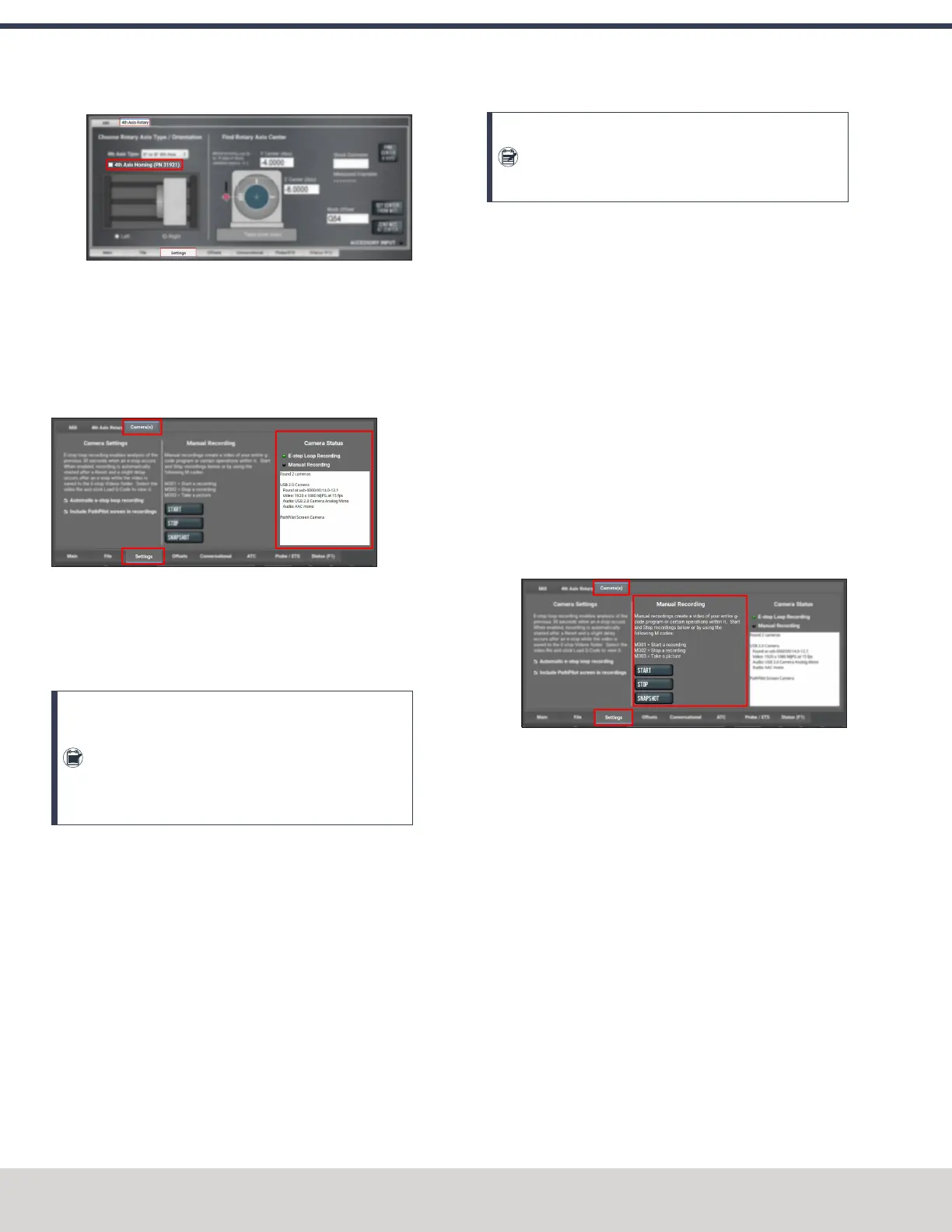
Figure 7-52: Settings tab.
7.2.16 Use a USB Camera
After plugging in the USBcamera, navigate to the camera
settings. From the PathPilot interface, in the Settings tab, open
the Camera(s) tab. Identify the Camera Status read-only dialog
box.
Figure 7-53: USBcamera status.
As cameras are plugged in and unplugged, the Camera Status
area is refreshed. To test compatibility of any USB camera,
plug it in and watch the Camera Status area for the camera
name and details.
Note: If a camera isn't shown after plugging it in or
starting a video recording, it might require too much
power from the USB ports on the controller. This is
very likely when more than one camera is used. Try
using a powered USB hub to add the camera(s).
When a USB camera is plugged in, it's analyzed for supported
video and audio formats, frame sizes, and frame rates. If the
camera supports it, PathPilot uses H.264 compression;
otherwise, it uses Motion JPEG.
If the USB camera has a microphone, PathPilot records audio
as well as video. The preferred format is compressed AAC, but
uncompressed PCM is used as a fallback.
About USB Cameras
Recording video and audio from USB cameras is supported in
PathPilot v2.10.0 and later. You can use up to four cameras
simultaneously to record from different vantage points.
Note: All cameras are started and stopped at the
same time — if you don't want a camera to record,
you must unplug it.
USBcameras are compatible with all machine types, but older
controllers may lack the processing power and memory needed
for camera support. Controllers require 4GB of memory for
camera functionality. Use the ADMIN MEMORY MDI command
to verify the memory size of a controller.
You can purchase a Tormach USB Camera (PN 51240) with a
metal case, mounting bracket, and 15-foot USB cable. Other
USB cameras may work (see below), but do not include any
technical support.
Manual Recording
To start or stop a manual recording, either:
l Use the controls in the Manual Recording area of the
Camera(s) tab.
When a manual recording is stopped, a file save-as
dialog appears prompting you for the file name base to
use.
Figure 7-54: Manual recording controls.
©Tormach® 2023
Specifications subject to change without notice.
Page 148 Tormach 1100M® Operator's Manual (Version 1223A)
For the most recent version, see tormach.com/support
7: PATHPILOT TOOLS AND FEATURES



 To Next Page