Admin Command Use to...
ADMIN KEYBOARD
Customize the PathPilot controller's
keyboard layout.
ADMIN MEMORY
Determine how much total RAM is on
your controller.
ADMIN MOUSE
Change the mouse preferences, like
pointer speed and right- or left-hand
button mapping
ADMIN NETWORK
Configure a Wi-Fi network.
ADMIN
OPENDOORMAXRPM
Change the maximum spindle speed
with the spindle cabinet door open,
when using the optional Enclosure
Door Switch Kit.
ADMIN SETTINGS
BACKUP
Create a backup of tool offset and
fixture information to store
externally.
ADMIN SETTINGS
RESTORE
Restore tool offset and fixture
information backup from an external
location.
ADMINTOOLTIP
DELAYMS
Set the milliseconds prior to
displaying the tooltip (and then again
for the expanded tooltip). The default
is 1200 milliseconds.
ADMIN TOOLTIP
MAXDISPLAYSEC
Limit the amount of time the
expanded tooltip displays. The
default is 15 seconds.
ADMIN
TOUCHSCREEN
Configure the optional Touch Screen
Kit.
7.5.13 Copy Recently Entered Commands
1. From the MDILine DROfield, press either the
UpArrowkey or the DownArrow key.
The previously entered command displays.
2. You must press the Enter key to execute the command.
To abandon the command, press Esc.
For information, see "Manually Enter Commands" (on the
previous page).
7.5.14 Use Feeds and Speeds Suggestions
Note: Calculating feeds and speeds requires that
PathPilot has relevant details about the tooling. If you
haven't yet done so, go to "Create Tool Descriptions"
(on the next page).
You can use PathPilot to automatically calculate feeds and
speeds: from the Conversational tab, in the Conversational
DROs group, select a material, a sub-type, and a tool.
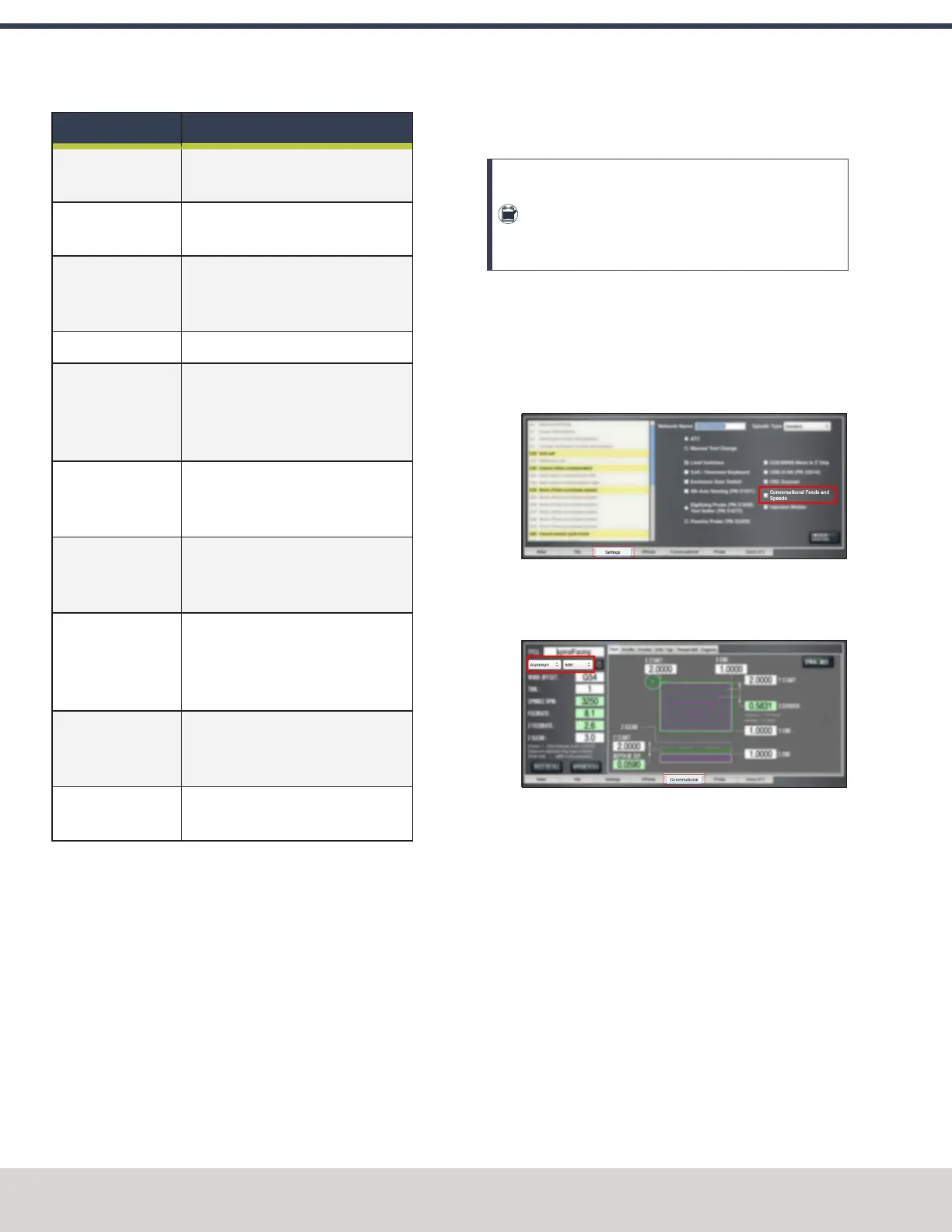
1. If you haven't yet done so, enable the conversational
feeds and speeds setting. From the Settings tab, select
Conversational Feeds and Speeds.
Figure 7-105: Settings tab.
2. From the Conversational tab, locate the Material
dropdowns in the Conversational DROs group.
Figure 7-106: Feeds and speeds suggestions on the
Conversational tab.
3. From the Material dropdown, select your material (like
Aluminum or Plastic).
4. If required, from the Sub-Type dropdown, select the
material sub-type (like -any- or 6061).
5. In the Tool DRO field, type the assigned tool number.
©Tormach® 2023
Specifications subject to change without notice.
Page 166 Tormach 1100M® Operator's Manual (Version 1223A)
For the most recent version, see tormach.com/support
7: PATHPILOT TOOLS AND FEATURES



 To Next Page