2D system measurements 9
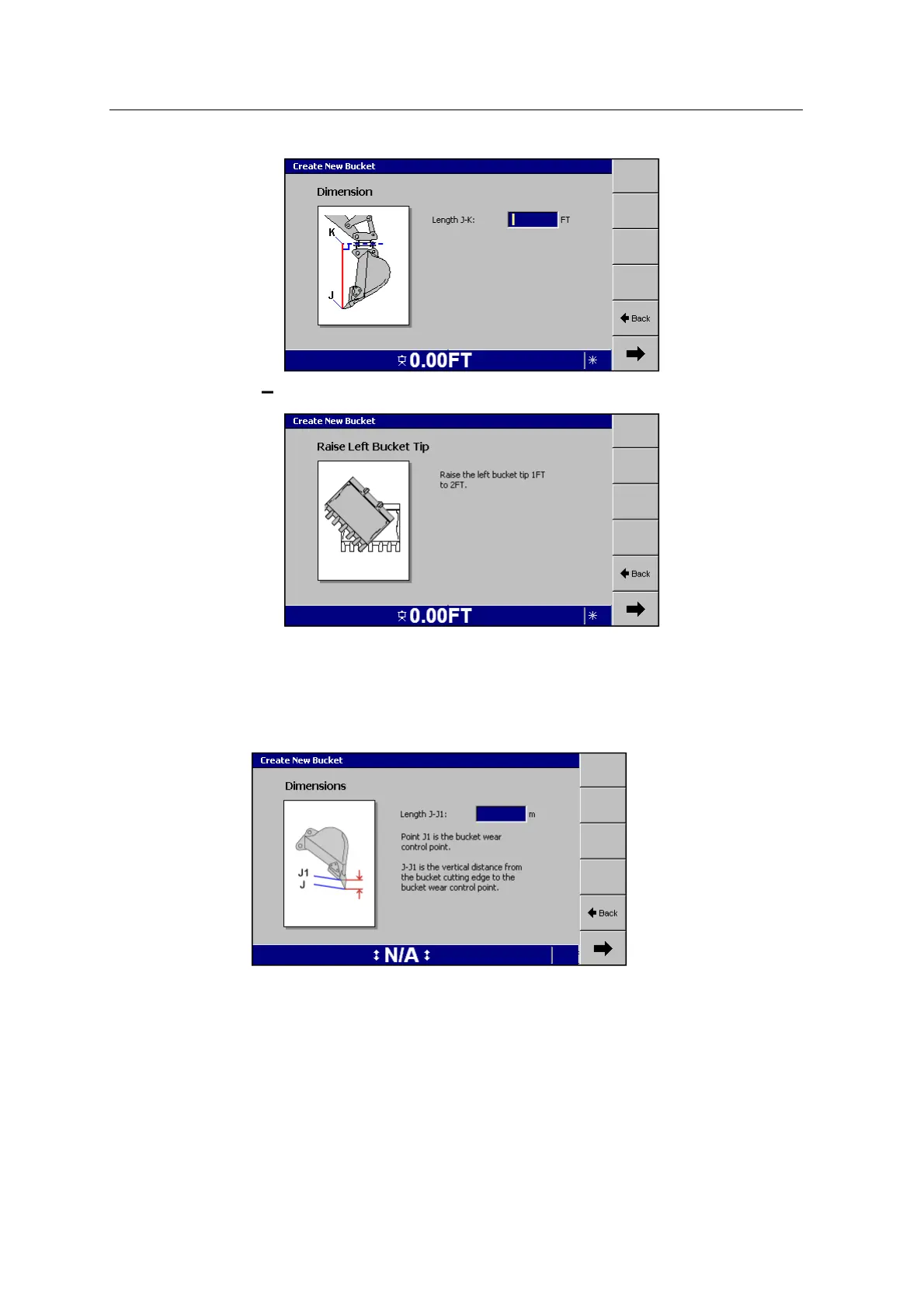
raise the left bucket tip (tilt bucket only):
For more information, see 9.9 Bucket measurements
9.
To advance through the pages in the wizard, press 7.
10. The Dimensions dialog for Length J-J1 will define the initial measurements for
the bucket wear:
Enter your measurements. For more information, see 9.9 Bucket
measurements.
11. To save the configuration, press Finish.
Note – To ensure system accuracy, you must also manually validate the bucket
model. For more information, see Chapter C, Validation and Troubleshooting
GCS900 Grade Control System for Excavators Installation Manual 113



 To Next Page