2D system measurements 9
9.12 Create bucket
Note – Before you can create a bucket the system must have firstly been measured-
up and calibrated.
1. From Setup Menu – Configuration, select Create Bucket..
The Create Bucket wizard contains various instructions to the installer that
allow the system to calibrate the sensor at the same time the bucket is created.
2. Read the message on the first page of the wizard, and if necessary carry out
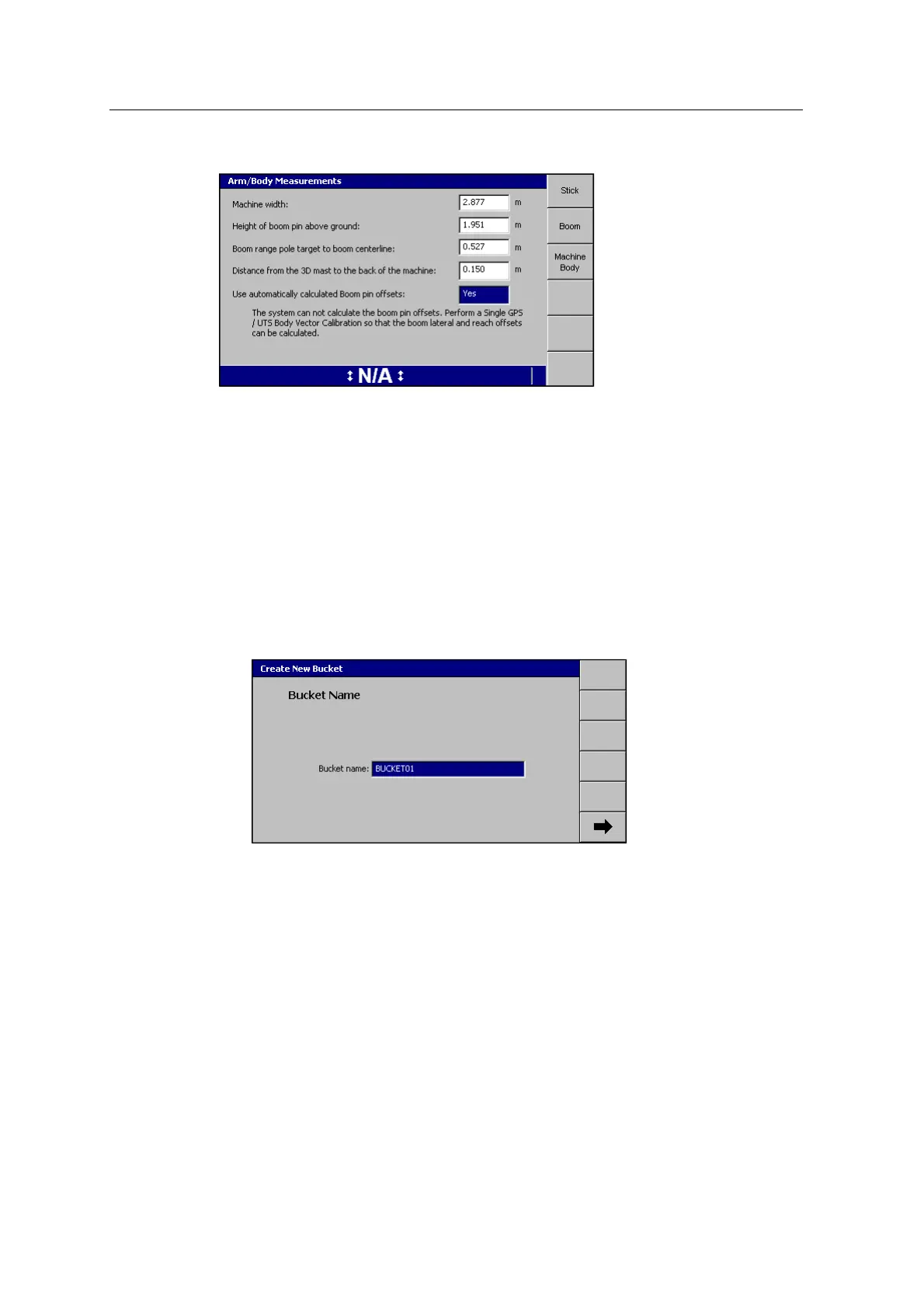
the calibration. Press 7. The Bucket Name page appears:
3. Use the arrow keys to change the bucket name as required.
4.
Press 7 .
GCS900 Grade Control System for Excavators Installation Manual 109



 To Next Page