SetupMenus A
A.3 Machine settings
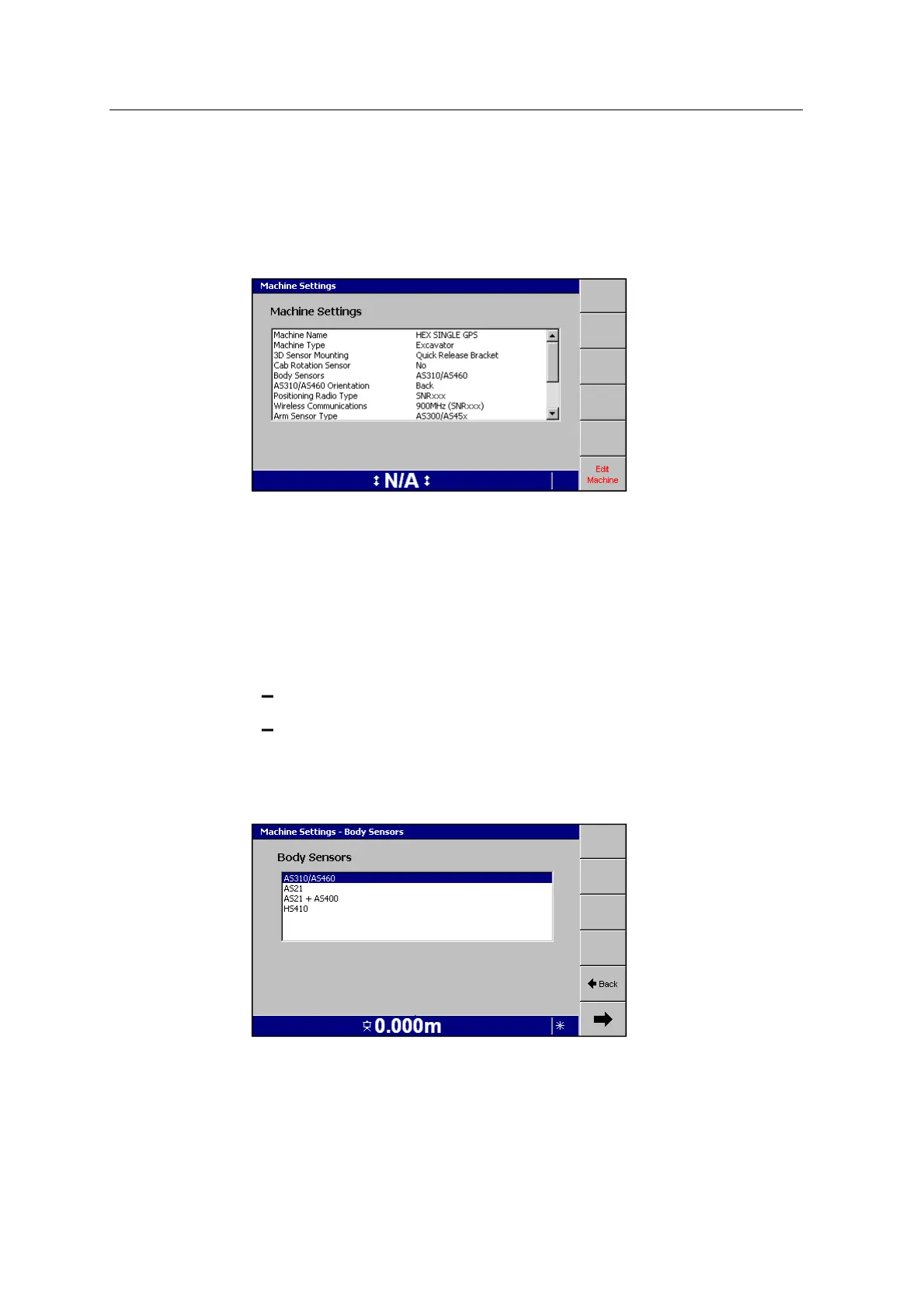
1. From Setup Menu – Installation, select Machine Settings. A dialog similar to
one of the following appears:
The dialog shows a summary of the current settings.
2. To enter the wizard, press Edit Machine.
3.
To advance through the screens in the wizard, press 7.
The wizard guides you through the task of configuring your machine. The pages
that appear, and the items that appear on each page, may differ according to
the selections that you make. If a page or list item appears that you are unsure
of, you can either:
Press Back to go back and check the previous page(s).
Press = to discard all of the changes and start again.
Some of the pages in the wizard contain settings that are critical to system
accuracy. In particular, make sure that you select the correct option on the
following pages:
GCS900 Grade Control System for Excavators Installation Manual 141



 To Next Page